BD BACTEC™ FX Instrument User’s Manual
46
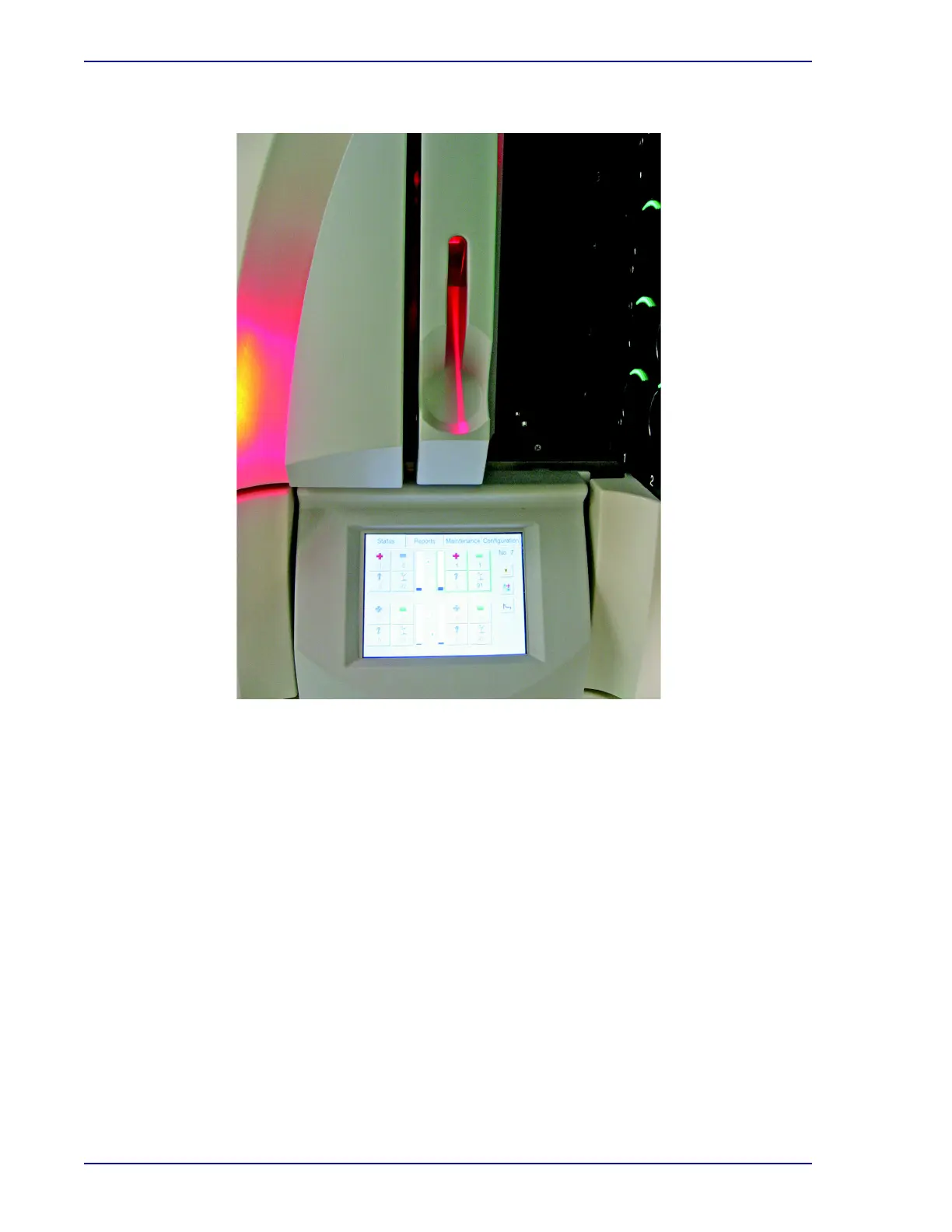
Figure 3-4 – Upper Barcode Scanner (On)
3.6 LCD/Touchscreen
3.6.1 Location
The Liquid Crystal Display (LCD) is located at the bottom center of the Top/Single instrument's front
panel. It contains the displays that present information to you and the on-screen buttons that allow you
to perform routine operations.
The LCD is shown in Figure 3-1.
3.6.2 Operation
After the instrument completes its startup process, the Status Display appears. Other displays appear
as you perform various operations.
The LCD is programmed to automatically dim after 60 minutes of inactivity. To return the brightness to
normal, tap the screen lightly anywhere or open a drawer.
More information on displays is presented in Section 5.











 To Next Page