BD BACTEC™ FX Instrument User’s Manual
66
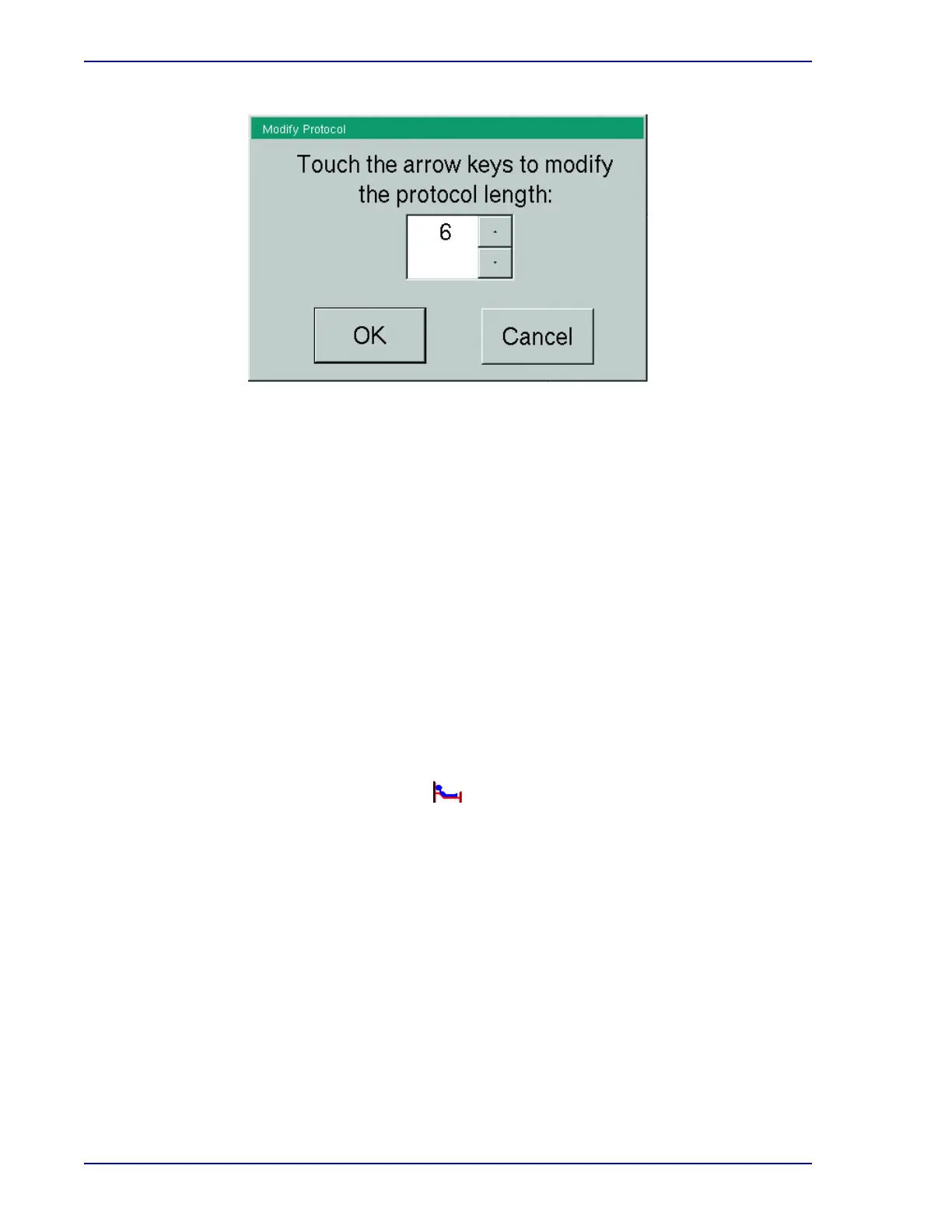
Figure 4-5 – Modify Protocol Window
Protocols cannot be extended beyond 14/30/42 days (depending on medium type). To test a
culture longer than the protocol maximum, apply a spare media barcode label to the vial and use
Vial Entry to enter it as a new vial.
Changing vial status:
Recall the desired vial record in the Culture – Vial display.
Select the Drop-down Arrow next to the Status field.
Select the desired status by selecting it in the drop-down box.
Select Save to save the information.
4.6.3 Specimen Data
Note that in a BD EpiCenter configuration, you cannot enter Hospital Service or Collection Date/Time
at the instrument. This operation can only be performed at the BD EpiCenter system.
Recalling specimen records:
The Culture – Patient display appears.
Select the Specimen tab to access the Culture – Specimen display.
Select in the Accession field. The onscreen keyboard appears.
Enter accession number, then select ENTER.
The desired specimen record appears.
Adding specimen data:
Recall the desired specimen record in the Culture – Specimen display.
To enter a hospital Service, select in the Service field.
The onscreen keyboard appears.
Enter the Service from which the specimen was collected, then select ENTER.
From the Status display, select Culture.











 To Next Page