5 – Reference
101
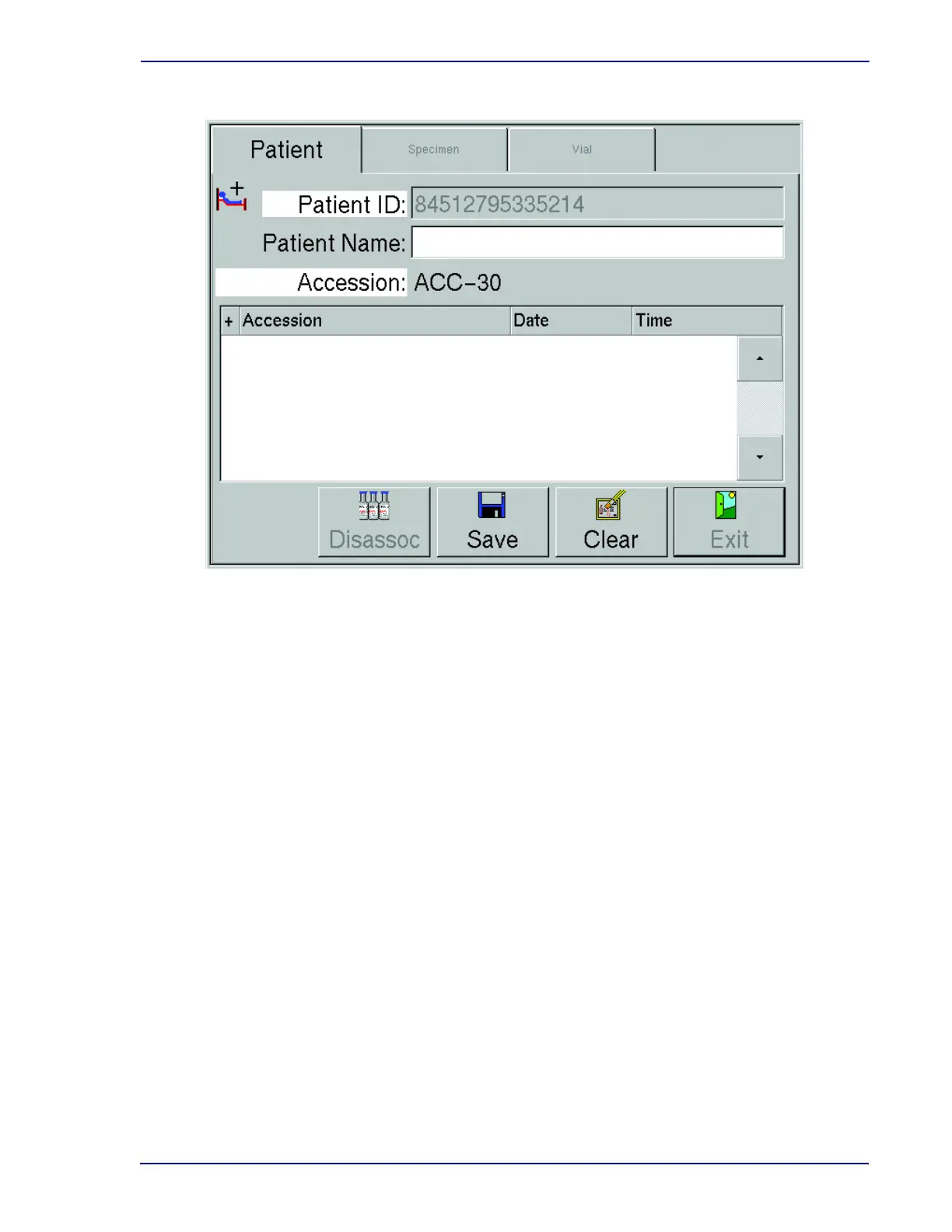
Figure 5-8 – Culture – Patient Display (add mode)
Highlighted field names indicate information that is added or changed.
5.3.8 Culture – Specimen Display
The Culture – Specimen display enables you to add or recall information on specimens (accessions).
The following functions can be performed:
• Recall a specimen to add or modify information
• Disassociate a vial from an accession number (see Disassoc(iate) button below)
• Associate vials (scannable sequence numbers) to an accession number
• Create specimen record and add patient information at the Culture – Patient tab
Culture – Specimen can be accessed from either the Culture – Patient or Culture – Vial tab when you
select the Specimen tab from one of those displays.
Any specimen records appear in the Specimen window (bottom half of display). Initially, the first
specimen record is highlighted. Select the Specimen or Vial tabs to see additional information on the
highlighted specimen.
When new information is added, or a field is changed, the field name appears highlighted until the
information is saved.
Note that in a BD EpiCenter configuration, you cannot enter Hospital Service or Collection Date\Time
at the instrument. This operation can only be performed at the BD EpiCenter system.
You cannot access Culture displays in an instrument that is in degraded mode.











 To Next Page