5 – Reference
143
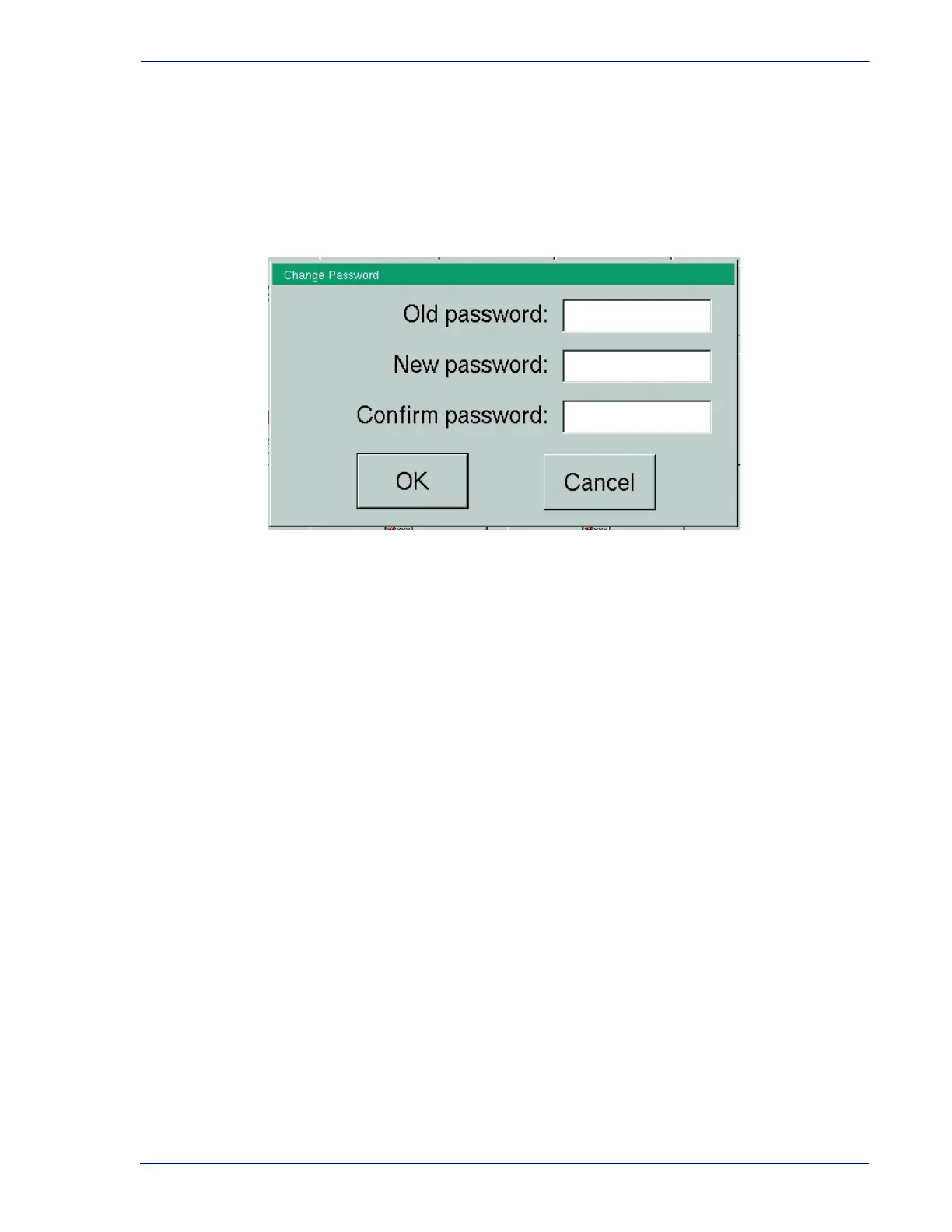
Change Password Buttons:
OK button
Select OK to save the new password and return to the Maintenance – Test display.
Cancel button
Select to exit the Change Password window without saving the new password.
Figure 5-32 – Change Password Window
5.5.3.6 BD Utilities
This function is for BD use only.
5.6 Configuration
You cannot access Configuration displays in an instrument that is in degraded mode.
5.6.1 Lab
Refer to Section 2.4.1 for detailed information on the Configuration - Lab display.
5.6.2 Reports Display
Refer to Section 2.4.2 for detailed information on the Configuration - Reports display.
5.6.3 Instrument Display
Refer to Section 2.4.3 for detailed information on the Configuration - Instrument display.
5.6.4 LIS Display
Refer to Section 2.4.4 for detailed information on the Configuration - LIS display.
5.6.5 Time
Refer to Section 2.4.5 for detailed information on the Configuration - Time display.











 To Next Page