3 – Controls & Indicators
43
3.2 Power Switch
3.2.1 Location
Each instrument (Top/Single and Bottom) has its own power switch.
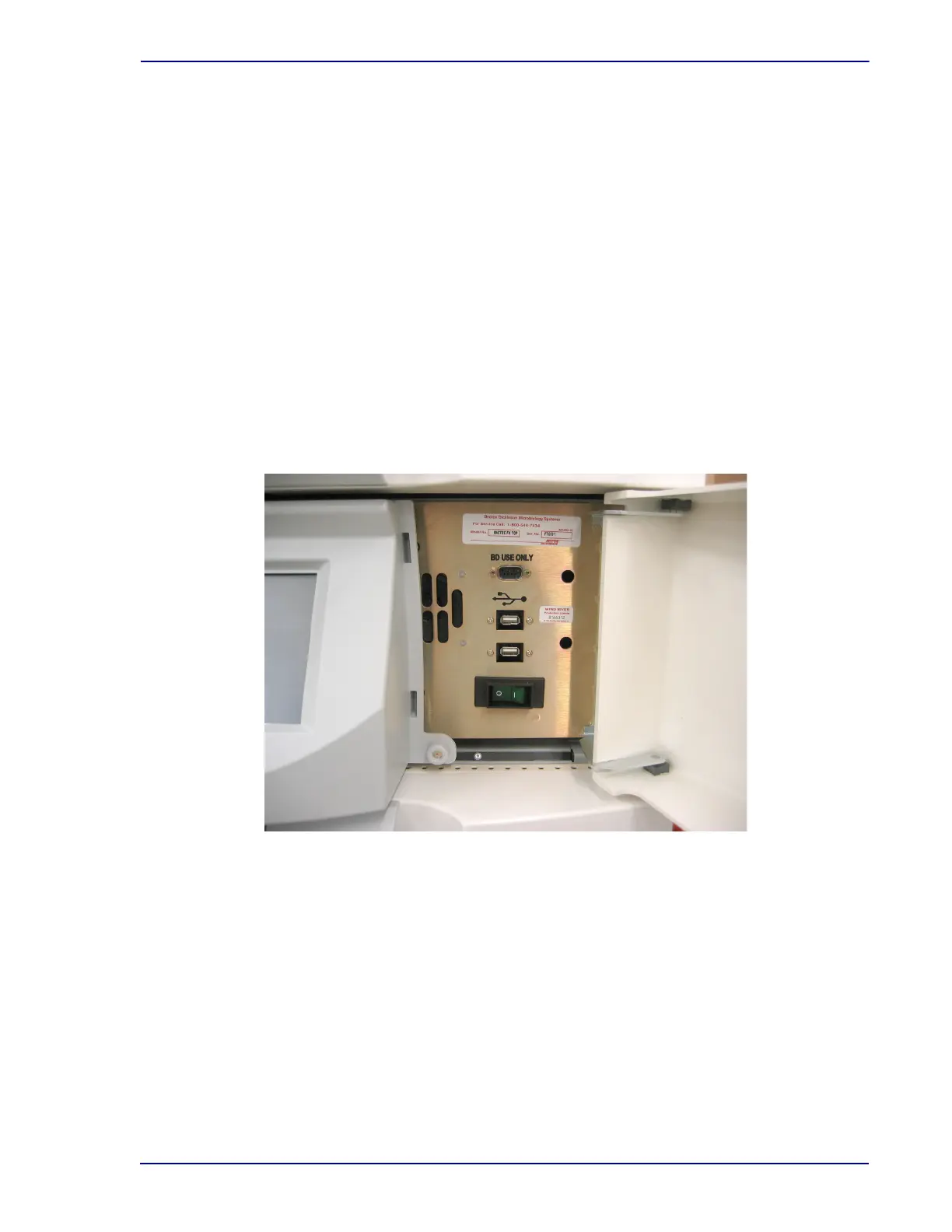
The Top (Single) instrument's power (On/Off) rocker switch is on the front of the instrument, behind the
access panel to the right of the LCD/Touchscreen.
The Bottom instrument's power switch is on the front of the instrument, at bottom right.
See Figure 3-1 for power switch locations. See Figures 3-2 and 3-3 for Upper and Lower instrument
power switch close-ups.
3.2.2 Operation
When in the “O” (Off) position, power is removed from the instrument. When in the “|” (On) position, the
switch illuminates green and power is applied to the instrument. Power must be turned On for the
incubation and testing modules to work. For normal operation, the power should remain On at all times
except during some maintenance procedures.
Figure 3-2 – Upper Instrument Power Switch











 To Next Page