BD BACTEC™ FX Instrument User’s Manual
96
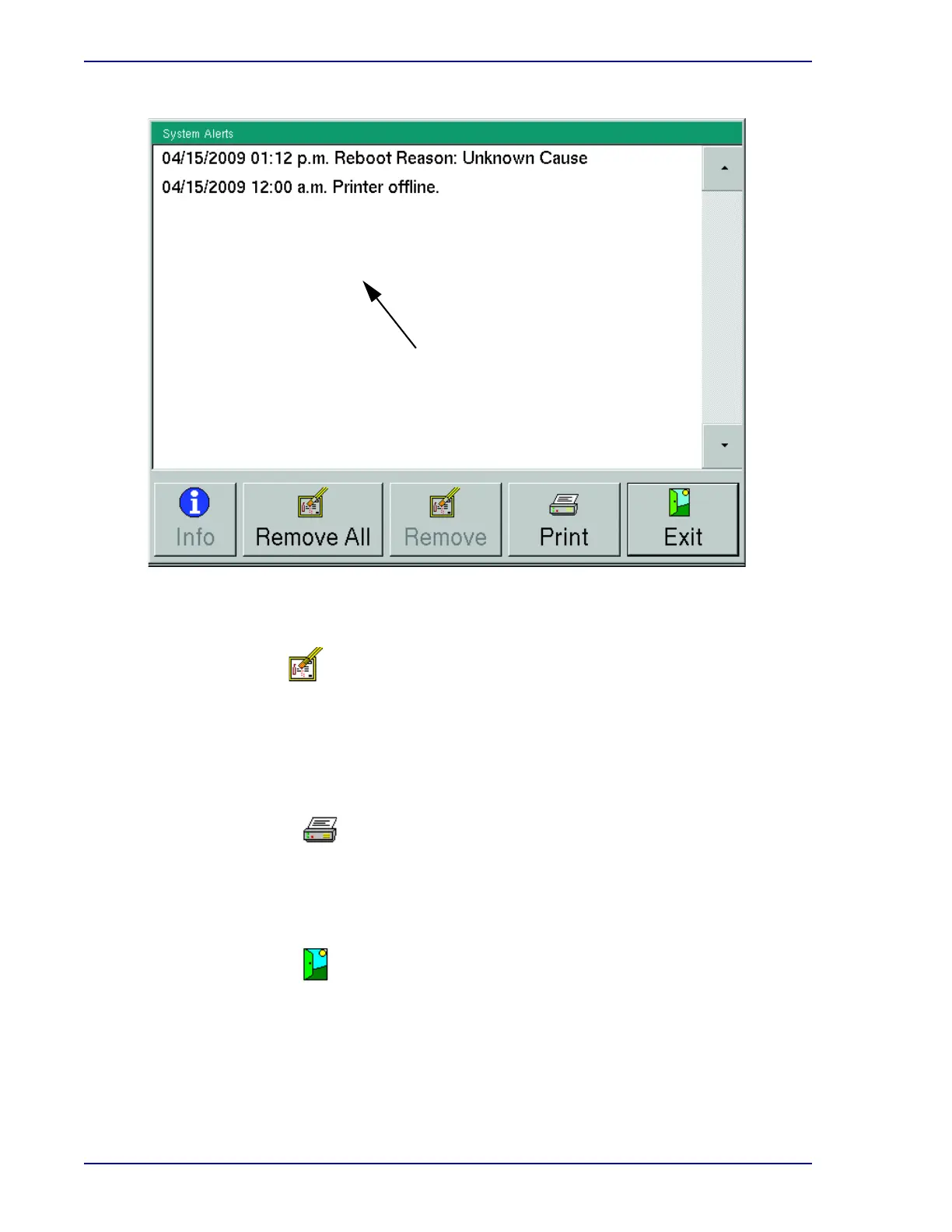
Figure 5-6 – System Alerts Display
This button is active if a message is highlighted, inactive if no message is highlighted. To
select a message for deletion, select the message in the list. To select multiple messages, tap
each one you want to select. To deselect a message that is selected, tap the message again.
You cannot delete active alerts.
Tap to delete the highlighted message(s) from the list.
Select to print the Alert List report. The report contains the latest 100 system alerts in the
instrument database, even if the alerts have been removed from the System Alerts display.
Reports cannot be printed at an instrument in degraded mode in a BD EpiCenter
configuration.
Select to exit the display and return to the Status display.
Remove button
Print button
Exit button
Select a message to highlight it.
When a message is highlighted, the
Info and Remove buttons become
active.











 To Next Page