BD BACTEC™ FX Instrument User’s Manual
98
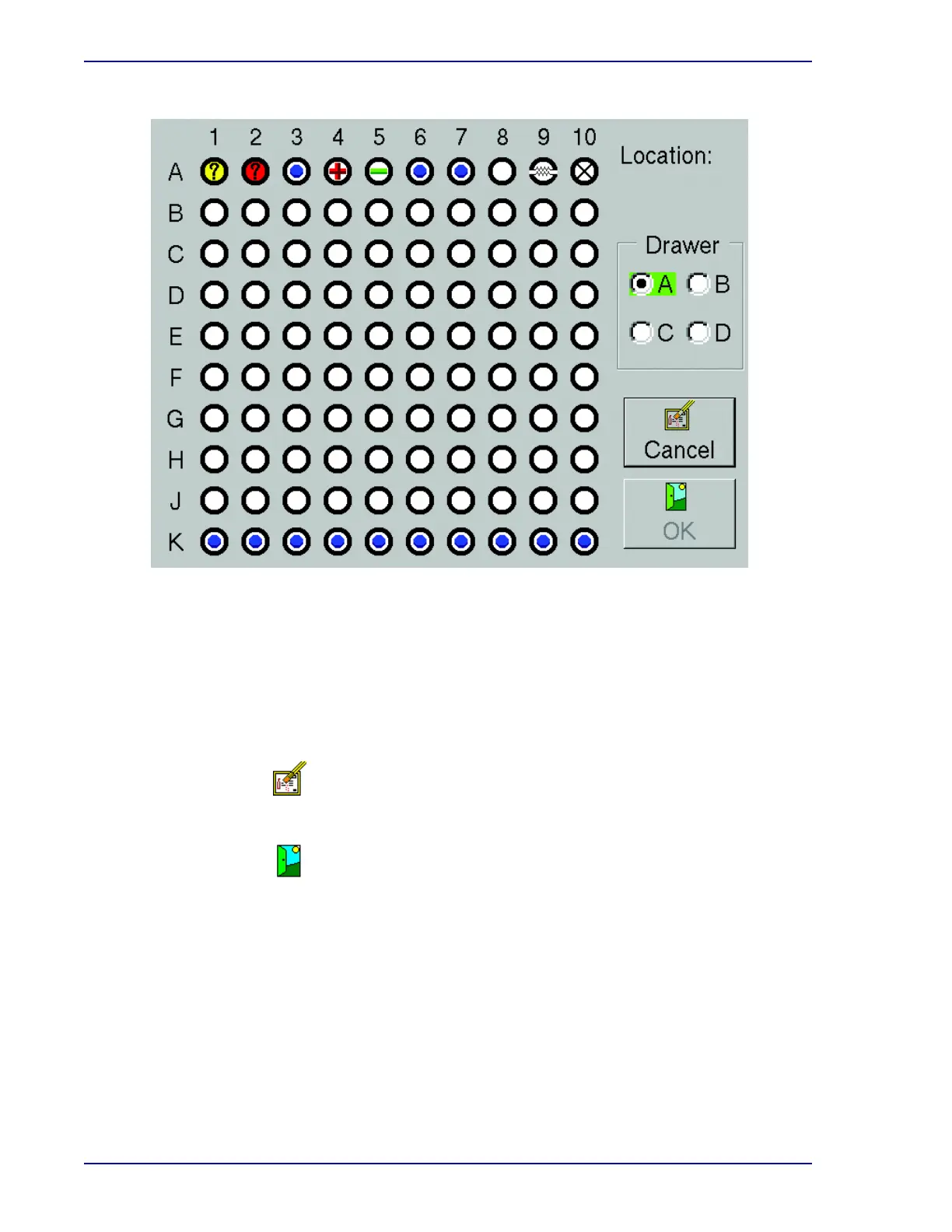
Figure 5-7 – Drawer View Display
Drawer View Buttons:
Drawer radio button
Selected drawer is indicated by filled in radio button. Any currently open drawer is highlighted
in green. To select a different drawer, select the empty radio button to the left of the letter (A, B,
C, D).
Select to exit the display and return to the Status display.
Select to access the Culture – Vial display for the station shown in the Location field.
Cancel button
OK button











 To Next Page