BD BACTEC™ FX Instrument User’s Manual
110
Each of the reports is discussed in greater detail in the sections shown above.
The instrument retains culture data for 60 after an accession’s last vial is removed. After 60 days, the
instrument purges vial data. If there is no data in the database that meets the reporting criteria, the
message “No Data Available to Report” is printed in the body of the report. If a report contains
a vial residing in a station, drawer, or instrument that is offline, that line of the report is flagged and the
message “ * - Indicates Latest Reported Data from Currently Offline Station” is
shown on the relevant pages of the report.
The instrument calculates the approximate size of the report before printing. If the instrument
estimates a report to be more than 50 pages, a message box appears. To print the report, you must
respond Yes to the initial WE35 message, then respond OK on the resulting CS22 message box.
Reports cannot be printed at an instrument in degraded mode in a BD EpiCenter configuration.
Reports only contain information for the instrument at which they are requested. For system-wide data,
you should print the report from the BD EpiCenter system (if configured).
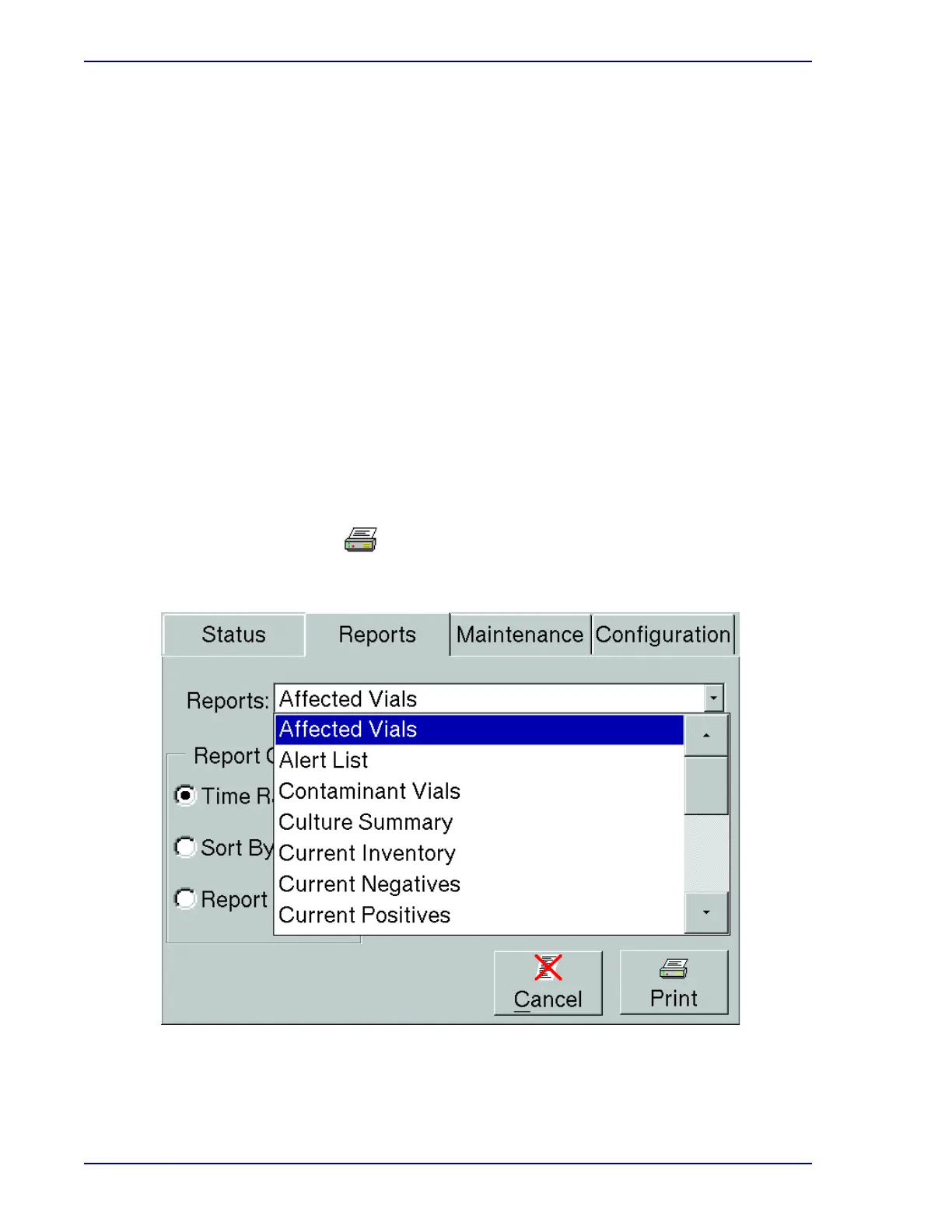
To print a report:
• Access the Reports menu by selecting the Reports tab
• Highlight the desired report by selecting it in the menu
• Select the desired Time/Sort/Report criteria
A message box confirms that the report has been spooled to the printer.
Figure 5-12 – Reports Menu (initial list)
• Select Print











 To Next Page