5 – Reference
139
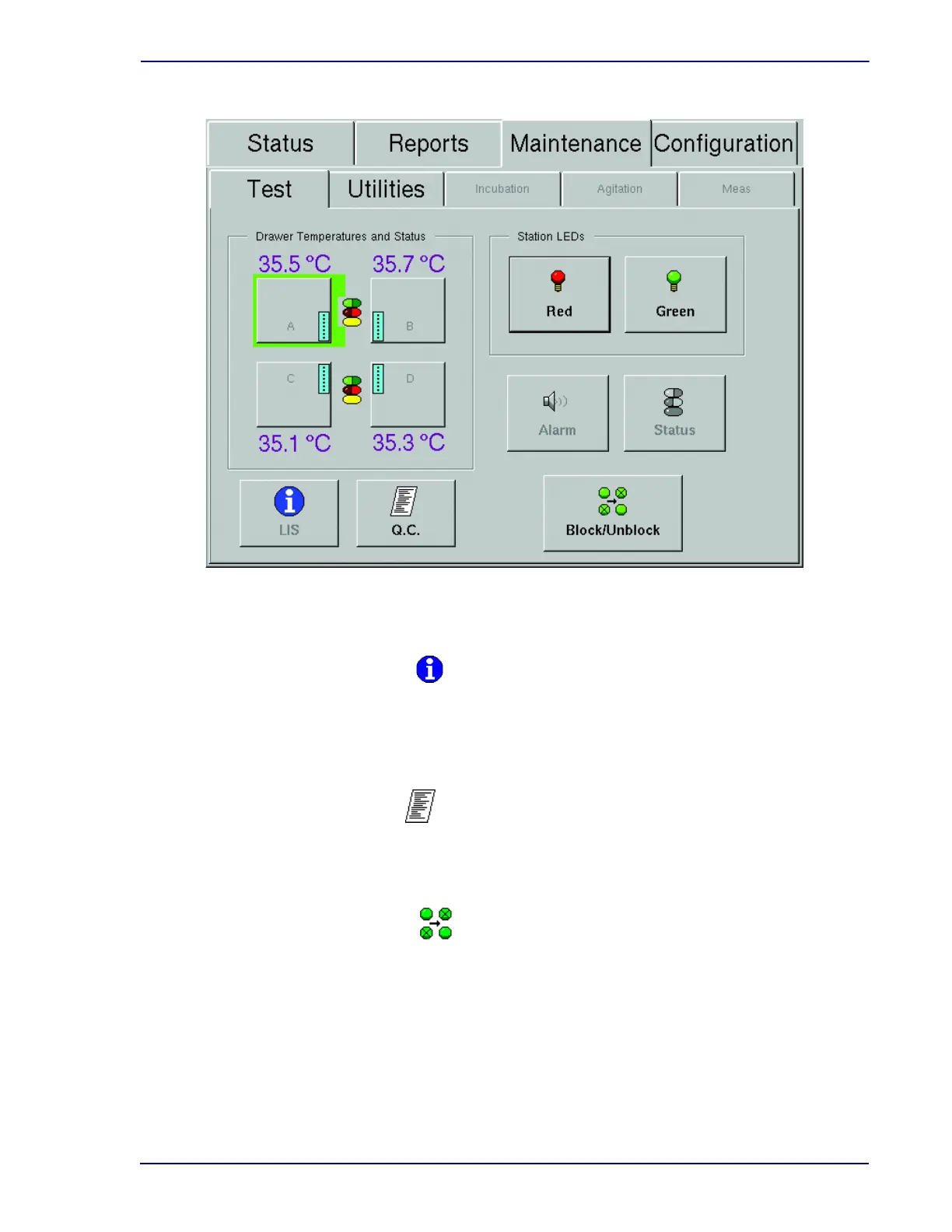
Figure 5-29 – Maintenance – Test Display
Select to send a query to the LIS system requesting demographic information for orphan vials
in the instrument.
This button is disabled in a BD EpiCenter configuration.
Select to print/reprint the Maintenance QC Report.
This button is disabled when the instrument is in degraded mode.
Select to access the Block/Unblock stations display. Refer to Block/Unblock Stations Display
below.
LIS Host Query button
Q.C. (report) button
Block/Unblock button











 To Next Page