BD BACTEC™ FX Instrument User’s Manual
50
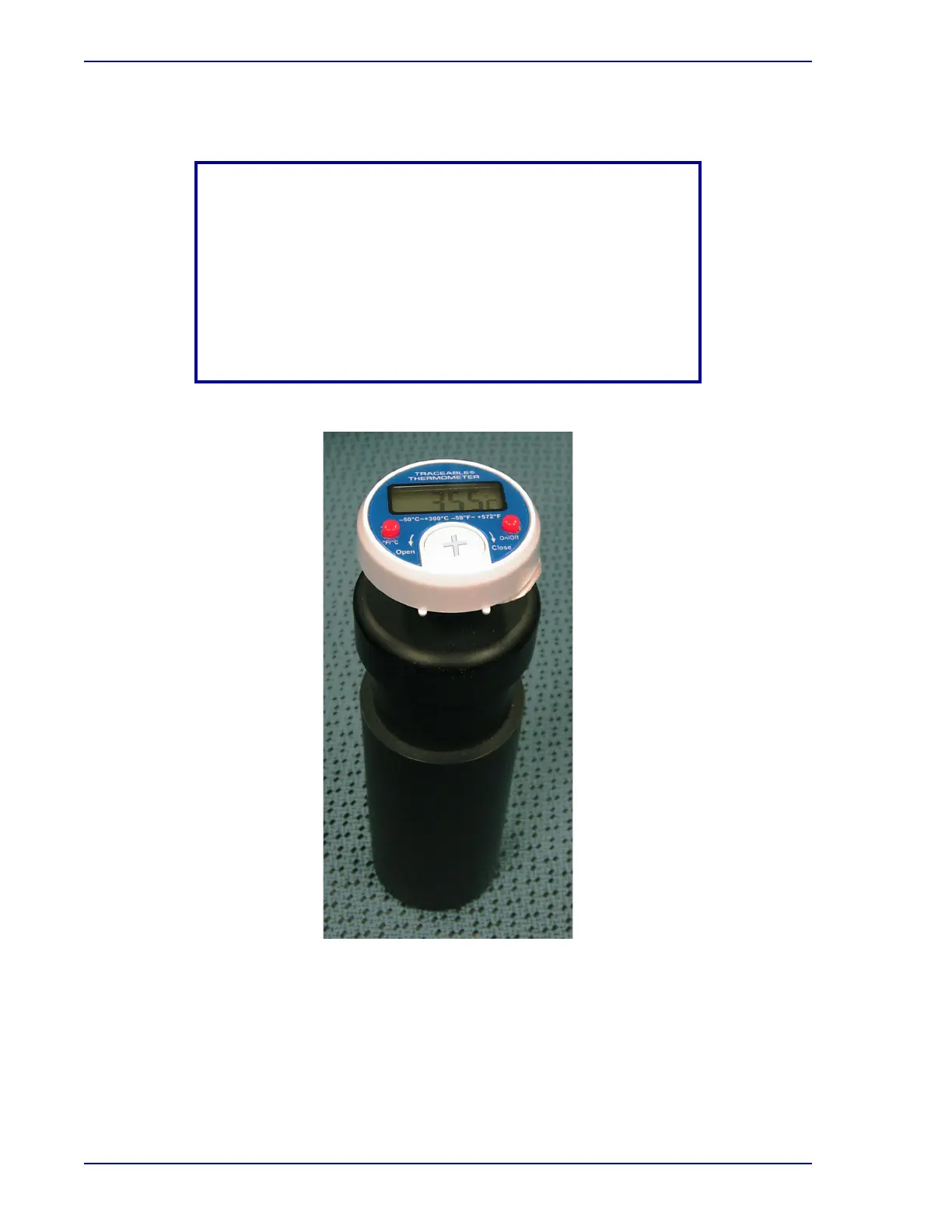
Figure 3-7 – Digital Thermometer
NOTE
Erratic readings, a faint display, or no display are all indicators that
the battery must be replaced. The battery can be replaced without
removal from the vial. Use a screwdriver to remove the battery cap
by turning the cap counter-clockwise approximately 1/4 turn.
Turning the cap more than 1/4 turn may damage the cap. Replace
the exhausted battery with a new 1.5 volt, silver oxide, size 393
battery. Make certain the positive (+) side is visible. Replace the
battery cap. Do not over tighten the cap.











 To Next Page