4 – Operation
79
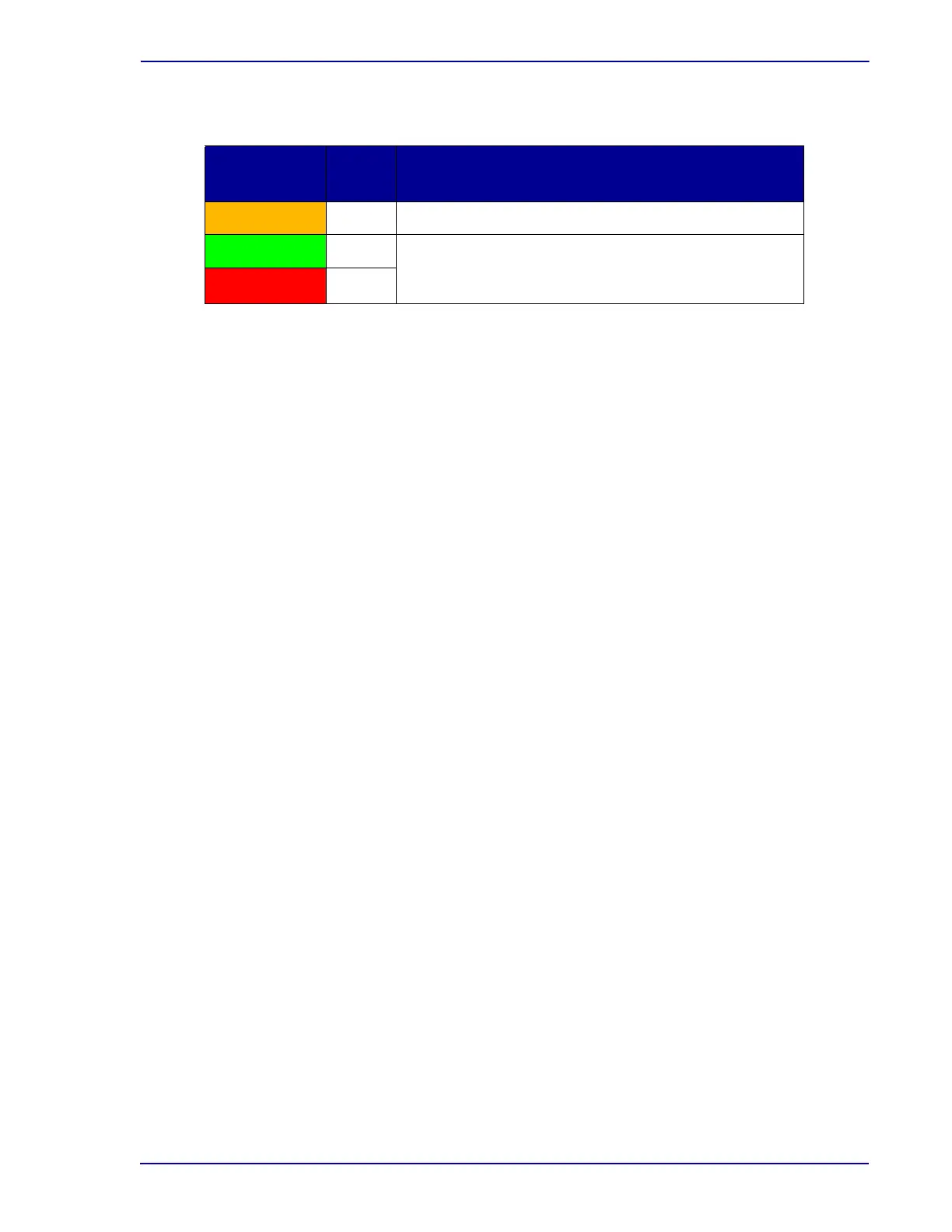
Isolation Mode System Indicators
Isolation Mode Operation
Only the following operations are supported while the system is in Isolation mode:
• Vial Examination: A vial can be pulled from its station for examination. When a vial is pulled,
the station’s green indicator blinks. The blinking green indicator is intended to guide you to
return the vial to the same station, which allows data collection for the vial to continue. If you
pull a second vial (from a different station), or place a new vial into a different station before the
first pulled vial is placed back in its original station, the first pulled vial is considered to have
been removed from the instrument.
Be very careful when examining vials while the instrument is operating in Isolation mode. If a
removed vial is accidentally placed in a different station than the one with the flashing green
station indicator, the vial is treated as removed and a new anonymous protocol is initiated for
the vial in its new station. All data collected for the vial while in its original station during
Isolation mode is discarded. Even if the vial is later identified as the original vial, the lost data
will not be recovered and the bottle will have a data gap.
• Vial Removal: A vial can be removed from the instrument by pulling it from its station and
closing the door, or inserting /pulling a vial in a different station. All data collected for a vial
during Isolation mode is discarded when that vial is removed. The instrument assumes that
you removed the vial to perform a subculture, and data collection by the instrument is no
longer required. Do not return any vial removed from an instrument while the instrument is in
Isolation mode to that instrument or any other instrument.
• Vial Entry: You can enter a new vial into any empty station. The instrument begins data
collection on the new vial and processes that data as an anonymous vial when the data is
uploaded to the main computer in Isolation Recovery mode.
Isolation Mode Troubleshooting
Isolation mode can be caused by the following conditions:
• Main computer malfunction
• FX user interface has stopped working
To return to normal Directed mode, cycle power on the main computer and wait for the Main Status
screen to be displayed. Depending upon the state that the user interface was in, the reboot process
may take 5 minutes before the application is restarted. If the power cycle does not correct the problem,
contact your local BD representative.
Indicator
Color
State Meaning
Pulsing Instrument is not communicating with the main computer
Green Off
Both green and red system indicators are off while the
system is in Isolation mode, regardless of the presence
of positive or negative vials
Red Off











 To Next Page