Installation
Configuration Setup
DV14307.03 Issue 04 March 2016 Transceiver Family 620X 57
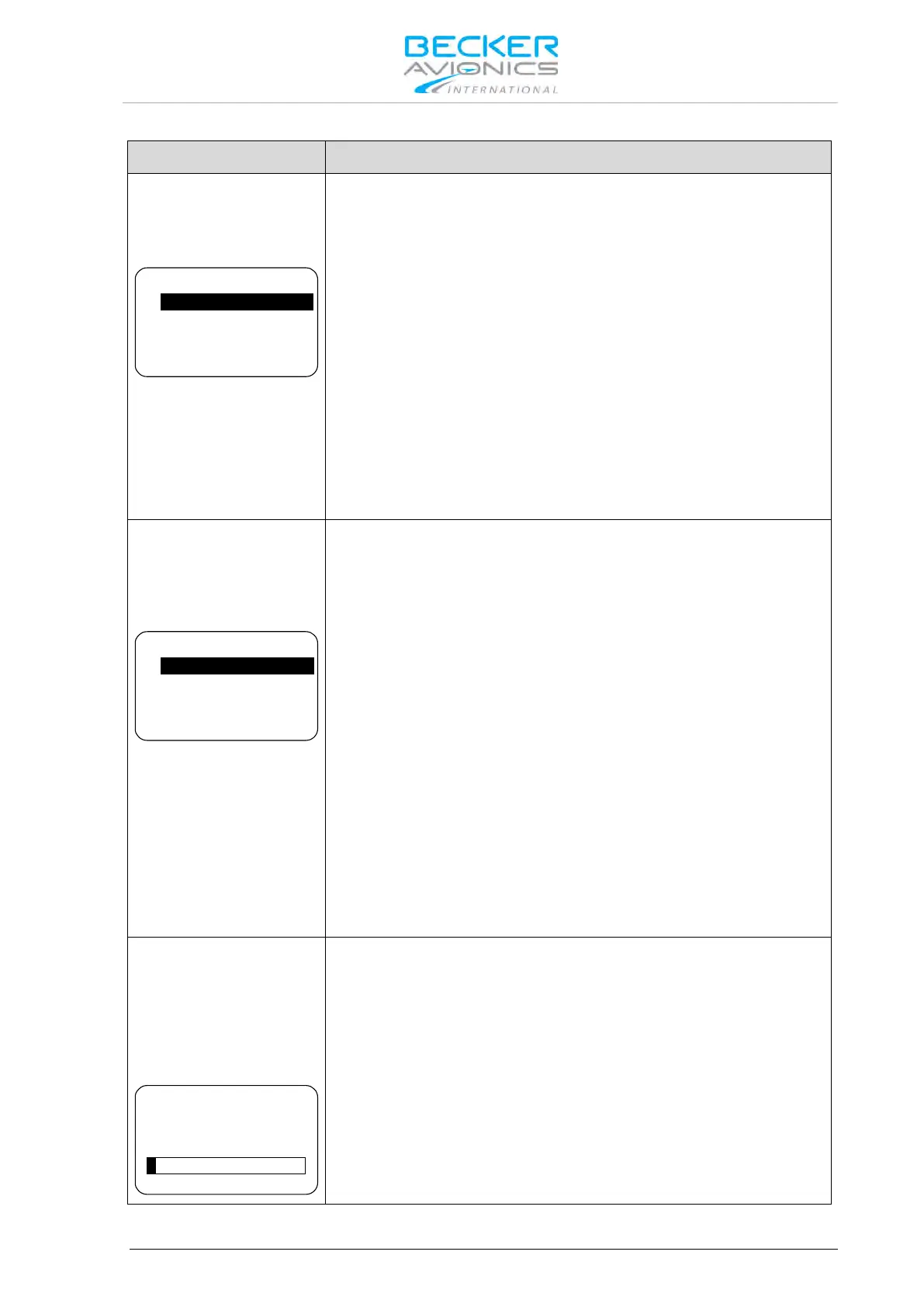
Two options can be selected on "MEMORY OPTIONS" page. By means
of the "ROTARY ENCODER" one option can be highlighted and
enabled/ disabled by pushing the "STO" button.
CHANNEL STORE
STORE LAST CHANNELS
MEM OPTIONS
If this option is enabled frequencies can be stored in any of the 99
available channels.
Even if the "CHANNEL STORE" option is disabled the user has access
to previously stored "User Channels"
STORE LAST CHANNEL
If this option is enabled, the device automatically stores the last used
VHF frequency in "Last Channel" database and user has a read access
to this database.
If this option is disabled the stored data in the "LAST CHANNEL"
database is not accessible.
Note: Menu available on primary and secondary controller.
On "MDE PAGES" page three options are selectable by means of the
"ROTARY ENCODER". The three frequency selection modes provide
different user interfaces for operating frequency selection.
Enabling/Disabling can be toggled by pushing the "STO" button.
STANDBY FREQUENCY
BATTERY VOLTAGE
CHANNEL MEMORY
MDE PAGES
Enables/disables "Standard Mode"
BATTERY VOLTAGE
Enables/disables "Direct Tune Mode".
CHANNEL MEMORY
Enables/disables "Channel Mode".
After deselecting "BATTERY VOLTAGE" the "DIRECT TUNE MODE"
page is no longer available in the normal operation.
Storing a frequency in a specific channel will be possible even if only
"BATTERY VOLTAGE" or "STANDBY FREQUENCY" remain selected.
At least one page will remain active, deselecting all options from the
"MDE PAGES" is not possible
Note: Menu available on primary and secondary controller.
On "LOW BATT THR" page the threshold for indication of the
"LOW BATT" warning page can be adjusted (default setting is 10.5 V).
The low battery threshold depends on battery type in use and should be
adjusted within 10…33 V by the installer turning the "ROTARY
ENCODER". "LOW BATT" warning page is displayed if the supply
voltage drops below the "LOW BATT THR" value.
"LOW BATT THR" = 11 V for 12 V battery
"LOW BATT THR" = 24 V for 24 V battery
Note: Menu available on primary and secondary controller.



 To Next Page