Installation
Configuration Setup
58 Transceiver Family 620X DV14307.03 Issue 04 March 2016
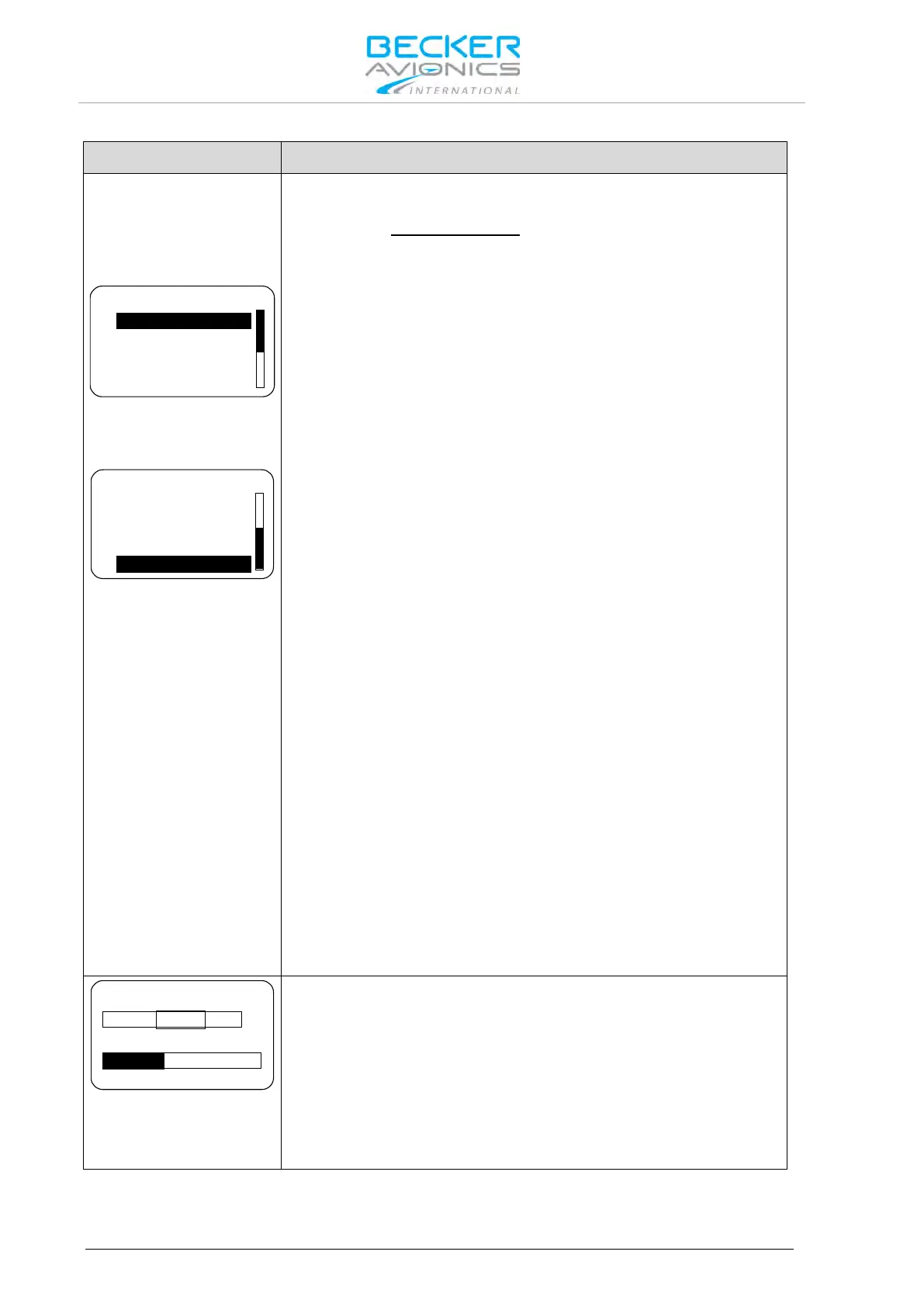
On "CONFIGURATION" page 6 or 7 options can be selected. (refer to
the note under AUX AUTO MUTE
in the column on the right side). Use
the "ROTARY ENCODER" to scroll up and down, then and push the
"STO" button for selection.
TANDEM
AUX INPUT
AUX AUTO MUTE
AUTO ISOL IN TX
CONFIGURATION
Options 1...4
AUTO ISOL IN TX
SCAN BEEP
FREQ CHANGE BEEP
SWAP MIKE IC
CONFIGURATION
Options 4...7
If selected, a second controller RCU6201 can be connected to
AR620X/RT6201.
AUX INPUT
If selected, the auxiliary audio signal applied to pins P1-4 / pin P1-21 is
audible on headphone / speaker.
Note: If the auxiliary audio input is not used, it is recommended to
deselect "AUX INPUT".
AUX AUTO MUTE
If selected the auxiliary audio input will be muted. The auxiliary audio
input is also muted if the receiver detects (based on squelch evaluation)
a signal.
When deselected the auxiliary audio input signal and the receiver signal
will intermix continuously.
Note: "AUX AUTO MUTE" is only displayed when "AUX INPUT" is
enabled.
AUTO ISOL IN TX
If selected a separation between the pilots and passenger intercom
circuits is provided while one of the pilots transmits.
SCAN BEEP
If selected the transceiver generates (only in scan function) a short beep
tone to notify a signal presence on the "PRESET FREQUENCY".
During signal reception on the "ACTIVE FREQUENCY" switch over to
the "PRESET FREQUENCY" is not possible. The audio remains on
"ACTIVE FREQUENCY" and a short beep tone is audible. Additionally
the "PRESET FREQUENCY" will appear contrast inverted in a
sequence of approximately one second.
FREQ CHANGE BEEP
If selected the transceiver generates a short beep on each change of
the "ACTIVE FREQUENCY".
SWAP MIKE IC
If selected the /IC input functions as /MIKE_SW input and /MIKE_SW
input operates as /IC input.
20 dB 800 mV
VU
AUX IN SENS
On "AUX IN SENS" page the sensitivity adjustment of the auxiliary
audio input (Pin P1-4 / Pin P1-21), in the range 50...8000 mV, can be
set by turning the "ROTARY ENCODER".
This page is displayed only if ENABLE_AUX_IN is activated.
The VU meter shows the current signal level of the aux audio input and
always displays the highest detected signal value from the last
3 seconds.
Note: Menu available on primary controller.



 To Next Page