Installation
Configuration Setup
66 Transceiver Family 620X DV14307.03 Issue 04 March 2016
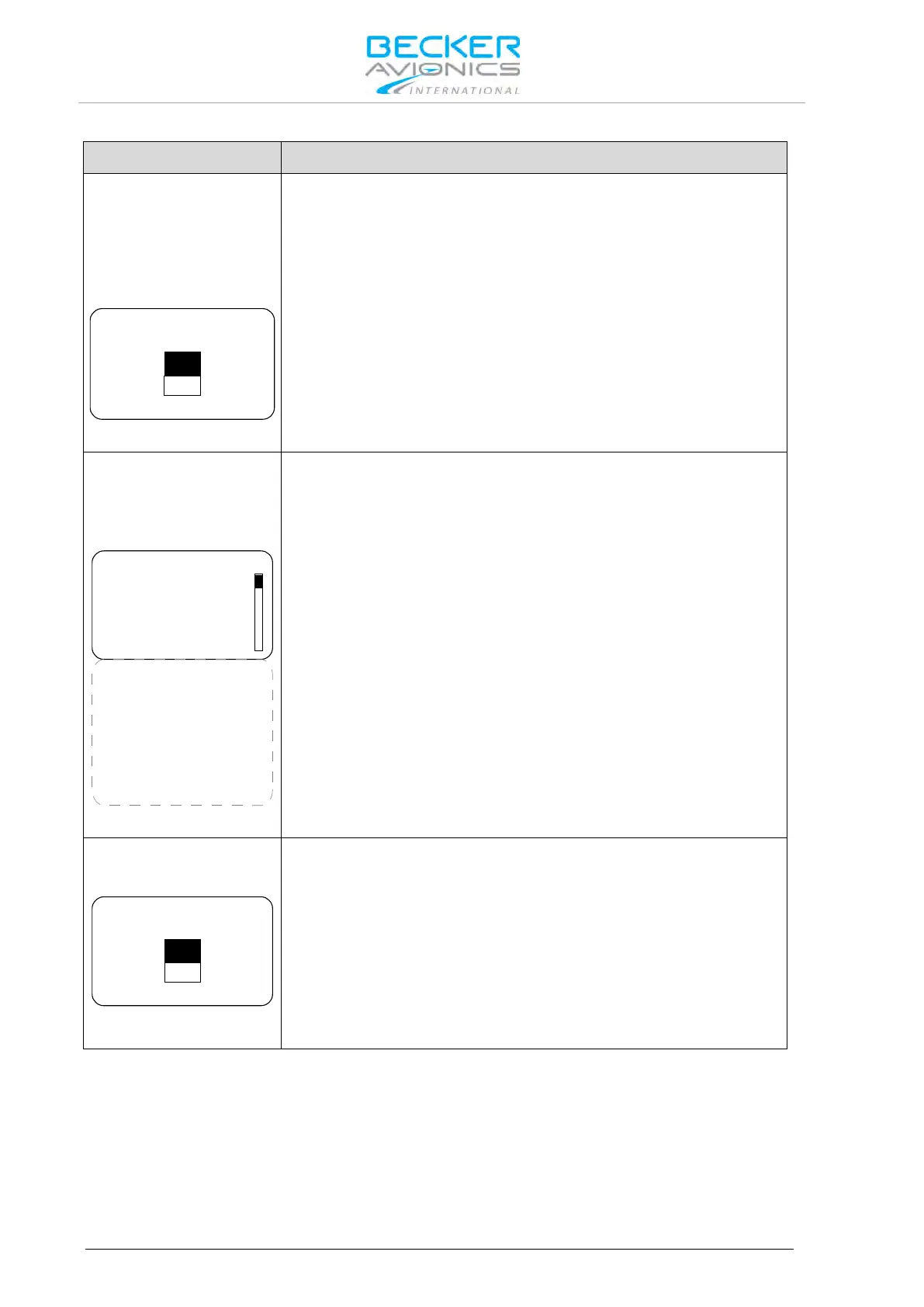
The 620X transceiver provides a third database, "FRQUENCY LABELS
DATABASE", containing 99 text labels of max 10 characters each. Text
labels can be assigned to any of the frequencies (CH01 to CH99), the
labels are stored manually.
The "LABELS DATABASE" can be erased.
1. Select "YES" via the "ROTARY ENCODER"
2. Press the "STO" push-button to confirm the selection.
Note: Menu available on primary controller.
This page automatically stores and displays information from all failures
that occur during operation of the 620X.
Used for trouble shooting and failure isolation.
P_NVRAM TEST 0
P_INTERNAL IC 0
P_RXS LOCK 0
P_RECEIVER 0
P_SUPP BLOCK 0
P_OVER TEMP 0
C_INTERNAL IC 0
C_RXS LOCK 0
C_TXS LOCK 0
C_TX POWER 0
C_SUPP BLOCK 0
C_TX OVERLOAD 0
C_OVER TEMP 0
C_STUCK PTT 0
FAIL LIST
1. The display can only show 4 monitored failures types (more are
available).
2. Move the slide bar via the "ROTARY ENCODER" To view additional
failures.
3. "0" means no failure were detected and stored.
4. "1" means that a failure was detected once or several times and
stored.
Note: Menu available on primary controller.
To erase all stored failures.
1. Selecting "YES" via the "ROTARY ENCODER".
2. Press the "STO" push-button to confirm.
Erasing the failure list should not be undertaken by the installer. The
failure list will normally be deleted by factory or maintenance shop after
a repair is completed
Note: Menu available on primary controller.



 To Next Page