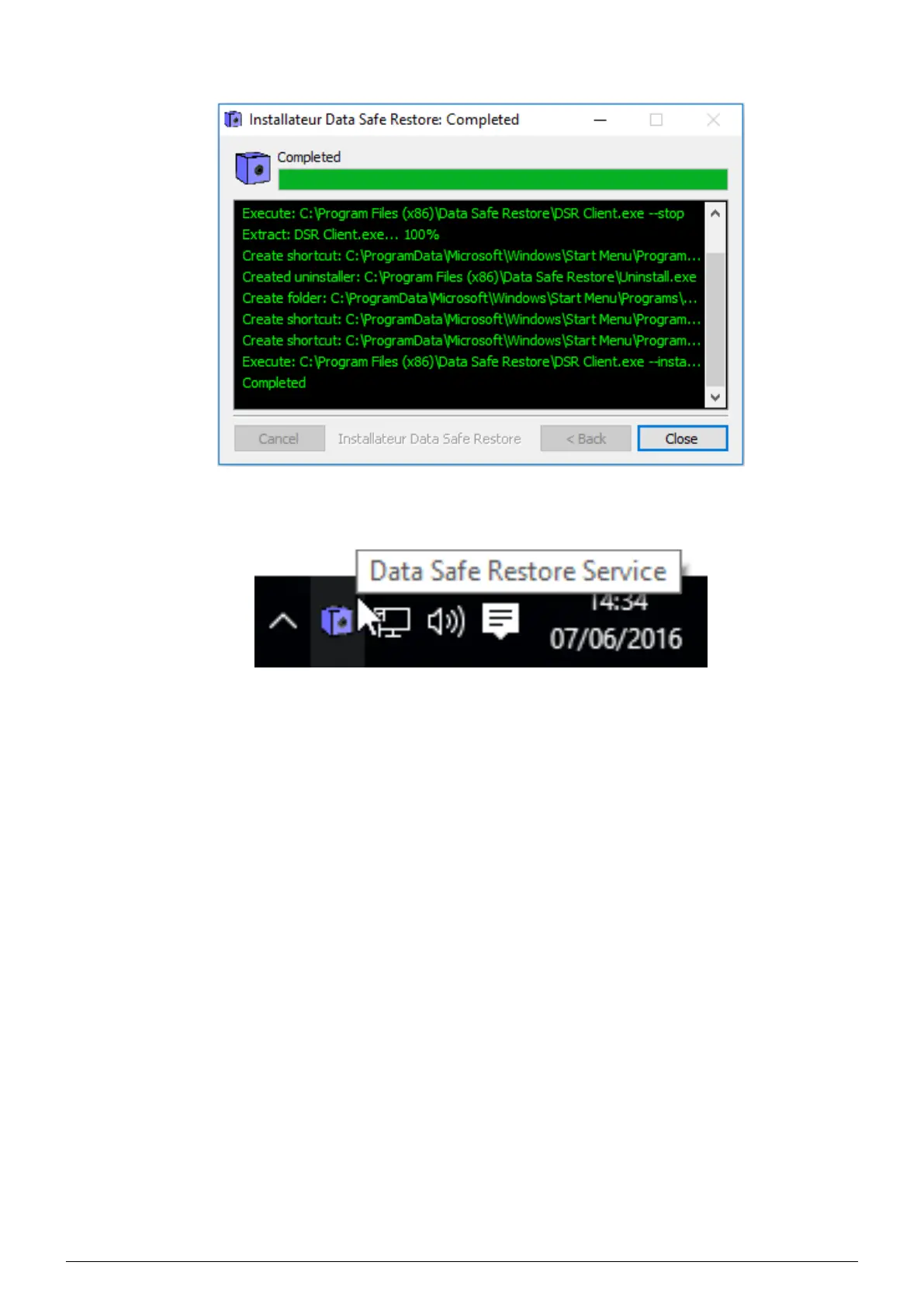
3. The installation is performed (Figure 3.4), wait for the client’s icon to be displayed in your taskbar (Figure 3.5).
FIGURE 3.4 – Installing the Windows client
4. The installation is complete, click
Close (Figure 3.4).
FIGURE 3.5 – Data Safe Restore Client installed
Data Safe Restore User manual Version 3.08 Page 6



 To Next Page