Chapter 7
Restoring Data
7.1 Basic restoration
1. Log on to the administration console with the ’admin’ user or any user with ’Restore Backup’ rights (see Section
6.1).
2. From the list of backupsets, click on the one you wish to restore data from.
3. Click on the
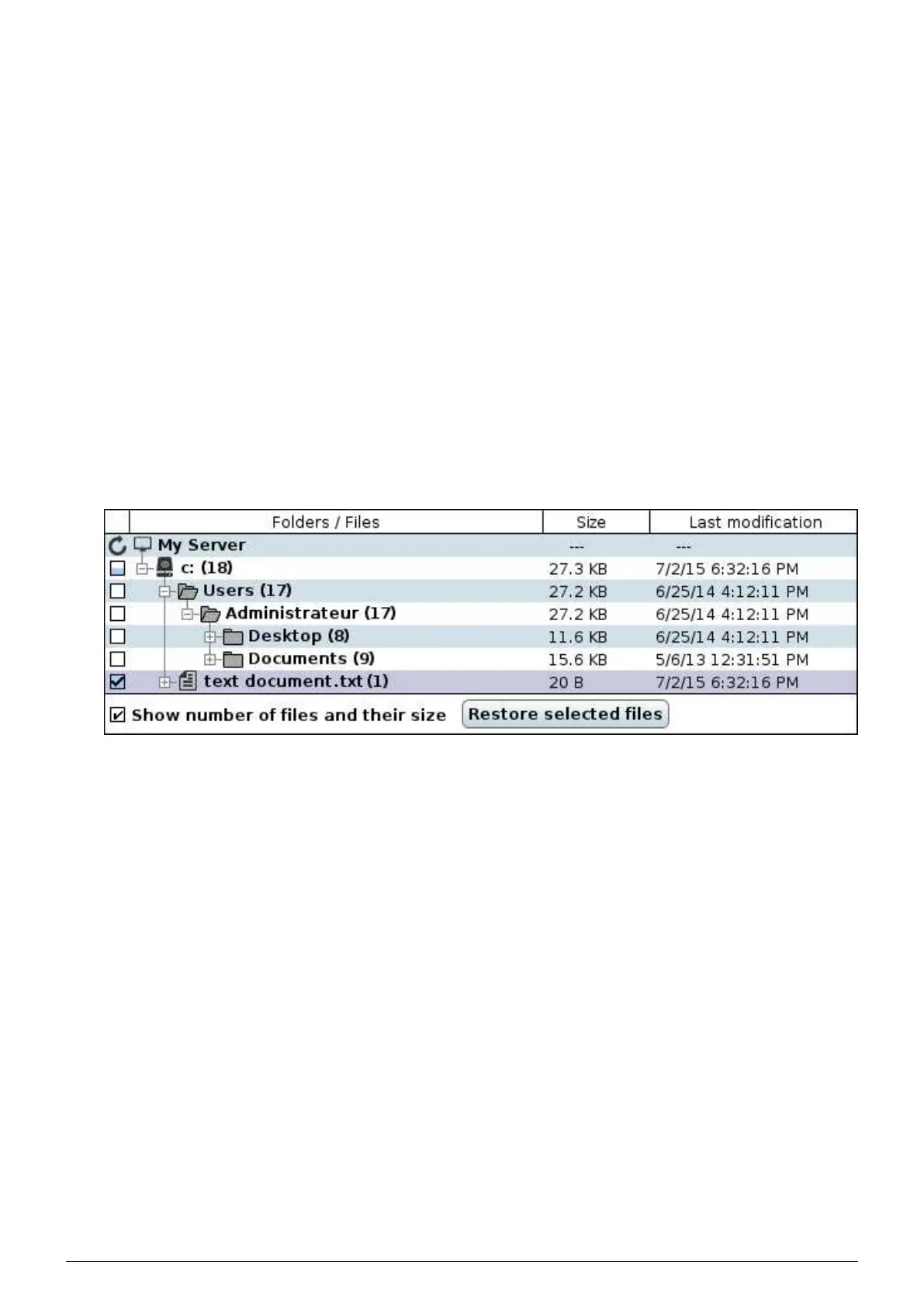
’Restore’ tab, the window on the right then contains the tree structure of the files backep up in this
backupset.
FIGURE 7.1 – Restoration tree structure
4. Choose the folders and files to be restored by checking the corresponding boxes.
5. Click on ’Restore selected files’ to go to the step in which you select the restore location for the selected
items.
Data Safe Restore User manual Version 3.08 Page 34



 To Next Page