Chapter 3
Installing Data Safe Restore Client
Data Safe Restore is a multi-station, multi-platform network backup solution. To back up a machine, you must first
install a backup client on this machine. This software is specific to the operating system of the machine to be backed
up. Please follow the procedure pertaining to your operating system.
3.1 Downloading Data Safe Restore Client
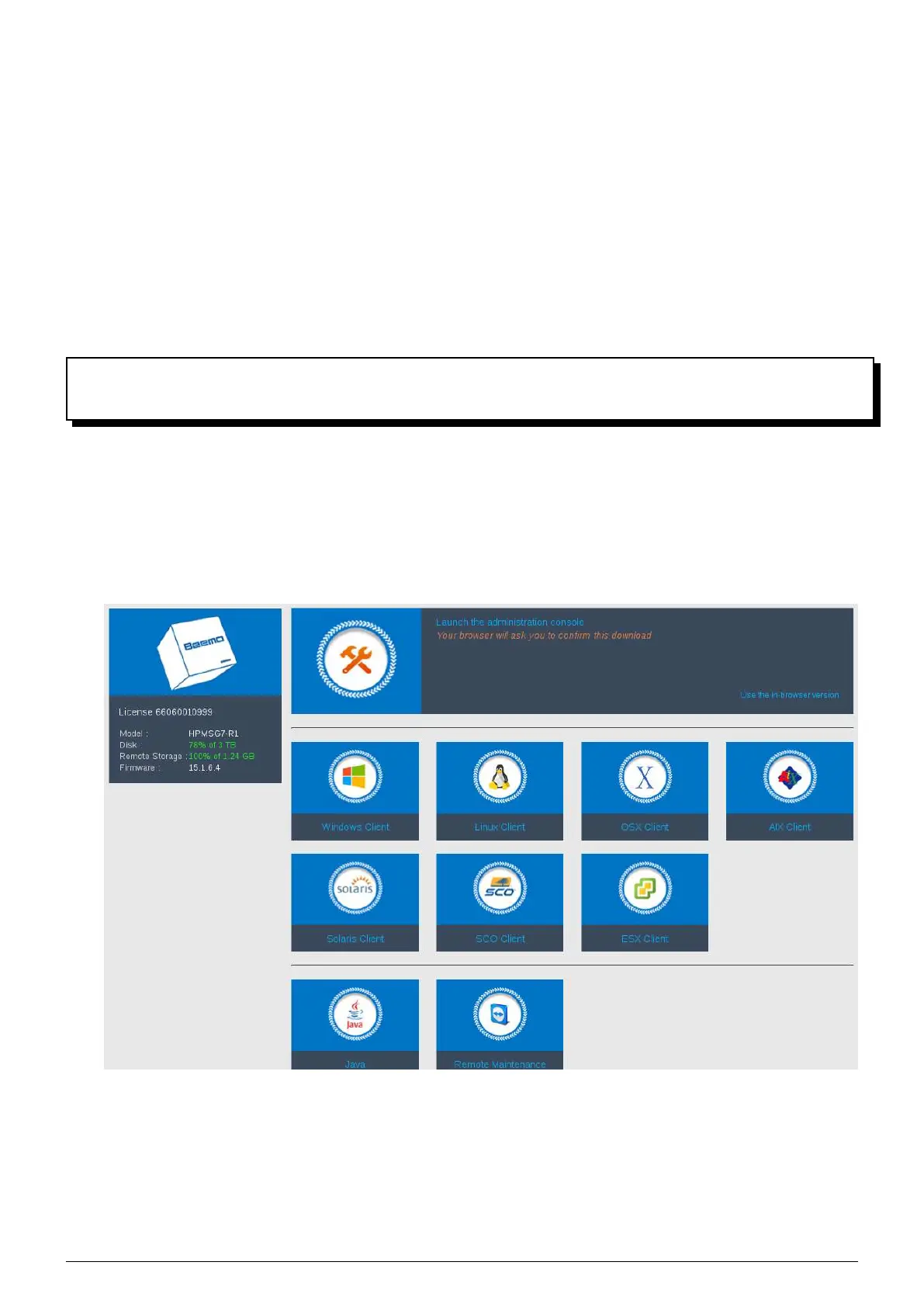
1. On the machine you wish to back up, open a web browser and enter the IP address of the
Beemo appliance (Fi-
gure 3.1).
2. Click on the Data Safe Restore Client icon corresponding to the operating system of the machine you wish to
back up (Figure 3.1).
FIGURE 3.1 – Home page
Data Safe Restore User manual Version 3.08 Page 4



 To Next Page