Chapter 4
The administration console of the
Beemo
appliance
the Beemo appliance is a network solution configured through a Java console accessible by a web browser. To
administer the
Beemo appliance you must have installed the Java Runtime Environment on the station(s) intended
for this function. It is not necessary to install Java to be able to do backups, only to administer the
Beemo
appliance
.
4.1 Connection to the administration console of the Beemo appliance
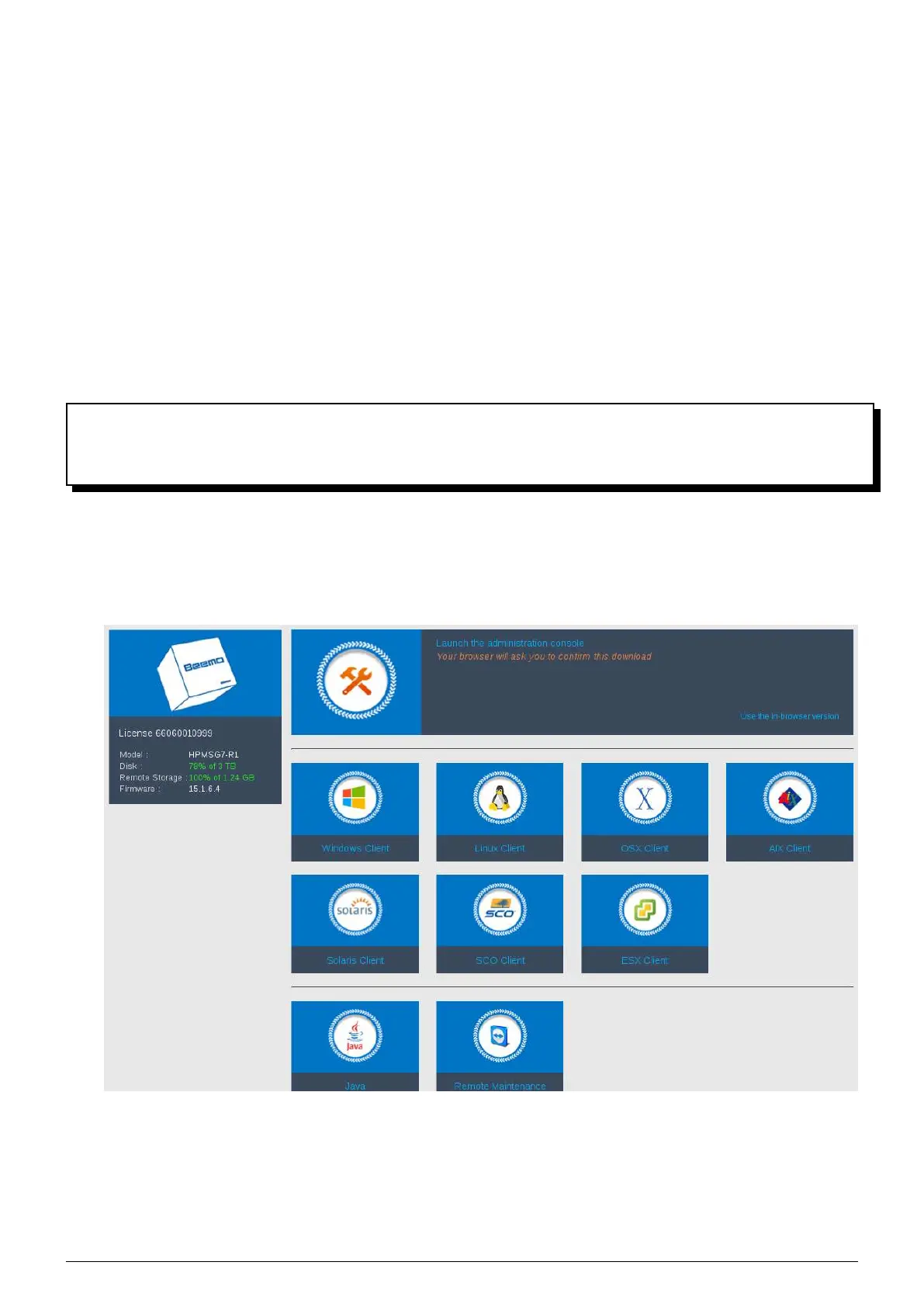
1. Open a web browser and enter the IP address you assigned to the Beemo appliance. When the home page is
displayed (Figure 4.1), click on
’Launch the administration console’.
FIGURE 4.1 – Home page
2. An "Authentication" dialog box is displayed (Figure 4.2).
Data Safe Restore User manual Version 3.08 Page 14



 To Next Page