If the dialog does not appear, you must first install the latest version of the Java Runtime Environment.
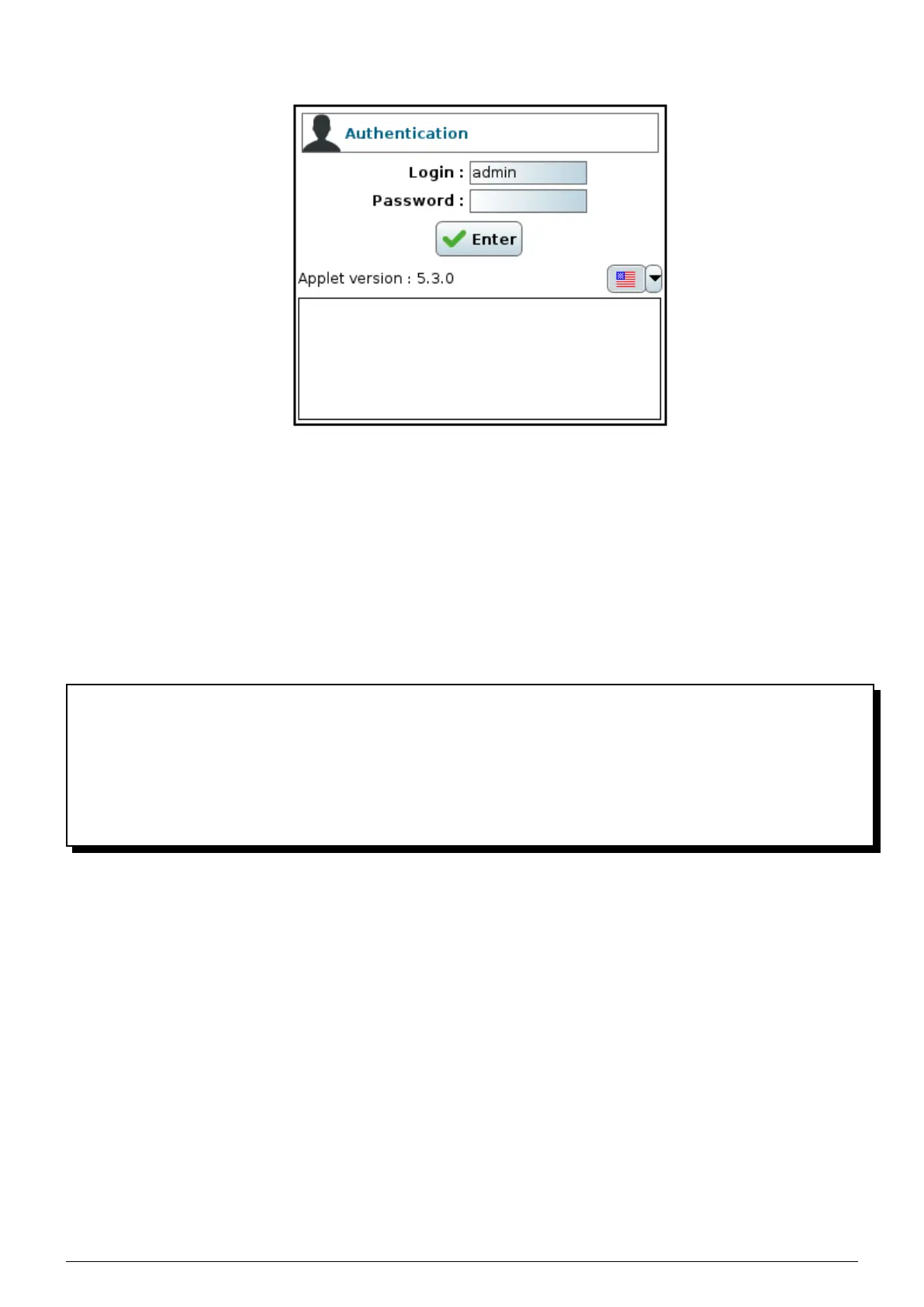
FIGURE 4.2 – Authentication
3. If you are an administrator, type ’admin’ as the login followed by your password (the default password is your
license number and it is highly recommended that you change it). If you are not an administrator, enter the
name of the backupset you want to access as the login then the password that the administrator assigned to
you.
4. Click on Enter. If your authentication is correct, you can now administer the Beemo appliance or access the
settings of your backupset depending on the rights you have.
4.2 Presentation of the administration console
The Data Safe Restore administration console (Figure 4.3) consists of two windows separated by a vertical axis :
• The left window contains :
1. the ’Settings’ button of the Beemo appliance (Figure 4.4)
2. a bar of icons giving you different ways to sort the list of backupsets (Figure 4.6)
3. the list of backupsets.
• The right window is used to configure the item selected in the left window.
Data Safe Restore User manual Version 3.08 Page 15



 To Next Page