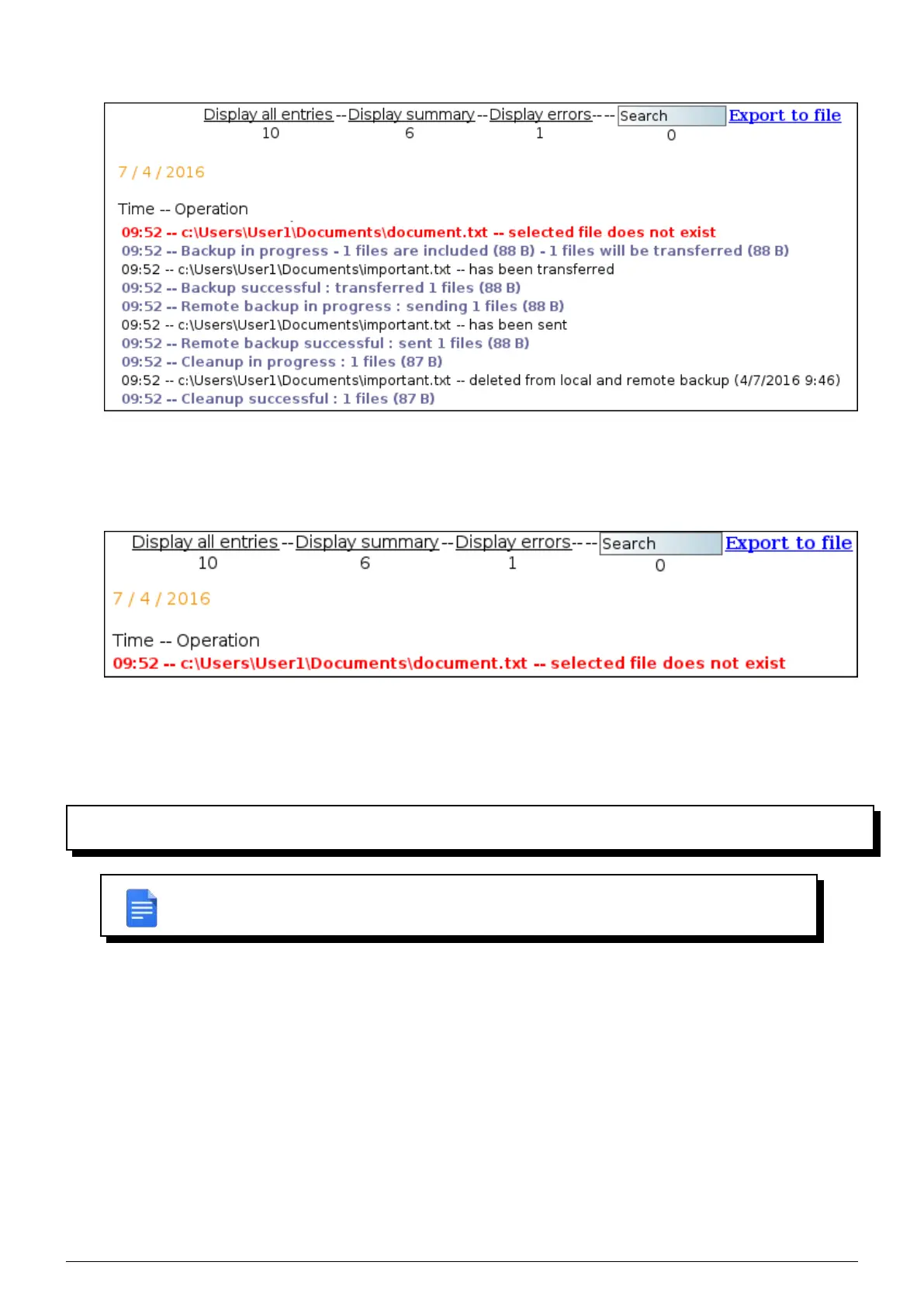
errors that might occur.
FIGURE 9.3 – Detailed display of logs
3. The error display only shows the errors that occurred dur ing the various actions
performed by the Beemo appliance. It provides a concise view of the problems encountered during the backup
or recovery.
FIGURE 9.4 – Backup error display
9.2 Details on alert emails
When an error occurs during an operation an email is sent to the recipients configured in the system (see section
5.1).
REMARK : You must have set valid email addresses in order to receive alerts. If not only
Beemo Technologie will receive them.
Alert emails all have the same structure. You will find the details of each type of email that the system can send below
Data Safe Restore.
1. Test email : is used to check proper functioning and ensure smooth receipt of information from the system Data
Safe Restore.
2.
Beemo appliance disconnected : the Beemo appliance is no longer connected to the server. Backup secu-
rity is compromised. You are advised to check network settings and contact Beemo Technologie as soon as
possible.
3.
Beemo appliance reconnected : the Beemo appliance has restored contact with the server. Repeated dis-
connections and connections can be evidence of a malfunction in the
Beemo appliance.
4. Errors detected in the backup (’BACKUPSET NAME’) : A backup has gone wrong : The backup process was
completed, but it came up against errors while running that may have prevented certain files from being backed
up, for example. The email specifies which backup is concerned, the date, as well as the possible origins of the
error.
Data Safe Restore User manual Version 3.08 Page 40



 To Next Page