3.3 MacOS installation
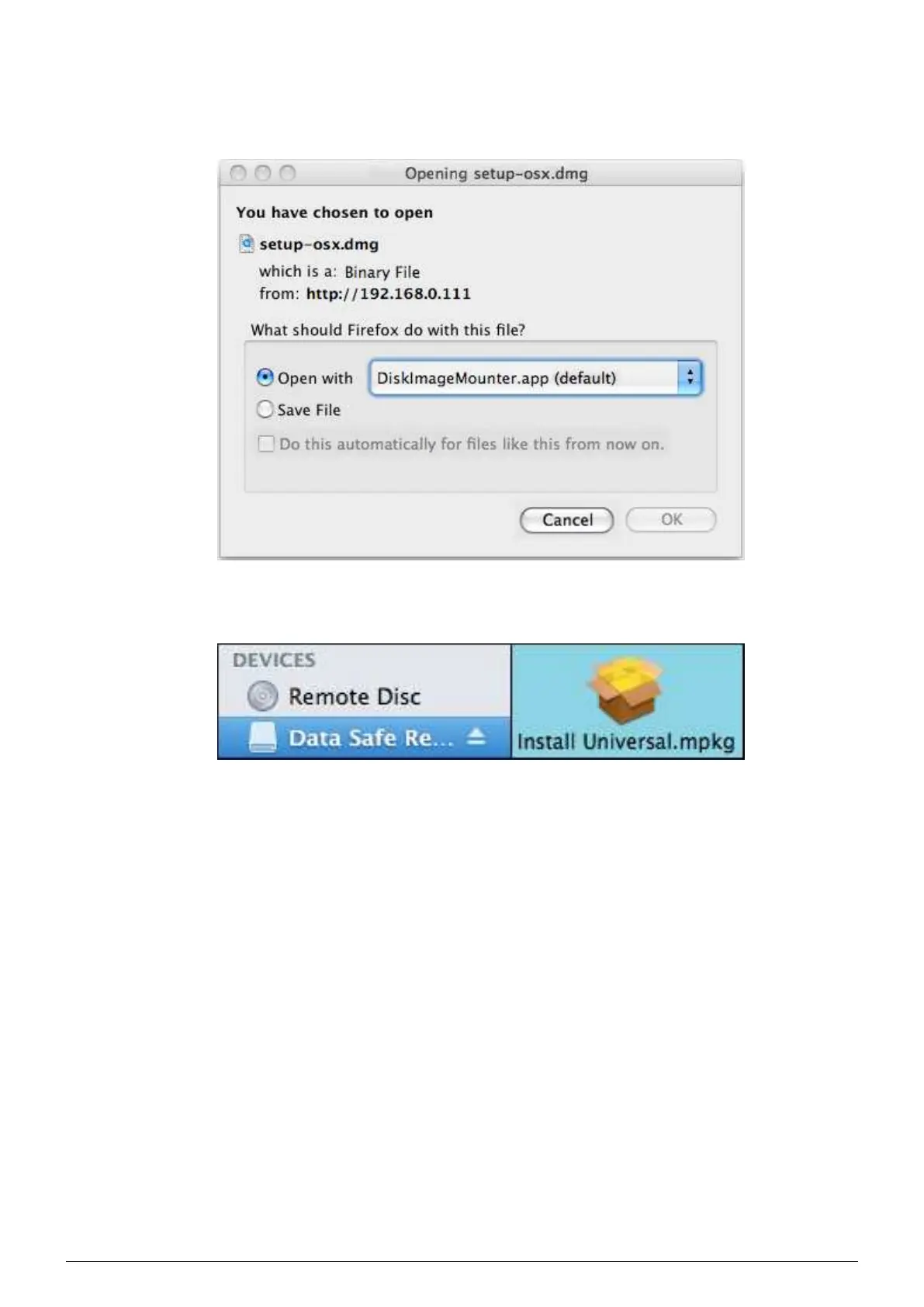
1. Click on the MacOS icon on the home page (Figure 3.1), a dialog box (Figure 3.6) prompts you to ’Open with’
or ’Save the file’, choose
Open with DiskImageMounter.app.
FIGURE 3.6 – Downloading the MacOS client
2. Click the icon
’Install Universal.mpkg’ to start the installation.
FIGURE 3.7 – Downloading the MacOS client (cont’d)
Data Safe Restore User manual Version 3.08 Page 7



 To Next Page