Chapter 6
Backupsets
Once you have installed the backup client, you must log in to the administration console to create backupsets for this
machine. This task requires a working internet connection and can only be performed by an administrator.
To back up a machine’s data :
• Install the Data Safe Restore Client on the machine (see chapter 3).
• Create a backupset.
• Select the data to be backed up.
6.1 Creating the first backupset.
Connect to the
Beemo appliance with the ’admin’ user.
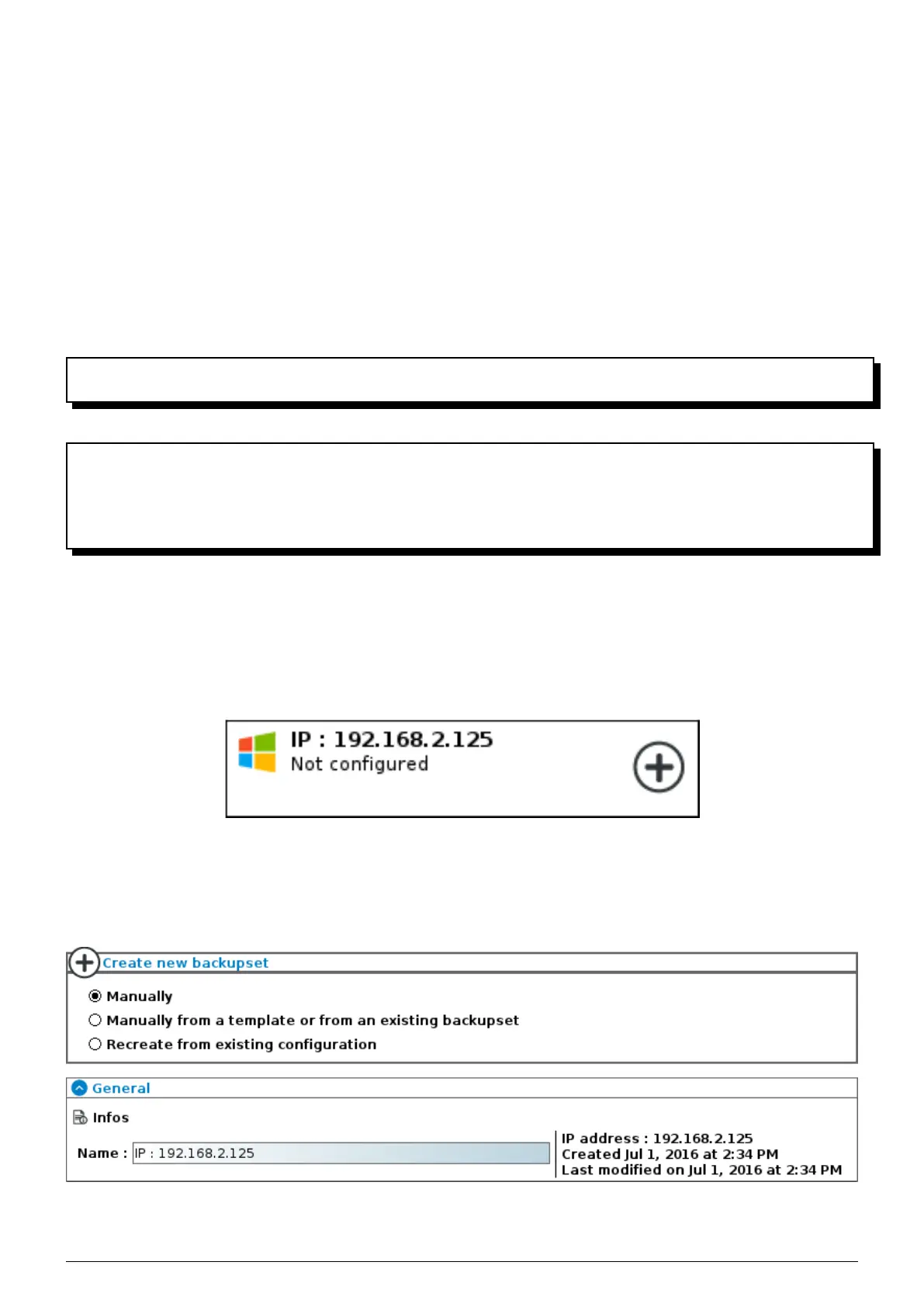
A new backupset is displayed in your list of backupsets with a name similar to
IP: ’IP address of the machine’.
This machine is recognizable by the star on its right in the list of backupsets. If the machine does not appear, it must
be detected (see chapter 5). Click on the machine’s icon, the ’Create new backupset’ screen is displayed.
FIGURE 6.1 – New machine to be secured
6.1.1 Information
Give the backupset the desired name.
FIGURE 6.2 – Name of the backupset
To facilitate deployment of several similar backupsets you can apply the settings of an existing backupset or preset
Data Safe Restore User manual Version 3.08 Page 24



 To Next Page