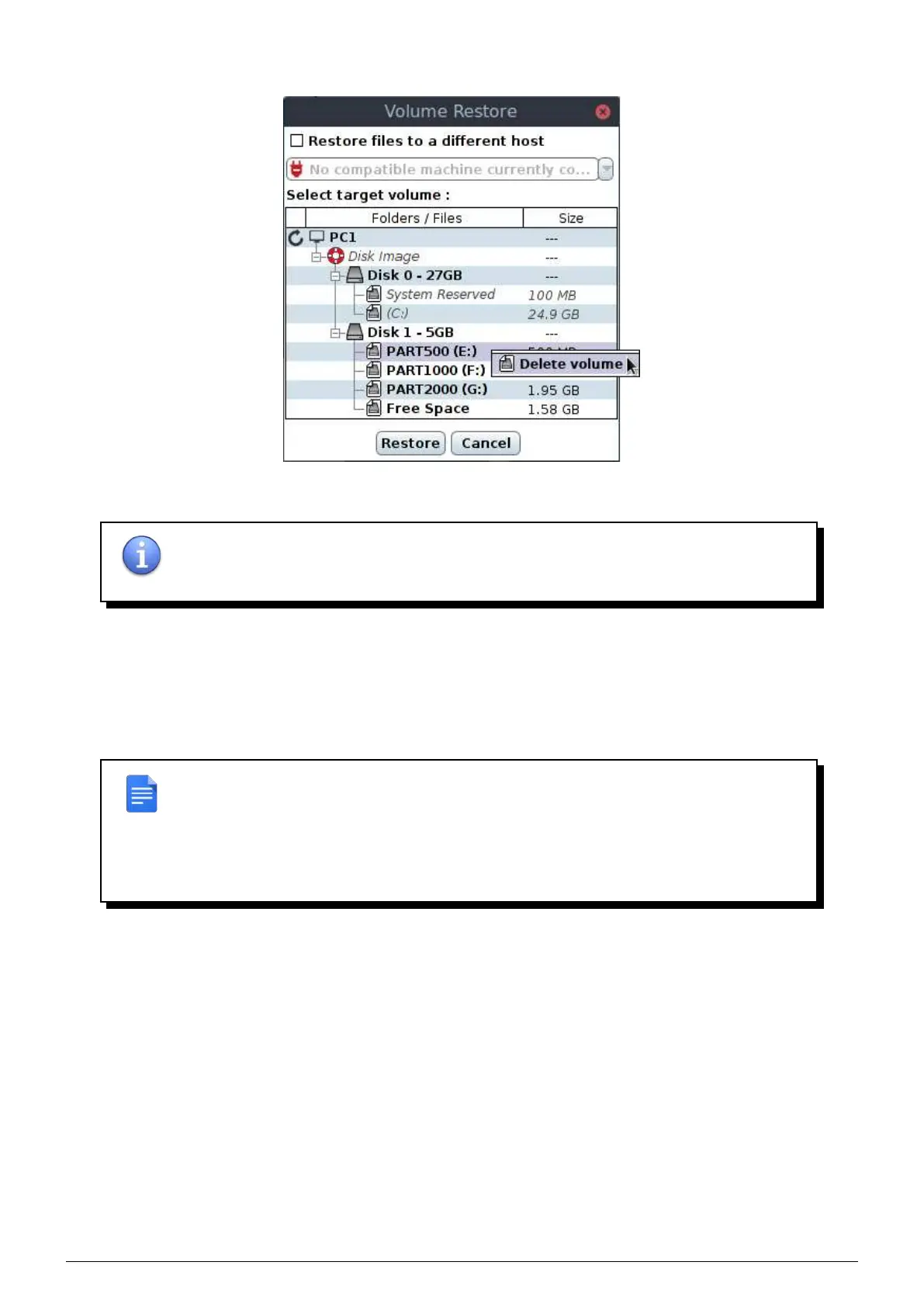
right clicking on it.
FIGURE 11.8 – Delete a partition
NOTE : Delete partitions is not an innocuous act and must be done carefully, once the
confirmation window validated the partition is definitively deleted and it is impossible to
revert back the operation (unless you have an up-to-date backup of the partition table).
11.3 Using Flash Rescue to restore the system
The
Flash Rescue flash drive allow to restore all volumes from a machine, even the system volume. Boot on the
Flash Rescue flash drive by modifying the BIOS/UEFI setup or using the "Boot menu" of your motherboard (the
shortcut to use depends on the hardware).
REMARK : To restore a system via Flash Rescue, boot must be configured :
• on Legacy if backep up machine was on Legacy
• on UEFI if backep up machine was on UEFI
• with Secure Boot disabled
Once the machine running, you see the interface which breaks down as follows :
• Network setup done with DHCP in the upper part.
• Reachables backup appliances (you can use arrows to select the the Beemo appliance you wish).
• A lifebuoy icon to open the administration console of the selected Beemo appliance.
• Differents buttons listed below.
Data Safe Restore User manual Version 3.08 Page 50



 To Next Page