Chapter 5
Configuring the the
Beemo appliance
To configure the Beemo appliance you must connect to the administration console using the procedure
described in Chapitre 4. Once connected, click on
Settings to access the various Beemo appliance set-up menus.
REMARK : For Beemo appliance settings to take effect, click on ’Validate’. These settings
are used for all
Beemo appliance operations.
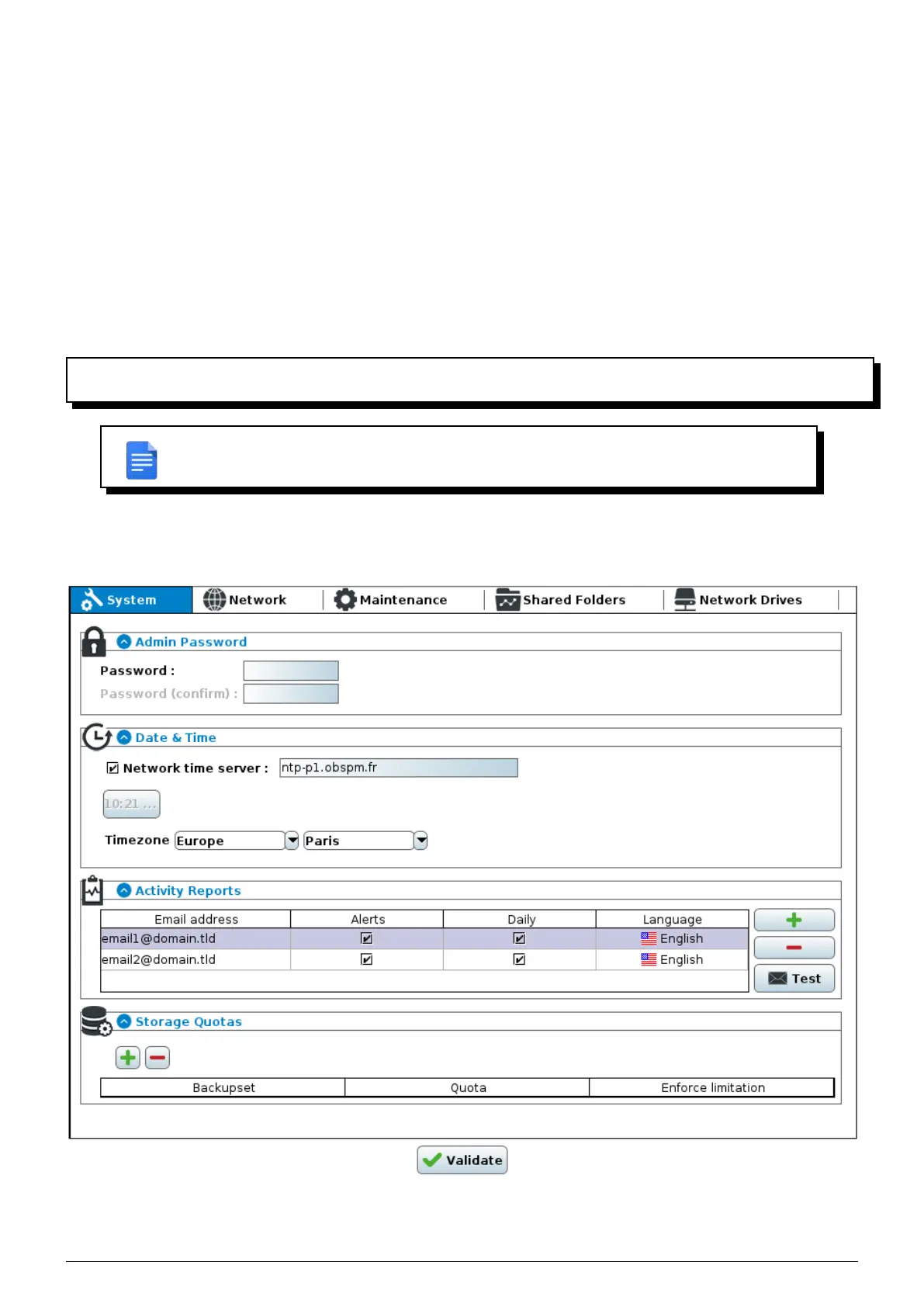
5.1 System settings
FIGURE 5.1 – System settings window
Data Safe Restore User manual Version 3.08 Page 19



 To Next Page