Chapter 9
Logs, Alerts
9.1 Consulting backup logs
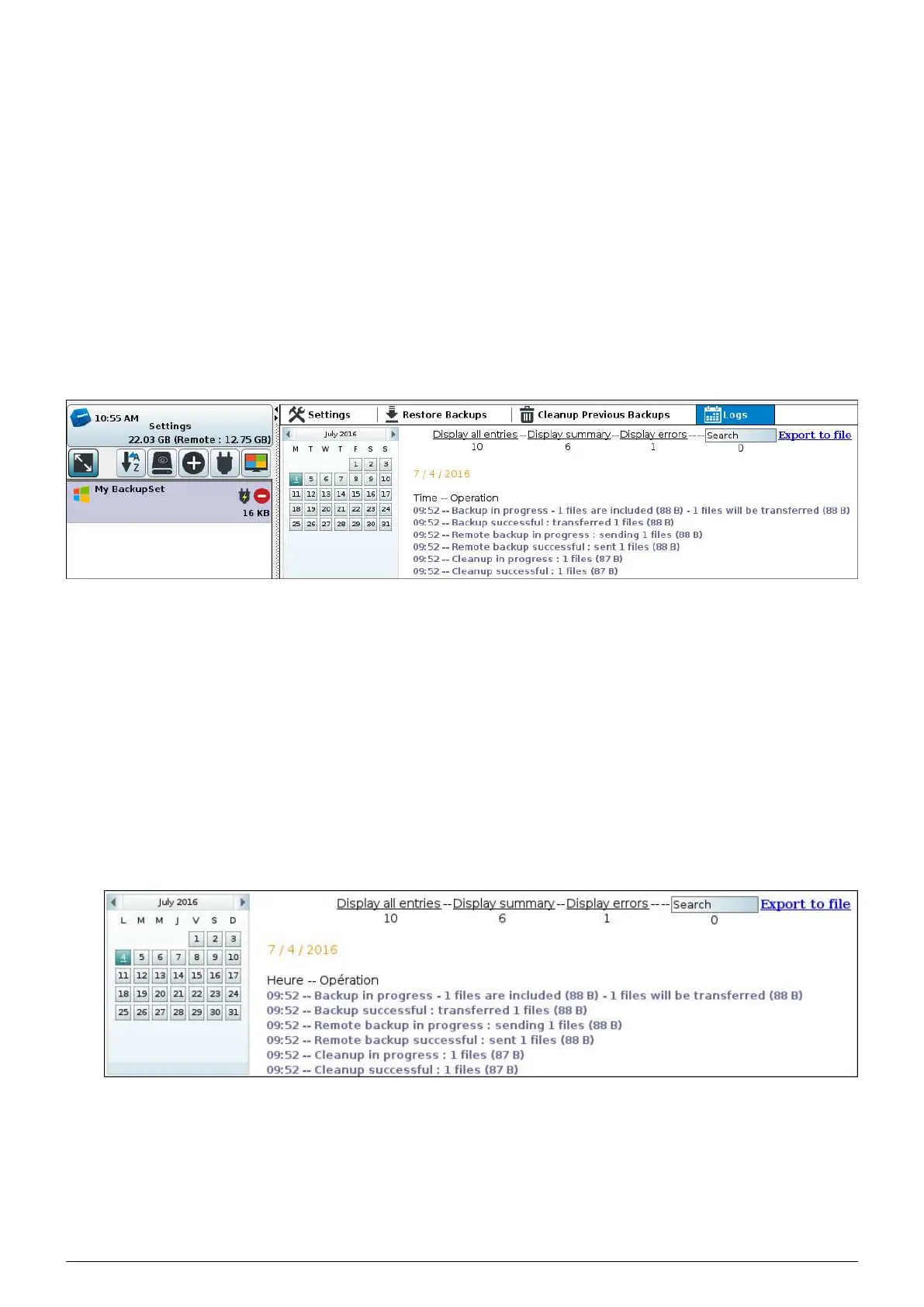
FIGURE 9.1 – Journaux
1. Connect to the
Beemo appliance with the ’admin’ user or the account user.
2. From the list of backupsets, click on the one whose backup logs you wish to consult. 5 tabs open in the right
window.
3. Click on the
Log tab, the window on the right then contains your backup calendar.
4. View the logs depending on the days chosen. Viewable days are highlighted on the calendar.
5. A search function is also present, enabling you to find specific
information. It only concerns the currently selected log.
There are three types of log displays :
1. The summary display only shows the beginnings and ends of operations performed by the
Beemo appliance.
This type of display does not show the errors.
FIGURE 9.2 – Summary display of logs
2. The detailed display is the most comprehensive display. It shows the details of all operations
performed by the
Beemo appliance. The file detail is found by operations file, their transfer speed, and any
Data Safe Restore User manual Version 3.08 Page 39



 To Next Page