Chapter 13
Open File Support (VSS)
NOTE : For detailed information on VSS (or Volume Shadow Copy Service),
refer to the documentation provided by Microsoft at the following address
http://technet.microsoft.com/en-us/library/cc785914.aspx.
The Open File Support option (also called the VSS option) is used to back up critical items such as databases without
having to disconnect users or stop the process in progress.
This option is only available on backupsets configured on Microsoft Windows XP / Server 2003 or more recent
systems.
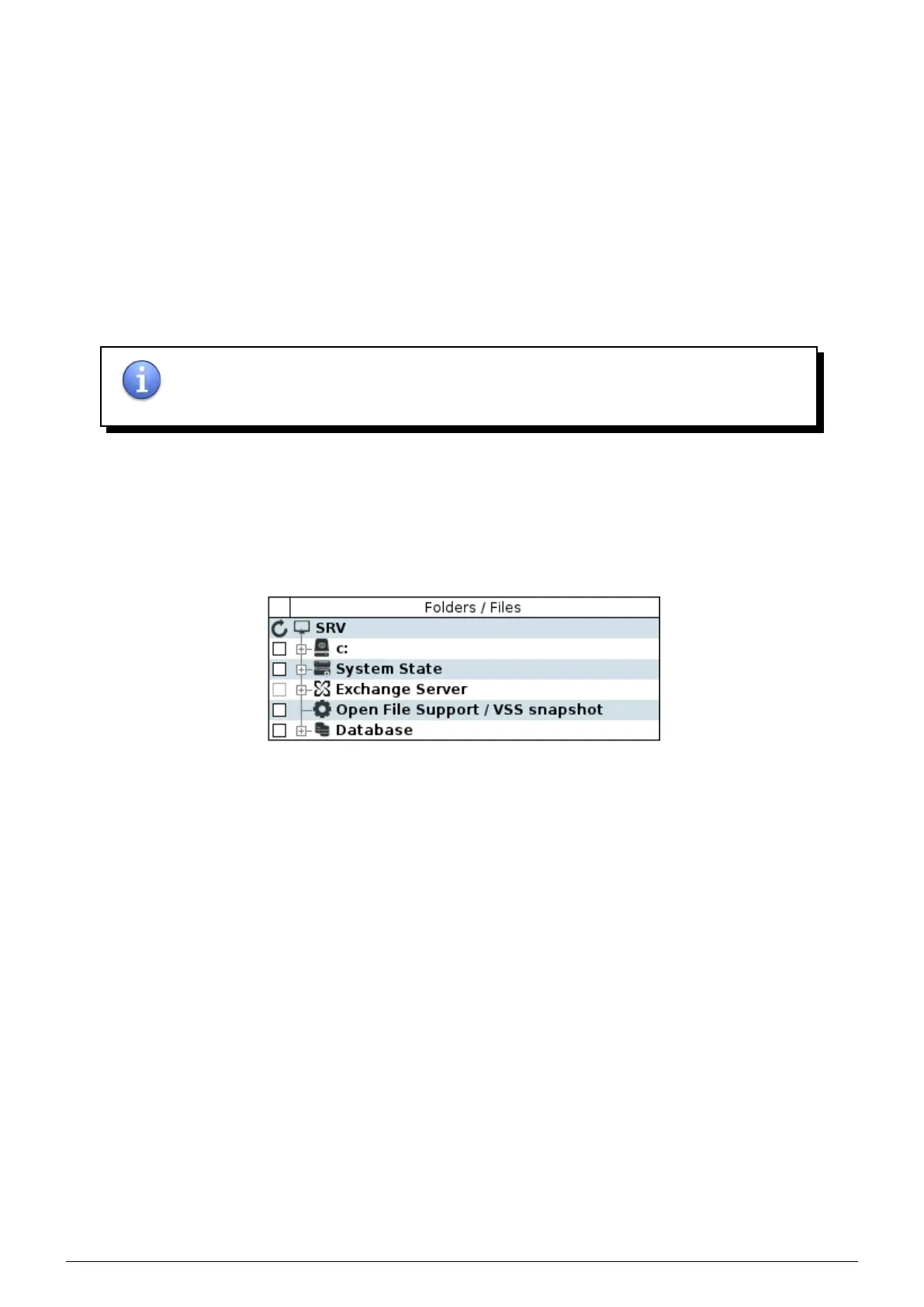
Setting up hot backup of files or folders is similar to setting up a traditional backup : simply select files and folders
to be backed up in the
Configure tab of the backupset, select the Open files support / VSS snapshot checkbox
located at the bottom of the file tree structure, then confirm.
FIGURE 13.1 – Setting up Open File Support (VSS)
Data Safe Restore User manual Version 3.08 Page 55



 To Next Page