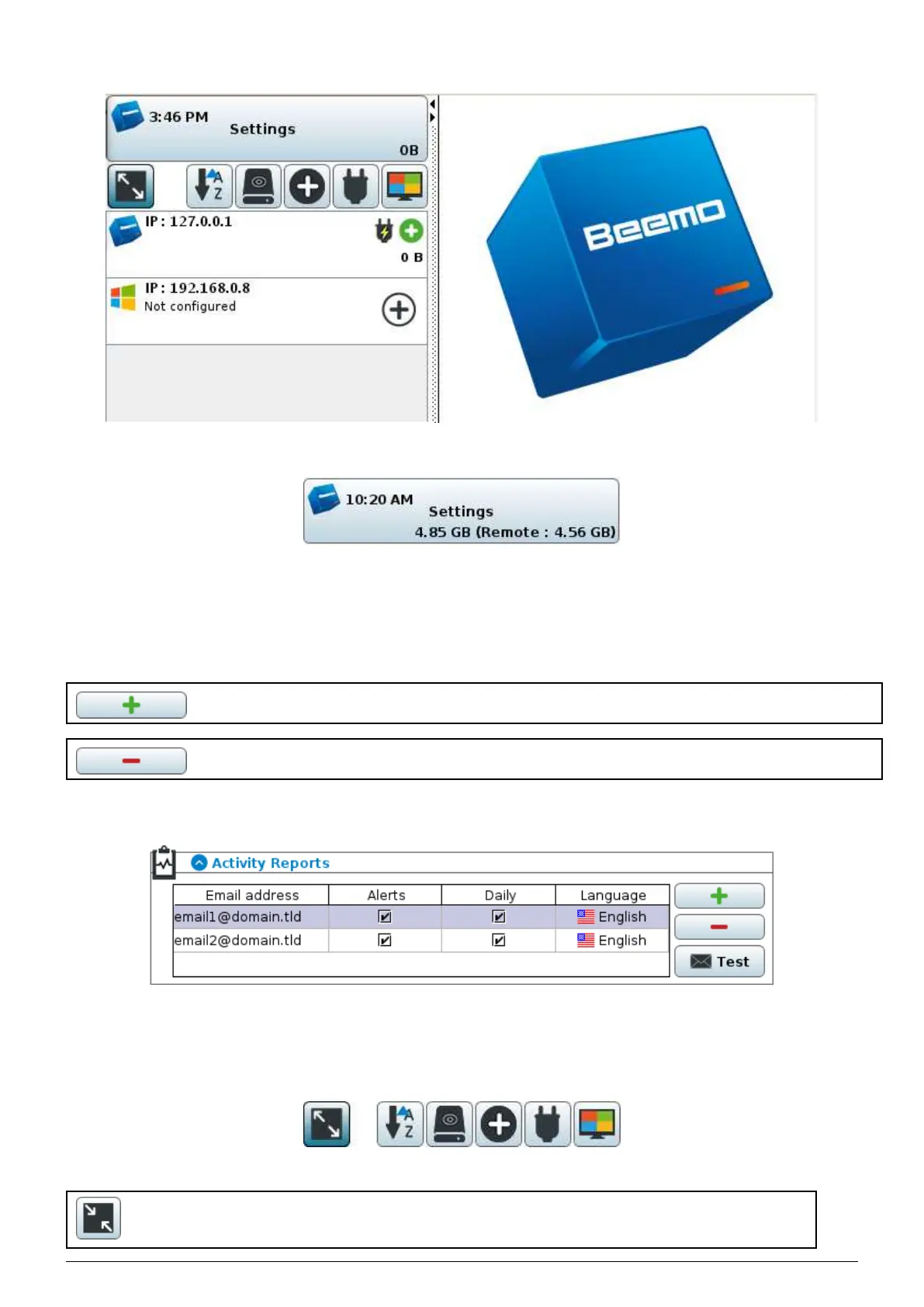
FIGURE 4.3 – the administration console
FIGURE 4.4 – the ’Settings’ button of the Beemo appliance
4.2.1 Adding and removing rows
In the entire administration console of the Data Safe Restore solution, two buttons are used to add and remove rows
of input and these are represented in a standardised manner in the console.
Button used to add an input row.
Button used to remove the selected input row.
In the following example, we can add a row to specify an email address,
or delete an existing one using the buttons presented previously.
FIGURE 4.5 – Example of row console
4.2.2 Sorting the list of backupsets
FIGURE 4.6 – Buttons to sort the list of backupsets
This button lets you switch between the detailed view (See Figure 4.7 and paragraph 4.2.3) and
the summary view (Figure 4.9) of the backupsets.
Data Safe Restore User manual Version 3.08 Page 16



 To Next Page