3.2 Windows Installation
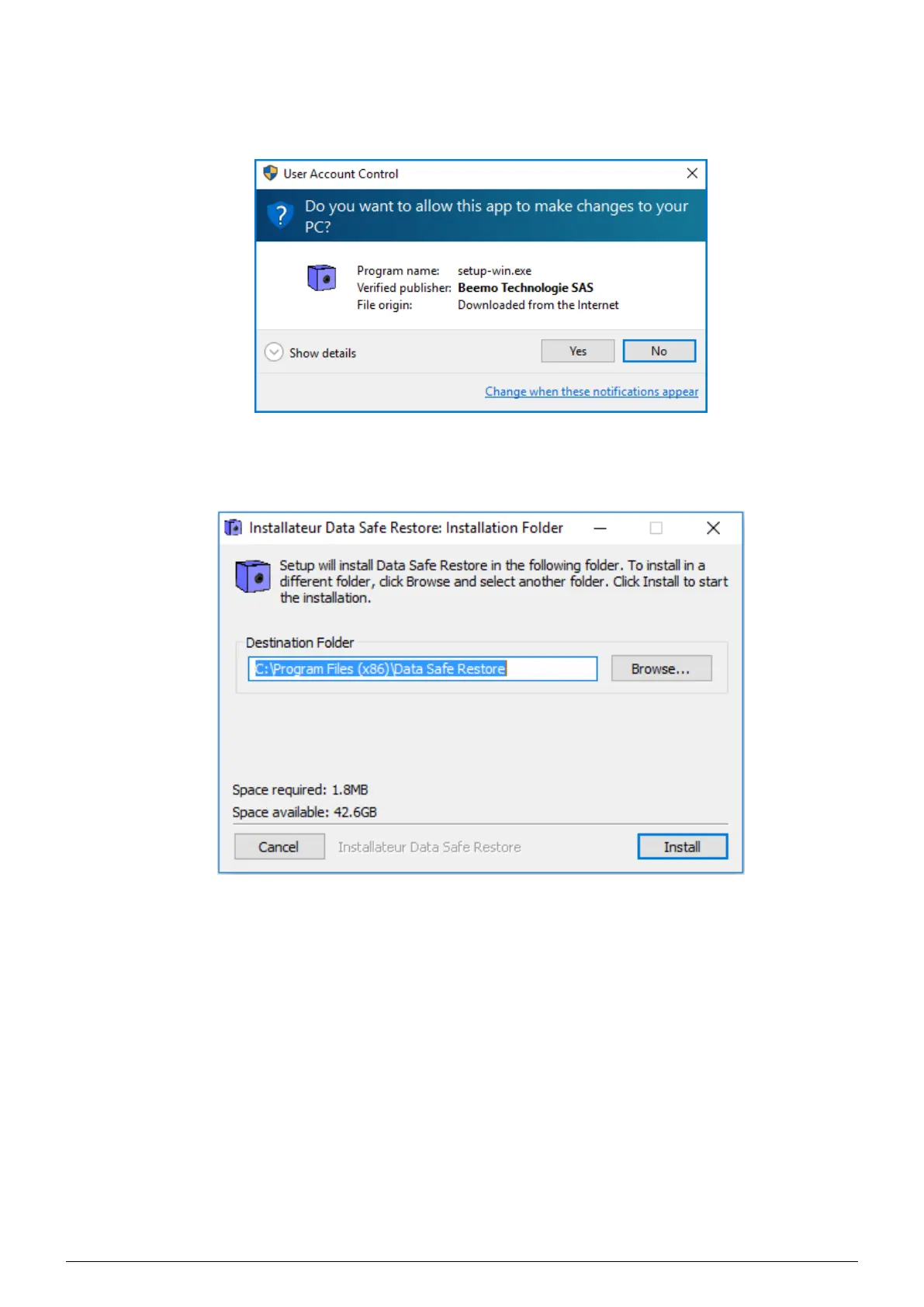
1. Click on the Windows icon on the home page (Figure 3.1), Once the setup-win.exe file is downloaded, execute
it : a dialog box (Figure 3.2) asks you to authorize this app to make changes to your PC, click
’Yes’.
FIGURE 3.2 – Downloading the Windows client
2. Select the client’s installation path (c :\Program Files (x86)\Data Safe Restore\ is the default) then click on
’Install’.
FIGURE 3.3 – Select the installation path
Data Safe Restore User manual Version 3.08 Page 5



 To Next Page