3.4 GNU/Linux installation
REMARK : If your GNU/Linux machine does not have a graphical interface, you can down-
load the file by typing in a console :
# wget http://{IP of the Beemo appliance}/exe/setup-lin.tgz
or, if your don’t have wget command :
# curl -O http://{IP of the Beemo appliance}/exe/setup-lin.tgz
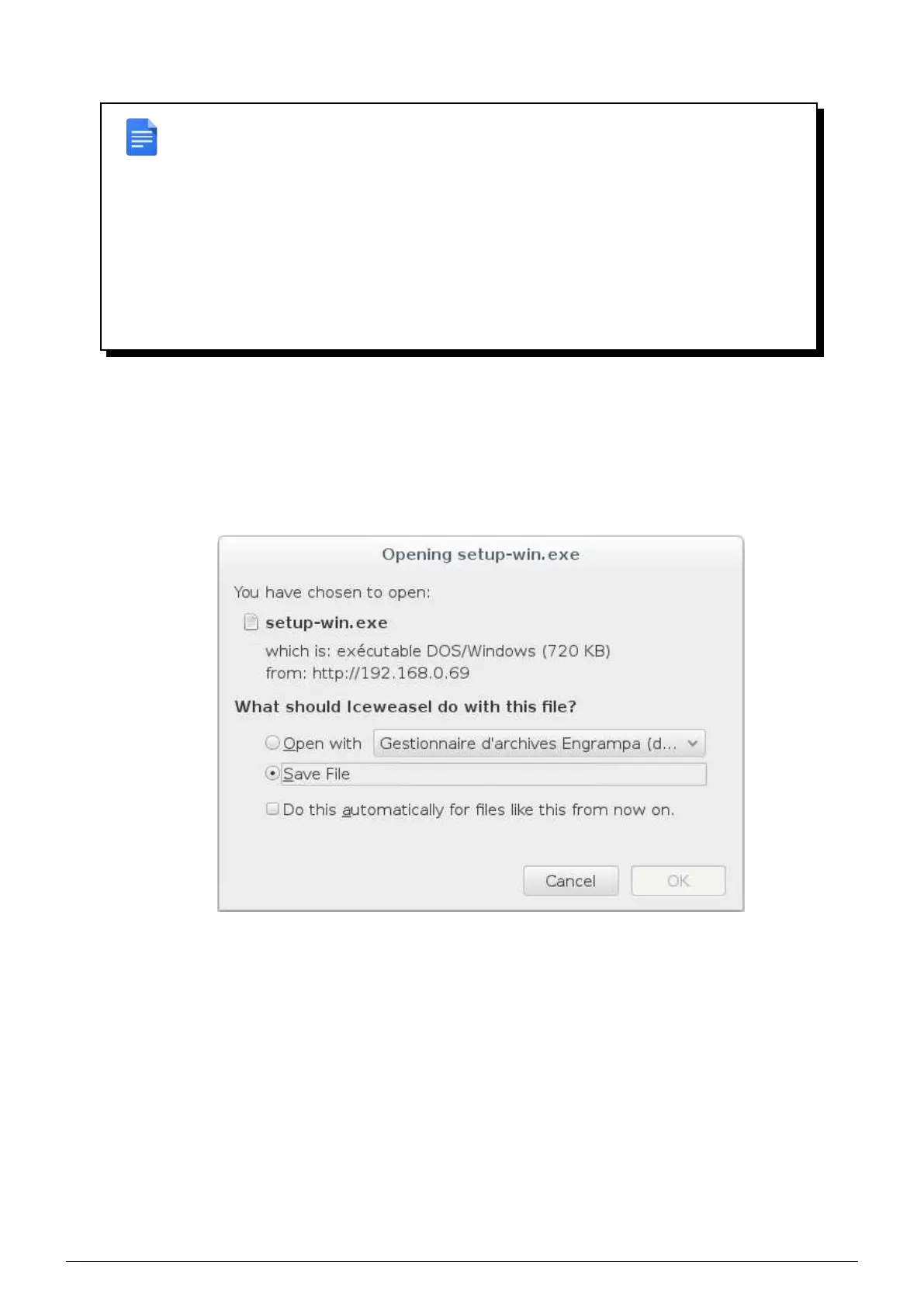
1. Click on the Linux icon, save the ’setup-lin.tgz’ file on your GNU/Linux machine from the dialog box displayed,
then in a console, type the following commands :
# tar -vxzf setup-lin.tgz
# cd dsr_linux
# sudo ./install.sh
FIGURE 3.10 – Downloading the Linux client
2. The installation is now complete. The Data Safe Restore Client is installed in the /usr/local/dsr folder and will
be run when you start up your machine (if you are running Ubuntu, Debian, RedHat, Suse or Mandrake). The
client start and stop script is installed in ’/etc/init.d/dsr’.
3.5 SCO installation
1. Click on the SCO icon, save the ’setup-sco.tar.Z’ file on your SCO machine. Then in an administrator console,
type the following commands :
# uncompress setup-sco.tar.Z
# tar -vxf setup-sco.tar
# cd dsr_sco
# ./install.sh
Data Safe Restore User manual Version 3.08 Page 9



 To Next Page