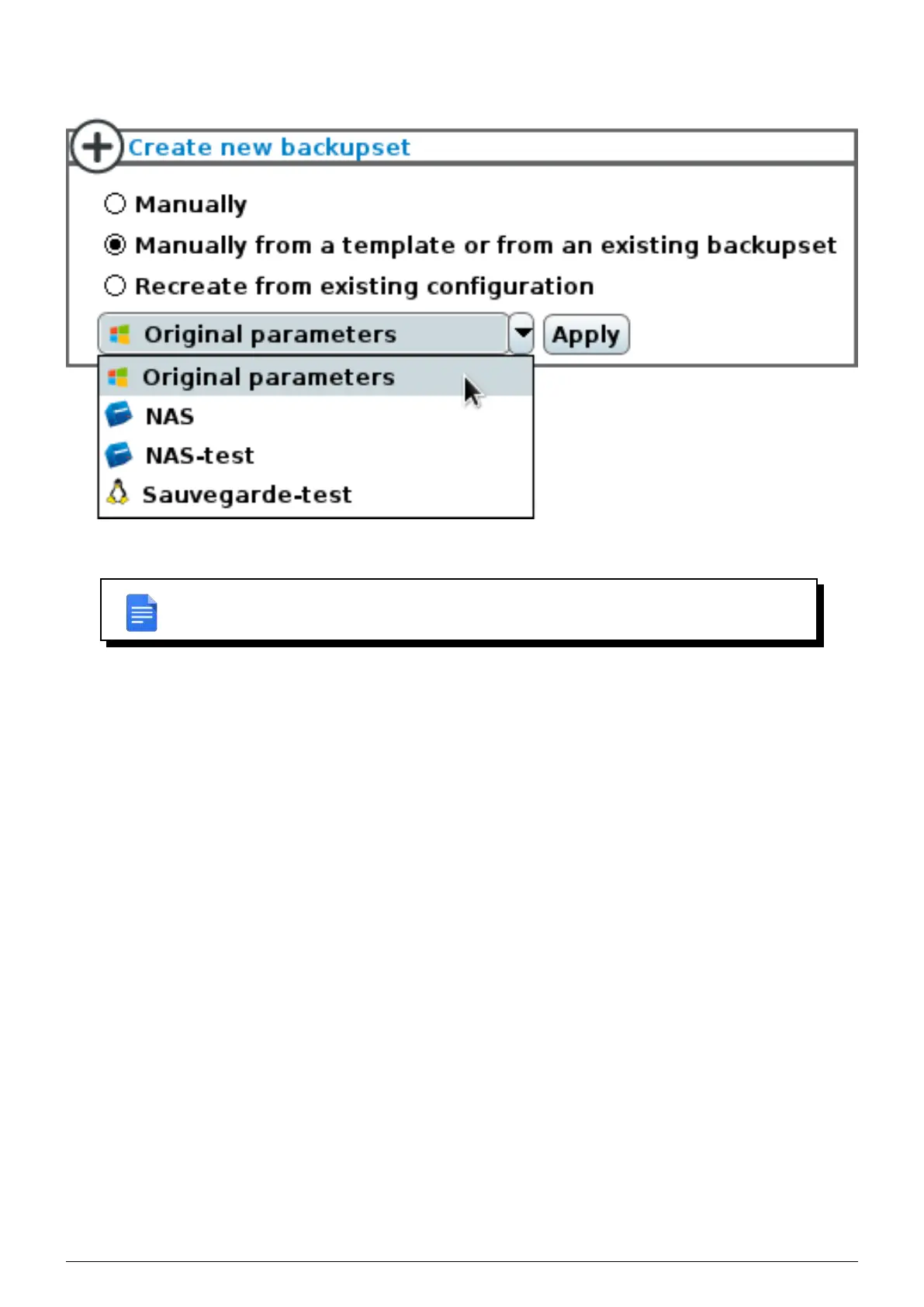
templates. To do this, you must select the option ’Manually from a template or from an existing backupset’ and
select the settings to be imported from the dropdown list.
FIGURE 6.3 – Import settings from a template or an existing backupset
REMARK : Importing the settings from a backupset has no effect on existing backupsets
and the imported configuration can be fully customized to your own liking.
If you’ve uninstalled the client on the machine or if you’ve reinstalled the machine’s OS, you can associate the client
to it’s former backupsets. For this you must select
’Recreate from existing configuration’ (Figure 6.4) and select
Data Safe Restore User manual Version 3.08 Page 25



 To Next Page