REMARK : If you change the the Beemo appliance’s IP address, you must relaunch the
administration console using the new IP address
2. Internet Bandwidth : you can limit the maximum upload bandwidth used by
the
Beemo appliance during offsite backups. Just add a rule to the internet bandwidth management table, then
choose Mbit or Kbit, enter the maximum bandwidth and the days and times for the limitation.
REMARK : If you set an insufficient maximum bandwidth you may prevent successful offsite
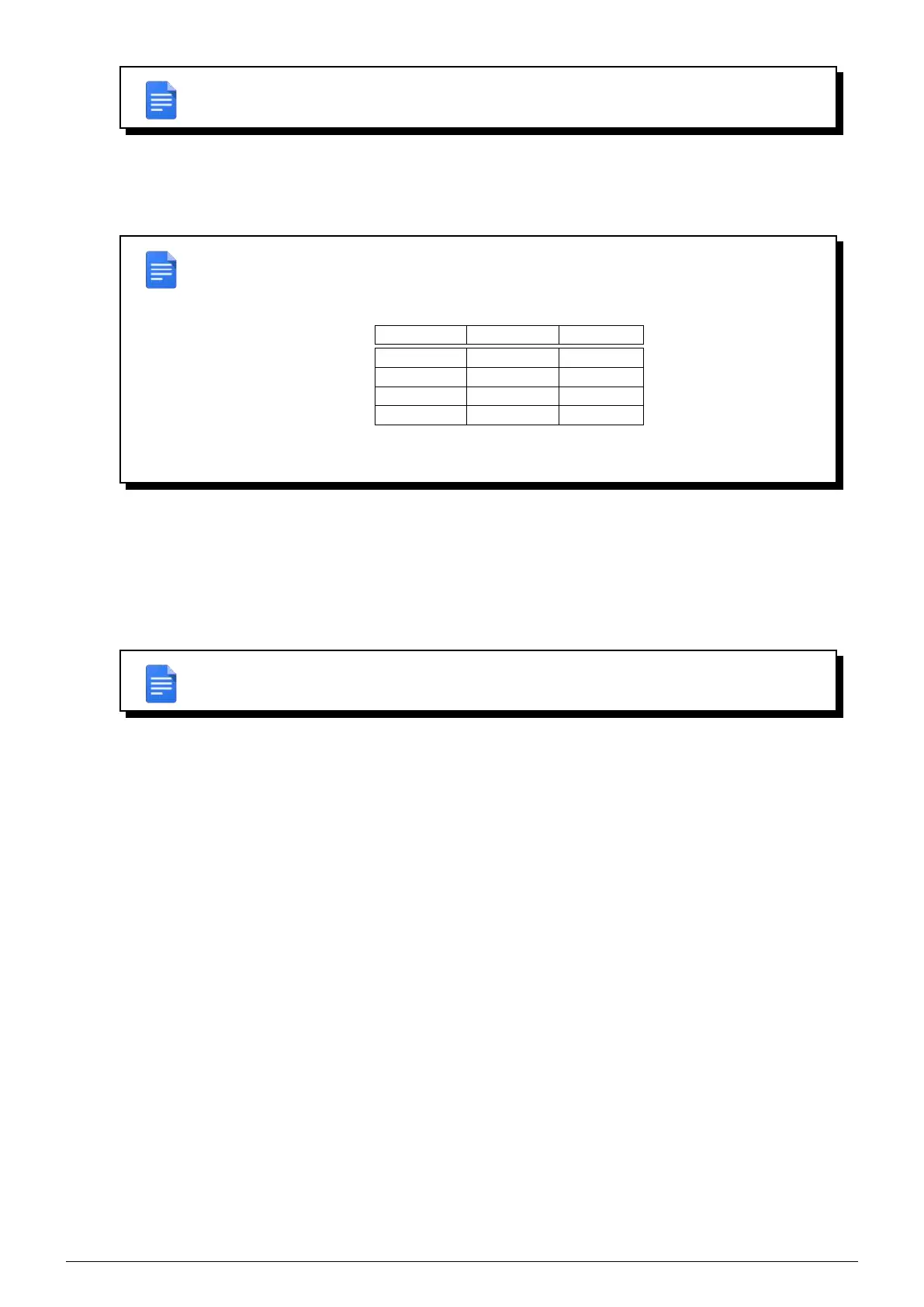
backups. Use the table below as a guide.
8Kbit == 8 Kilobits == 1 Kilobyte == 1KB
Bandwidth MB / hour* GB / day*
128Kbit 56 MB 1.3 GB
256Kbit 112 MB 2.6 GB
512Kbit 224 MB 5.3 GB
1 Mbit 448 MB 10.5 GB
(*) theoretical maximum
The bandwidth mentioned corresponds to your internet upload speed.
3. Routes : if you want to back up machines that are on a network other than that of the Beemo appliance (external
network or DMZ), you must first add a route to this other network. Enter the network address, it’s subnet mask
and gateway IP address to access it.
4. Connect to a backup agent : if a client does not appear in the list of backupsets
(see Chapitre 6), it is possible to force its detection. Click on
’Connect to a backup agent’, enter the IP
address of the machine to be detected and click on
OK.
REMARK : Detection may take several minutes, a confirmation message will be displayed.
Data Safe Restore User manual Version 3.08 Page 21



 To Next Page