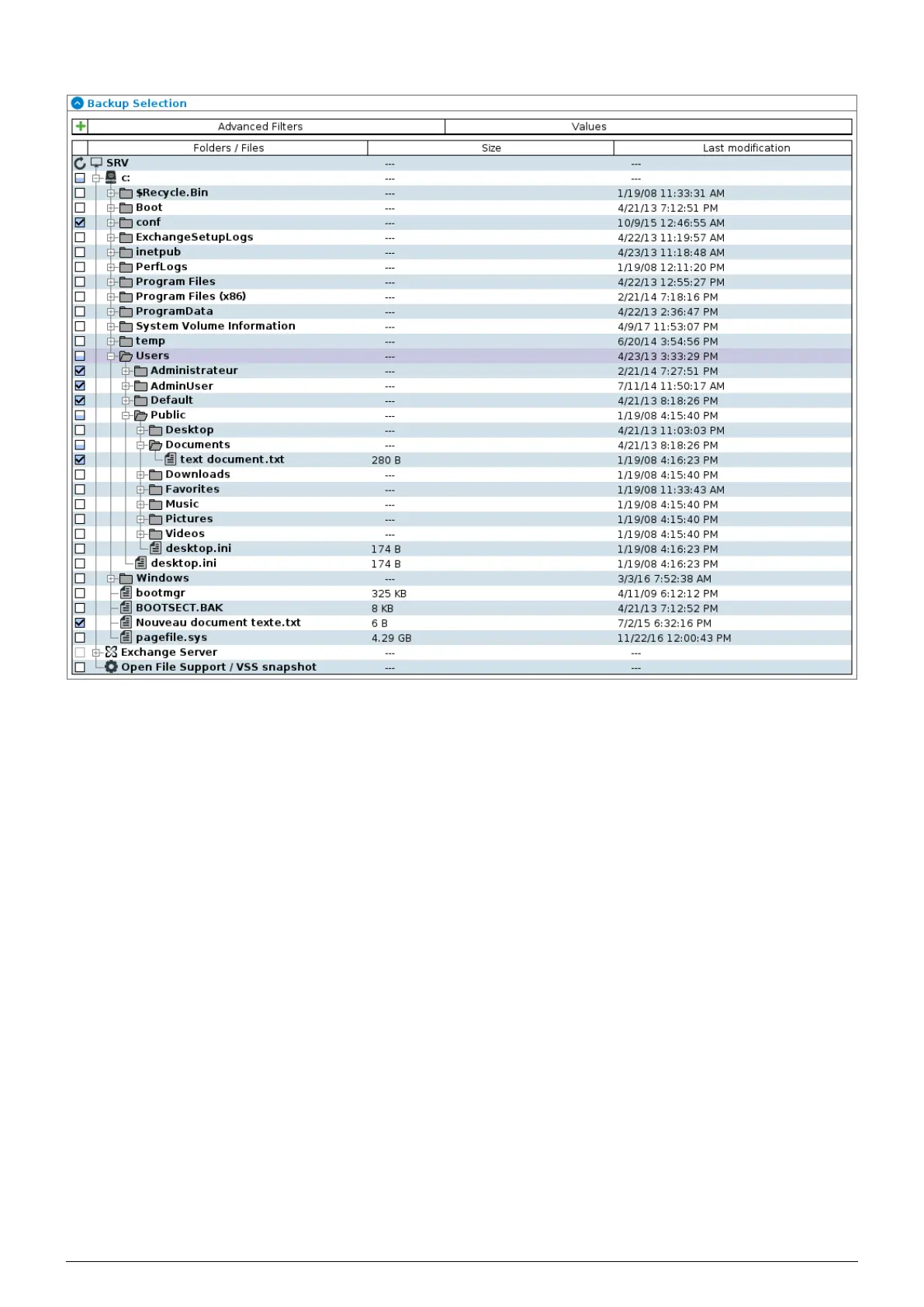
FIGURE 6.15 – Tree structure of the files to be backed up
1. From the list of backupsets, select the one you wish to modify. The ’Settings’ tab is automatically opened.
2. Choose the files and folders to be backed up (by checking or unchecking the corresponding
checkbox to the left of the tree).
3. Click on
’Configure’ to take changes into account. At the next backup, all selected files will be saved. If you
wish to be more selective about which files to back up see section 6.4.
Data Safe Restore User manual Version 3.08 Page 30



 To Next Page