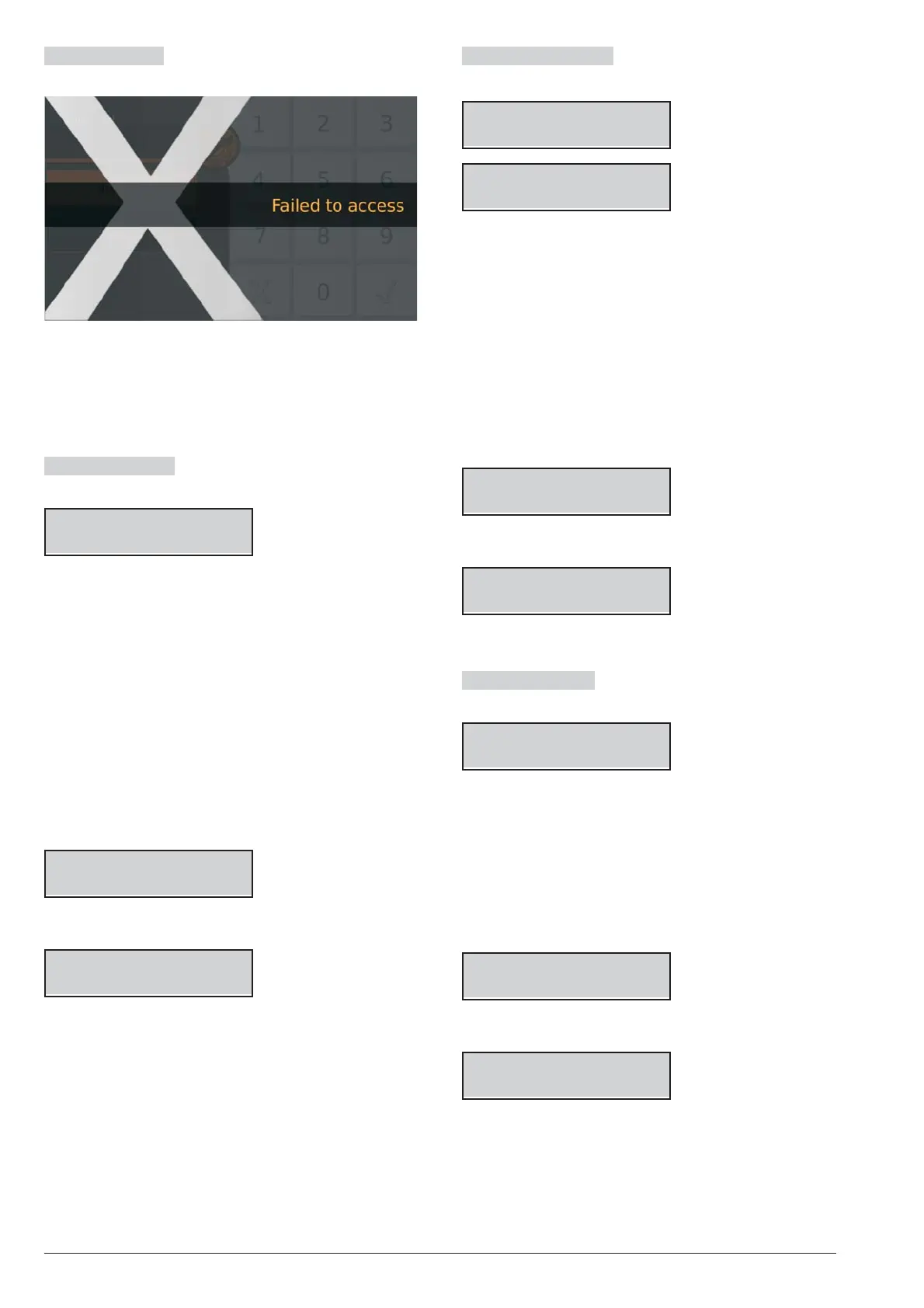
Failed to access The screen displays the following
message:
Ø
if you do not enter the valid PIN before the maximum
time of 60 seconds;
Ø
If you enter an incorrect PIN;
Ø
Access to the Installer menu or Level 4 has not been
enabled.
View/Rest Alarms The keypad shows the Alarms if
present:
*ALARM! 001/003
Zone 001
Ø the a light ON indicates alarms in course;
Ø the a light flashing indicates alarms in memory;
Ø the display top line shows a flashing star (*) on the
left if the alarm is not longer present (Alarm Memory),
and the current alarm displayed respect to the total of
alarms, on the right;
Ø the display bottom line shows the label of the zone in
alarm status.
7. Press ENTER to skip “View/Reset Tampers”.
Press A to view the next alarm: if there are no more
alarms to view, the display shows the next available
events (tampers, faults or bypass) or the Partition
and System status.
Press OFF to reset the alarms.
ALARM Reset
Are you sure?
8. Press ENTER to confirm.
ALARM Reset
Done !!
9. Press ESC to view the next event.
View/Reset Tampers The keypad shows the Tam
-
pers if present:
*TAMPER! 001/003
Zone 001
*TAMPER! 001/003
Detector 01
Ø
the display top line shows a flashing star (*) on the
left if the tamper is not longer present (Memory), and
the current tamper displayed respect to the total of
tampers, on the right;
Ø
the display bottom line alternatively shows the label
of the object in tamper status and the tamper cause.
10. Press ENTER to skip to “View/Reset Faults”.
Press A to view the next tamper: if there are no
more tampers to view, the display shows the next
available events (faults or bypass) or the Partition
and System status.
Press OFF to reset the tampers.
Clear Tamper
Are you sure?
11. Press ENTER to confirm.
Clear Tamper
Done !!
12. Press ESC to view the next event.
View Reset Faults The keypad shows the Faults if
present:
FAULT! 001/003
Panel NO batt.
Ø
the display top line shows the current fault displayed
respect to the total of faults, on the right;
Ø
the display bottom line shows the fault label.
13. Press ENTER to skip to “View Bypass”.
Press A to view the next fault: if there are no more
faults to view, the display shows the next available
events (bypass) or the Partition and System status.
Press OFF to reset the faults.
Clear Fault
Are you sure?
14. Press ENTER to confirm.
Clear Fault
Done !!
15. Press ESC to view the next event.
ABSOLUTA KEYPAD OPERATIONS 89










 To Next Page