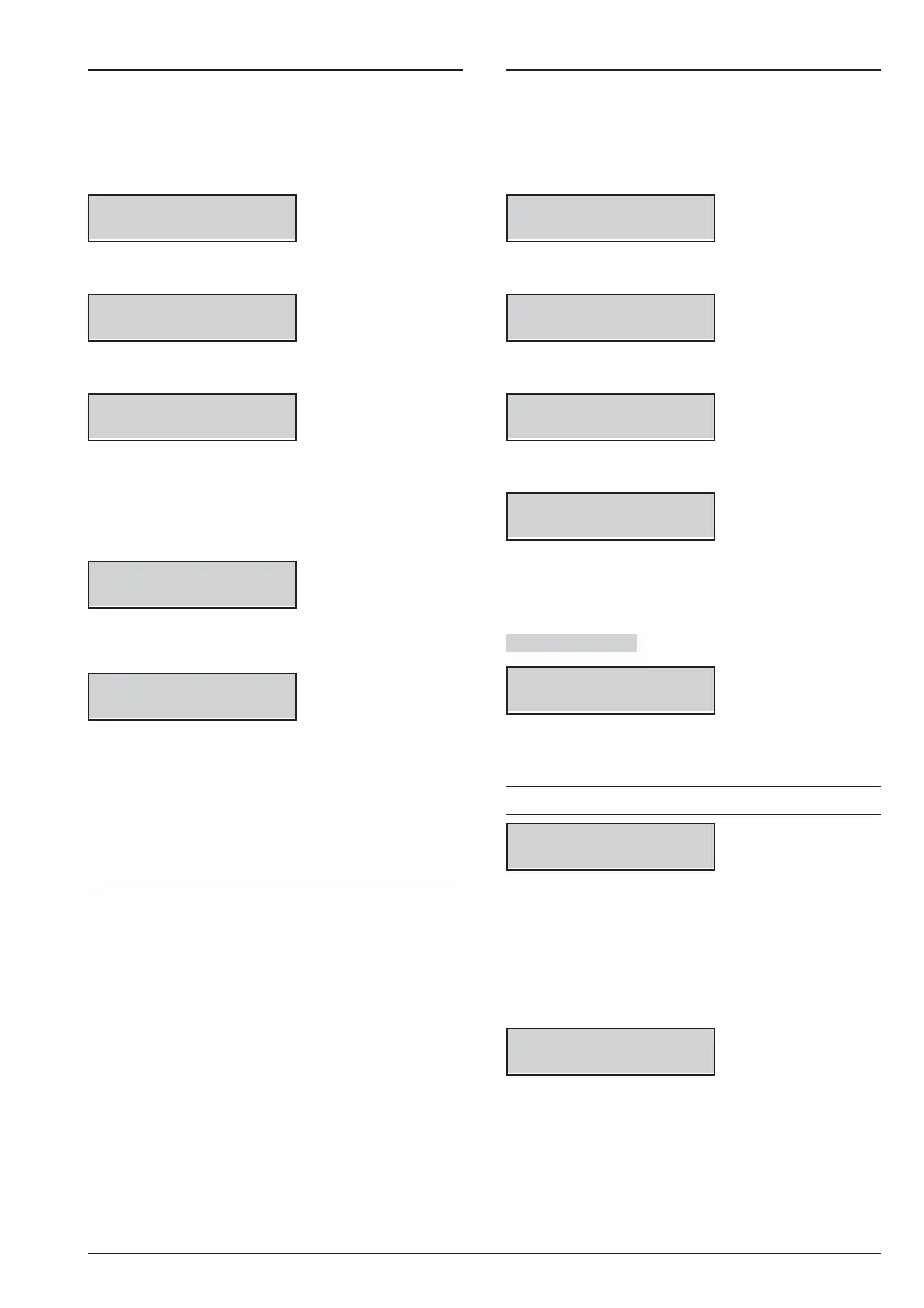
2.2) BPI Device enrolling
You can perform the BPI Device enrolling when you
change the BPI bus configuration, as follow.
1. Access the Installer menu, as indicated in the para
-
graph “Access to the operations”.
INSTALLER
1act. 2prg 3view
2. Select the Programming option by pressing 2.
INSTALLER 2.1
Voice Messages
3. Select BPI Enroll.
INSTALLER 2.2
BPI Enroll
4. Press ENTER. The Control Panel takes a few sec
-
ond to check the devices on the BPI bus:
Ø
the display shows the following message if the BPI
bus configuration matches with the currently in the
Control Panel memory.
Devices match
ESC or ENT=modif
Ø Otherwise, the display shows the new BPI bus con-
figuration.
Kb=01 Kr=01 Al=0
Ei=01 Eo=01 OK?
5. Press ENTER to modify the configuration (refer to
“Auto-configuration (Wizard setup)” in the
“INSTALLING” section for more details) or ESC to
quit.
+
If you made any changes, simply press OFF to
make a new configuration, without having to repeat
the procedure from the beginning.
2.3) Wireless Device enrolling
You can enroll the Wireless Devices and perform the
Placement Test as follow.
1. Access the Installer menu, as indicated in the para
-
graph “Access to the operations”.
INSTALLER
1act. 2prg 3view
2. Select the Programming option by pressing 2.
INSTALLER 2.1
Voice Messages
3. Select WIRELESS Config.
INSTALLER 2.3
WIRELESS Config.
4. Press ENTER.
WIRELESS Config.
1=Zn 2=K 3=Test
5. Press 1 to enroll Wireless Detectors, 2 to enroll
Wireless Keys, 3 to perform the Placement Test,
the refer to the relative paragraph below.
Wireless Detector
WIRELESS Config.
Zone 013
6. Select the required Position (Zone/Slot) for the
Wireless Detector, then press ENTER.
+
The display prompts the first free Software Zone.
note:ON=E, OFF=F
ESN ------
7. Enter the 6-digit Electronic Serial Number you can
find on the Wireless Detector (refer to the Detec
-
tor’s instructions for more details):
Ø
use the cursors keys a, b, c, and d to enter respec
-
tively the digits A, B, C and D;
Ø
press ON to enter E;
Ø
press OFF to enter F.
note:ON=E, OFF=F
ESN 299AFC
8. Press ENTER.
98 Expandable Hybrid Control Panel










 To Next Page