1.4) Firmware Upgrade by an USB key
+
To manage this operation it is necessary to enable
the PIN of Level 4 (refer to “1.7) Enabling Level 4
access”).
This operation updates the firmware for the Control
Panel and the GSM and IP Modules, if installed and
present in the configuration (see the Present option in
the GSM and IP options groups).
1. Download the required firmware from site
www.bentelsecurity.com
and unzip the ZIP file onto
a USB key; ensure the USB key has the folder
K_FW (K_FWG3 for Grade 3 control panels).
2. Insert the USB key in the USB port 1 on the Control
Panel (refer to the Figure 1 on page 15).
3. Access the Level 4 menu, as indicated in the para
-
graph “Access to the operations”.
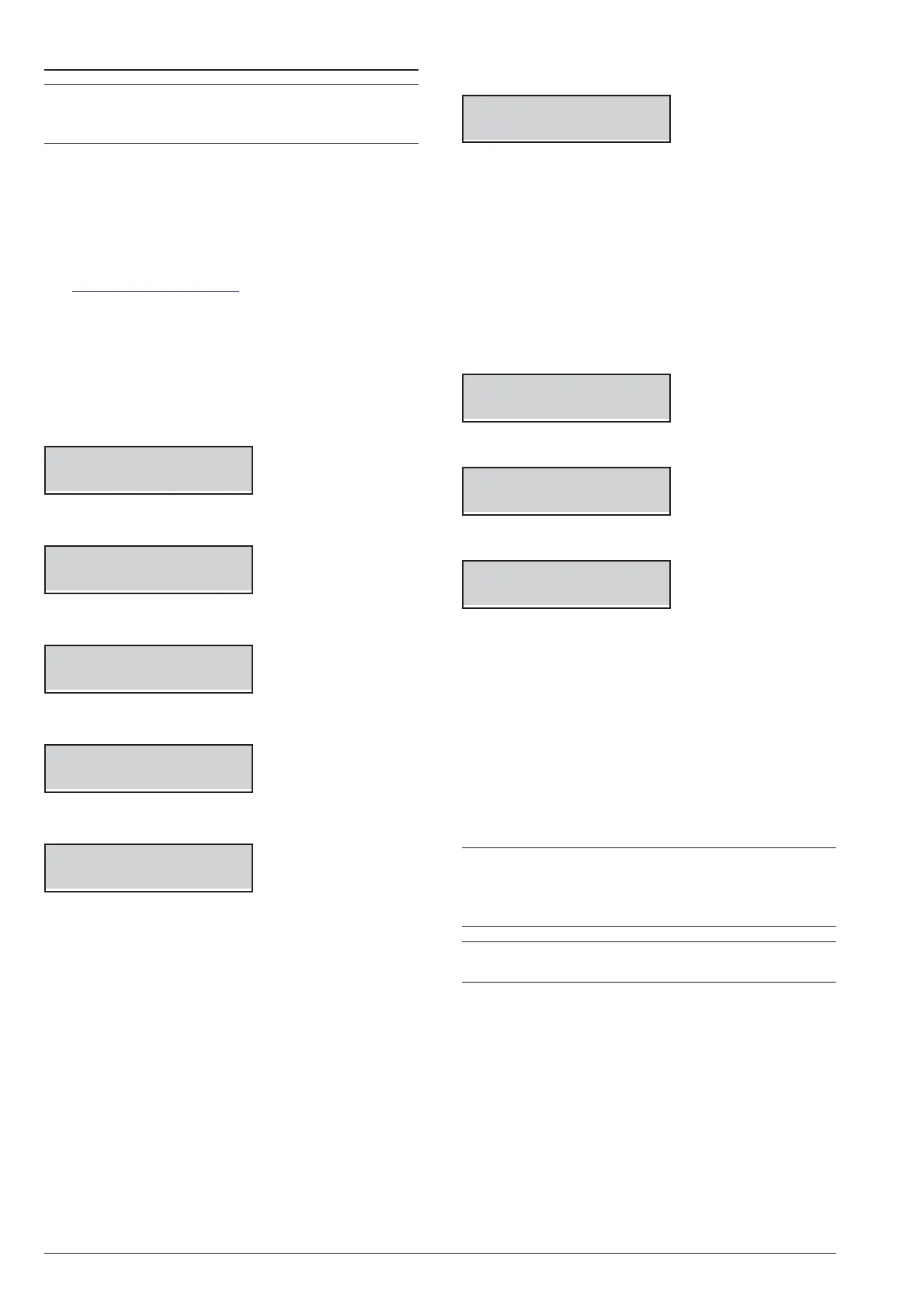
LEVEL 4
1act. 3view
4. Select the Action option by pressing 1.
LEVEL 4 1.3
Change my PIN
5. Select ABS Upgrade.
LEVEL 4 1.4
ABS Upgrade
6. Press ENTER.
ABS Upgrade
USB -> FW
7. Select USB -> FW and press ENTER.
Working
Please Wait
8. The Control Panel will restarts if the firmware up
-
grading succeeds otherwise the display shows:
USB operation
Failed
Ø
if the USB key is NOT inserted in the Control Panel
USB port;
Ø
if the USB key is NOT compatible with the Control
Panel (the Control Panel supports FAT32 formatting
not NTFS);
Ø
if the firmware has NOT been downloaded into the
K_FW folder (K_FWG3 for Grade 3 control panels)
on the USB key;
Ø
if the downloaded firmware is wrong or corrupt.
Or shows:
USB operation
ABS not upgraded
Ø
if the Control Panel update was unsuccessful;
USB operation
GSM not upgraded
Ø
if the GSM module update was unsuccessful;
USB operation
IP not upgraded
Ø if the IP module update was unsuccessful.
9. In these cases press ESC to go back to the Installer
Menu and repeat the operation after you have
checked that:
Ø the GSM is correctly installed, present in the Control
Panel configuration and NOT malfunctioning (see
“3.4) View GSM Module Status”);
Ø
the IP is correctly installed, present in the Control
Panel configuration and NOT malfunctioning (see
“3.5) View IP Module Status”);
+
You can view the current Firmware of Control
Panel, of the GSM Module and IP Module as de
-
scribed in “3.2) View the Firmware Version” in this
section.
+
When you update the firmware , wait for the second
restart before attempt any operation.
ABSOLUTA KEYPAD OPERATIONS 93










 To Next Page