OPERON D 850 SURGICAL TABLE
USING THE SERVICE PROGRAM
Rev. 1 700000120
6-2
USING THE SERVICE PROGRAM
CONNECT TO THE TABLE
1. Connect the RS 232 data cable to your
computer’s COM 1 or COM 2 port.
2. Connect the other end of the data cable
to the connector board on the side of the
auxiliary pendant storage compartment.
3. Turn the security screws on both of the
plugs until they are finger tight.
4. If necessary, connect the table to an AC
mains power supply.
5. Turn the table’s main DC power switch
to the ON position.
6. Press the ON button on the primary
hand pendant.
LAUNCH THE SERVICE PROGRAM
If you do not have the OPERON D850 Service
Program installed on your laptop computer,
contact Berchtold Technical Service for
instructions.
Double click the service program icon on the
computer’s desktop. Alternatively, you can
select the OPERON D 850 program file from the
start menu, and press enter.
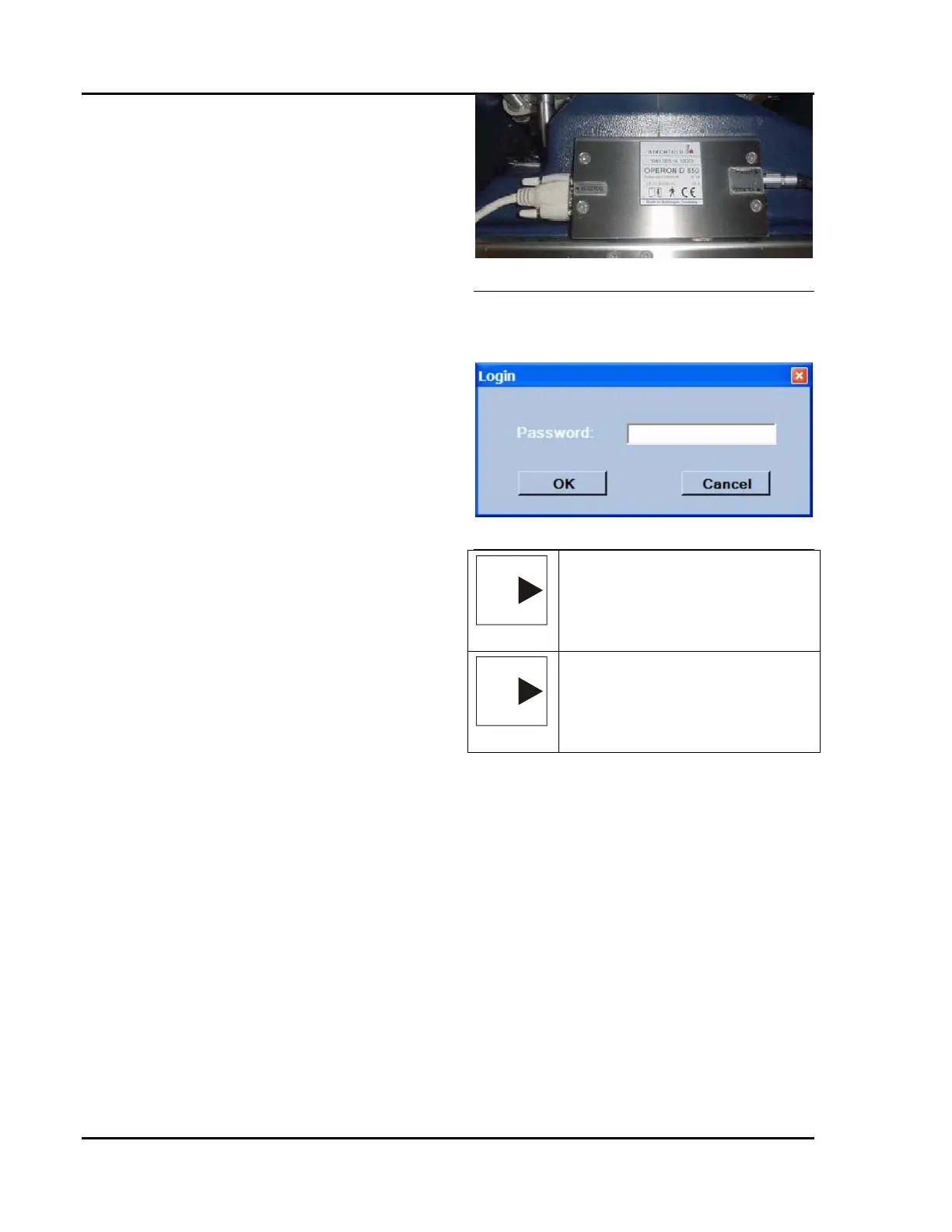
Figure 6-1 RS232 Connection
Enter the service password, then click OK or
press enter. The following will appear on your
screen.
Figure 6-2 Login Form
NOTE
NOTE: — The table must be in a
controls active mode (i.e., hand
pendant active) for the service
program to establish an interface with
the CPU.
NOTE
NOTE: — To interface with the MCU,
the “Connect to Device” button must
be selected. Alternatively, choose the
COM Interface menu, Connect to
device.








 To Next Page