OPERON D 850 SURGICAL TABLE
USING THE SERVICE PROGRAM
Rev. 1 700000120
6-2
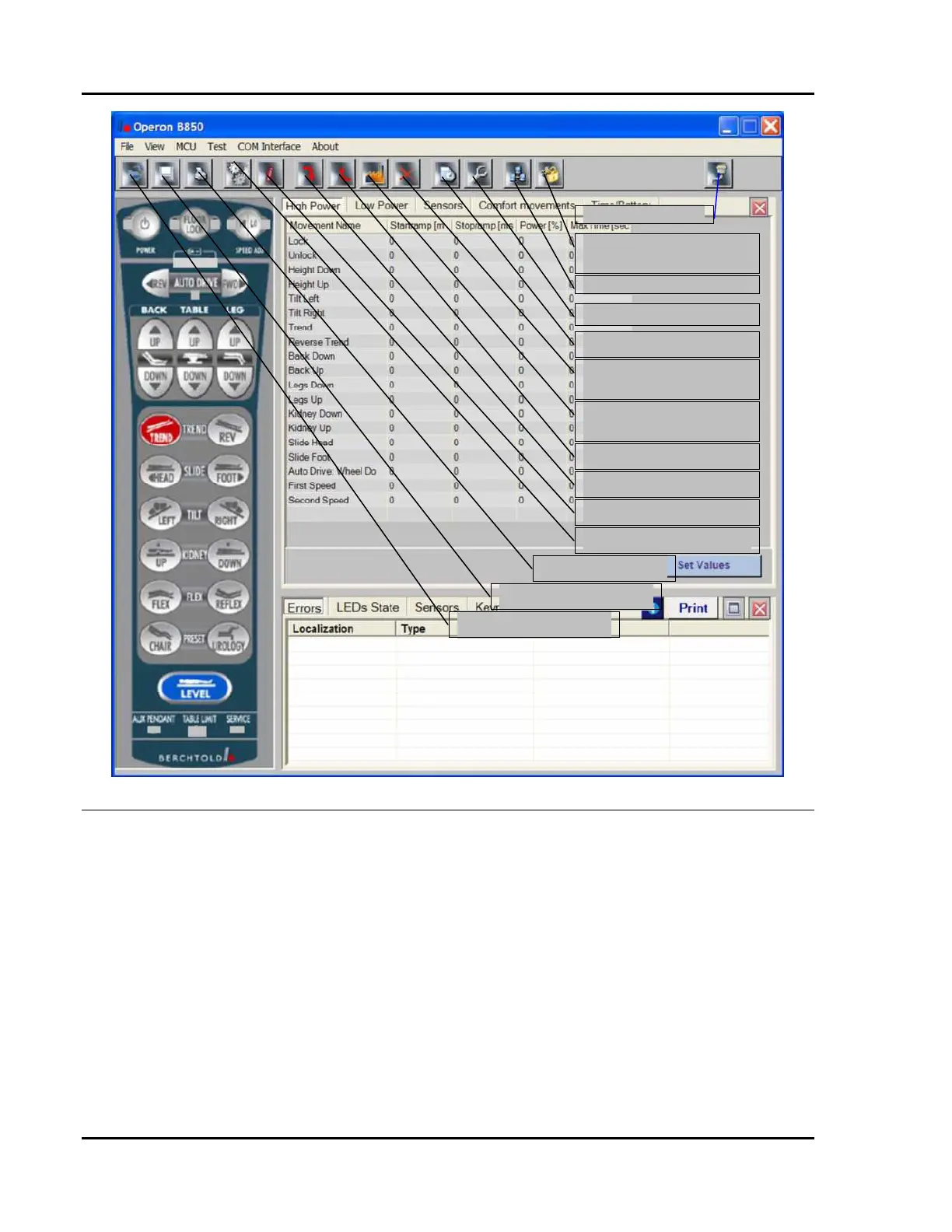
Figure 6-4 Service Program Main Menu Screen Menu Options
The hand pendant graphic and each of the menu
options are explained below.
The Hand Pendant Graphic
The hand pendant graphic is a virtual hand
pendant. It functions exactly the same as the
real hand pendant that is physically attached to
the table.
Do this to operate the graphic pendant:
1. Place your mouse pointer over any
pendant button.
2. Click your left mouse button to activate
the graphic button.
3. Click again to deactivate the graphic
button (the table function continues until
the graphic button is deactivated).
The graphic pendant serves two functions:
1. It allows you to operate all table functions
from your computer while you watch the
readings in the different forms.
2. If the table functions from the screen
pendant button, but not from the physical
pendant button, you know that the
physical pendant or wiring needs to be
replaced. In other words, the failure of
the table to perform some function is
related to a problem with the pendant or
Connects to the table
Unlock the communication
interface
Com interface options
Valve testing screen
Cycle testing screen
Delete stored errors (not
recommended)
Set default functional
parameters
Upload to MCU
Download from MCU
System information
Device settings
Print device settings
Save device settings to file
Open device settings file








 To Next Page