EasyManua.ls Logo

Bernina 590 - User Manual

Bernina 590
254 pages
Print Icon
To Next Page IconTo Next Page
Loading...
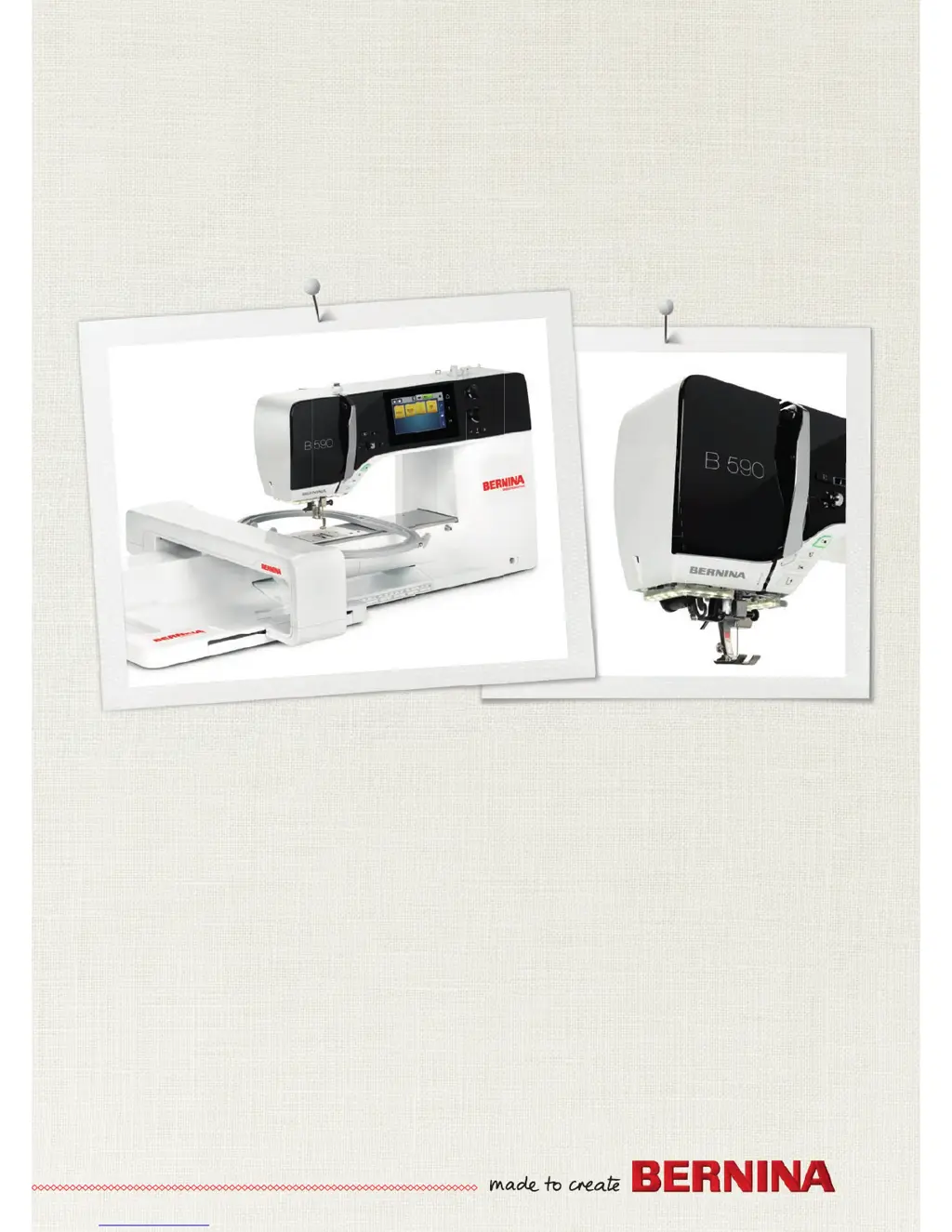
BERNINA 590

Table of Contents

Other manuals for Bernina 590

Questions and Answers

  • C
    Cody ThompsonSep 8, 2025
    Why is my Bernina 590 Sewing Machine speed too low?
    • C
      castrocodySep 8, 2025
      If the sewing speed is too low, it could be due to an unfavorable room temperature; place the machine in a warm room one hour before use. Alternatively, adjust the sewing speed in the Setup Program, as the settings there may be affecting it.
  • H
    heather28Sep 7, 2025
    What to do if my Bernina 590 stitch width is not adjustable?
    • M
      Mr. Jeremy Taylor MDSep 7, 2025
      If the stitch width is not adjustable, it may be because the selected needle and stitch plate cannot be used in combination. In this case, replace the needle and stitch plate.
  • W
    webblauraAug 22, 2025
    What to do if my Bernina 590 Sewing Machine is skipping stitches?
    • A
      Alice SpencerAug 22, 2025
      Skipped stitches can occur for several reasons. Ensure you are using the correct needle system 130/705H. Replace the needle if it is blunt or bent, and make sure to use a new BERNINA quality needle. Also, check that the needle is correctly inserted with the flat side to the back, as far up as it will go into the needle holder, and tighten the screw. Finally, match the needle point to the texture of the material.
  • S
    stephanieclarkSep 4, 2025
    Why aren't the sewing light and free arm light working on my Bernina 590?
    • M
      Michael ThompsonSep 4, 2025
      If neither the sewing light nor the light on the free arm lights up on your Bernina sewing machine: * Check the settings in the Setup Program; activate it in the Setup Program. * If the sewing light is defective, contact the specialized BERNINA dealer.
  • R
    robertsonchristopherSep 3, 2025
    What to do if I get an error during a software update on my Bernina Sewing Machine?
    • B
      Brittney JohnsonSep 3, 2025
      If you encounter an error during a software update, try the following steps. Use a BERNINA USB stick. If the update process is blocked with an inactive hourglass, remove the USB stick. Switch the machine off and then on again. Follow the instructions on the display. Ensure you unzip the update data and save the software update data directly onto the USB stick, not in a file.
  • C
    Chelsea DelgadoSep 1, 2025
    What to do if my Bernina Sewing Machine doesn't start?
    • K
      Kevin ScottSep 2, 2025
      If the machine doesn't start, first, place the machine in a warm room one hour before use, as an unfavorable room temperature may be the cause. Ensure the machine is properly connected and switched on. If the issue persists, contact the specialized BERNINA dealer, as the machine may be damaged.
  • D
    Dakota GregoryAug 31, 2025
    What causes the lower thread to break on a Bernina Sewing Machine?
    • D
      Dr. Jacqueline Elliott MDAug 31, 2025
      Lower thread breakage can stem from a few issues. If the bobbin case is damaged, replace it. If the stitch hole in the stitch plate is damaged, contact a specialized BERNINA dealer for repairs. A blunt or bent needle can also cause this issue, so replace the needle.
  • K
    kennedyrichardAug 30, 2025
    How to resolve faulty stitching on a Bernina 590?
    • Z
      Zachary YoungAug 30, 2025
      Faulty stitching can be caused by a few issues. First, remove any thread remnants between the thread tension discs by folding a piece of thin material and sliding the folded edge between the discs. Ensure the machine is correctly threaded by rethreading it. Also, remove any thread remnants below the bobbin case spring.
  • A
    ashleydavisAug 29, 2025
    Why is my Bernina 590 Sewing Machine needle breaking?
    • B
      Brandon RodriguezAug 29, 2025
      A needle can break for several reasons. Ensure the needle is correctly inserted with the flat side to the back, as far up as it will go into the needle holder, and tighten the screw. Avoid pulling the fabric; feed it evenly. If sewing thick fabric, use the appropriate presser foot, such as Jeans foot No. 8. Finally, use quality thread to avoid breaks caused by knotted thread.
  • A
    Andrea LewisAug 27, 2025
    Why is the upper thread breaking on my Bernina Sewing Machine?
    • C
      Cynthia BeanAug 27, 2025
      If the upper thread is breaking, consider these potential causes. Ensure you match the needle with the thread size, as an incorrect needle/thread combination can cause breakage. Reduce the upper thread tension if it is too tight. Rethread the machine to rule out threading errors. Use quality thread to avoid breaks caused by poor thread. If the stitch plate or hook tip is damaged, contact a specialized BERNINA dealer for repairs. Also, check for thread caught in the area of the thread take-up lever; slide the headframe to the left to remove it, clear any thread remnants, then reattach the headframe by inserting the knobs into the notches and sliding it to the right.

Summary

My BERNINA

Machine Overview and Controls

Identification of the main parts and controls of the BERNINA sewing machine.

User Interface Navigation

Explanation of the machine's display, menus, and icons for navigation.

Sewing Preparation Essentials

Machine Connection and Power-Up

Steps for connecting the foot control and power supply to the machine.

Foot Control Operation

Information on operating the foot control for speed and needle positioning.

Presser Foot Management

Guidance on adjusting and changing the presser foot for various sewing tasks.

Needle and Stitch Plate Maintenance

Instructions for changing the needle and stitch plate for optimal sewing.

Thread Management: Upper and Bobbin

Detailed steps for threading the upper and bobbin threads for sewing.

Machine Setup and Configuration

Sewing Settings Configuration

How to configure sewing-specific settings like thread tension and speed.

Embroidery Settings Configuration

Configuration options for embroidery mode, including tension and speed.

General Machine Settings

Adjusting language, display brightness, and checking firmware.

Creative Sewing Techniques

BERNINA Dual Feed Operation

Using the BERNINA Dual Feed for even fabric feeding with difficult materials.

Upper Thread Tension Adjustment

Fine-tuning upper thread tension for optimal stitch quality.

Editing Stitch Patterns

Modifying stitch width, length, and balance for custom designs.

Practical Stitches Guide

Sewing a Straight Stitch

Instructions for performing a basic straight stitch for seams and topstitching.

Automatic Securing Program

Using the program to automatically secure stitch starts and ends.

Zipper Sewing Techniques

Step-by-step guide to sewing zippers neatly and precisely.

Manual Darning Procedure

Techniques for darning holes or worn areas manually on various fabrics.

Automatic Darning Function

Using the darning program for quick repairs of worn or damaged fabric areas.

Edge Finishing Techniques

Techniques for finishing fabric edges using zig zag or satin stitches.

Sewing Double Overlock Seams

Creating double overlock seams for knits and cross seams.

Decorative Stitches and Pintucks

Bobbin-Play Technique

Technique for adding texture using bobbin thread for free-motion stitching.

Pintucks Creation Guide

Technique for creating narrow stitched folds for embellishment and heirloom effects.

Alphabet Lettering and Font Customization

Creating Custom Lettering

Steps for typing and customizing text using machine alphabets.

Buttonhole Creation Guide

Marking Buttonhole Placement

Methods for accurately marking buttonhole positions on fabric.

Sewing Buttonhole Test Samples

Importance of sewing test samples to adjust settings for perfect buttonholes.

Determining Buttonhole Slit Width

Adjusting the width of the buttonhole slit for different button sizes.

Setting Buttonhole Length

Setting the buttonhole length based on button diameter for accurate results.

Automatic Buttonhole Sewing

Steps for sewing buttonholes automatically using the foot's sensor.

Manual 7-Step Buttonhole Sewing

Step-by-step manual process for sewing a 7-step buttonhole.

Manual 5-Step Buttonhole Sewing

Manual procedure for sewing a 5-step buttonhole.

Sewing Buttons onto Fabric

Instructions for using the machine to sew buttons onto fabric.

Sewing Eyelets

Steps for creating eyelets using the machine's programs.

Quilting Techniques and Stitches

Quilting Securing Program

Using a program to secure quilting stitches at the start and end.

Hand-Look Quilt Stitching

Techniques to achieve a hand-sewn look for quilt stitches.

Free-Motion Quilting Guidance

Tips and methods for free-motion quilting using the machine.

BERNINA Stitch Regulator (BSR)

BSR Mode 1 Operation

Explanation of BSR mode 1 operation for free-motion sewing.

BSR Mode 2 Operation

Explanation of BSR mode 2 operation for free-motion sewing.

Using the BSR Mode Effectively

Detailed instructions on operating the BERNINA Stitch Regulator.

Securing Stitches with BSR

Securing stitches in BSR modes to ensure project integrity.

My BERNINA Embroidery Module

Embroidery User Interface

Explanation of the embroidery mode user interface elements.

Embroidering Preparation Steps

Attaching the Embroidery Module

Steps for connecting the embroidery module to the sewing machine.

Needle and Stitch Plate for Embroidery

Guidance on inserting embroidery needles and changing stitch plates.

Embroidery Hoop Selection and Use

Information on selecting and preparing embroidery hoops and stabilizers.

Machine Setup Program Configuration

Adjusting Embroidery Settings

Customizing embroidery-related parameters within the Setup Program.

Creative Embroidering Techniques

Selecting and Changing Embroidery Motifs

Steps for choosing and loading embroidery designs.

Managing Embroidery Motifs

Managing embroidery motifs by loading, saving, and deleting.

Embroidery Operations

Embroidering with Start;Stop Button

Initiating and controlling the embroidery process using the Start/Stop button.

Machine Attachment and Maintenance

Routine Maintenance and Cleaning

Procedures for cleaning and maintaining the sewing machine components.

Cleaning the Hook Assembly

Instructions for cleaning the bobbin hook area to ensure smooth operation.

Lubricating the Hook Mechanism

Proper lubrication of the hook mechanism for longevity.

Troubleshooting Common Issues

Common faults and their solutions for sewing and embroidery issues.

Understanding Error Messages

Explanations of error messages displayed by the machine and how to resolve them.

Motif Catalogs

Editing Embroidery Motifs

Information on modifying and customizing embroidery designs.

Bernina 590 Specifications

General IconGeneral
Stitch Width9 mm
Sewing Speed1000 stitches per minute
Color Touch ScreenYes
Hook SystemBernina Hook
USB InterfaceYes
Needle Positions11
Stitch Length6 mm
Memory (Short-Term / Altered Stitches)Yes
BastingYes
Bobbin winding while sewingYes
Needle Stop Up/DownYes
Drag and DropYes
Bobbin Thread SensorYes
Bernina Stitch Regulator (BSR)Optional
Start/Stop ButtonYes
Slide Speed ControlYes
Automatic Thread CutterYes
Speed ControlYes
LCD ScreenYes
Built-in MemoryYes
Upper FeedDual Feed
TypeSewing and Embroidery Machine
Presser FeetIncluded
Total Number of Stitches1774

Related product manuals