56926BA2, Rev. 02, 04/2019
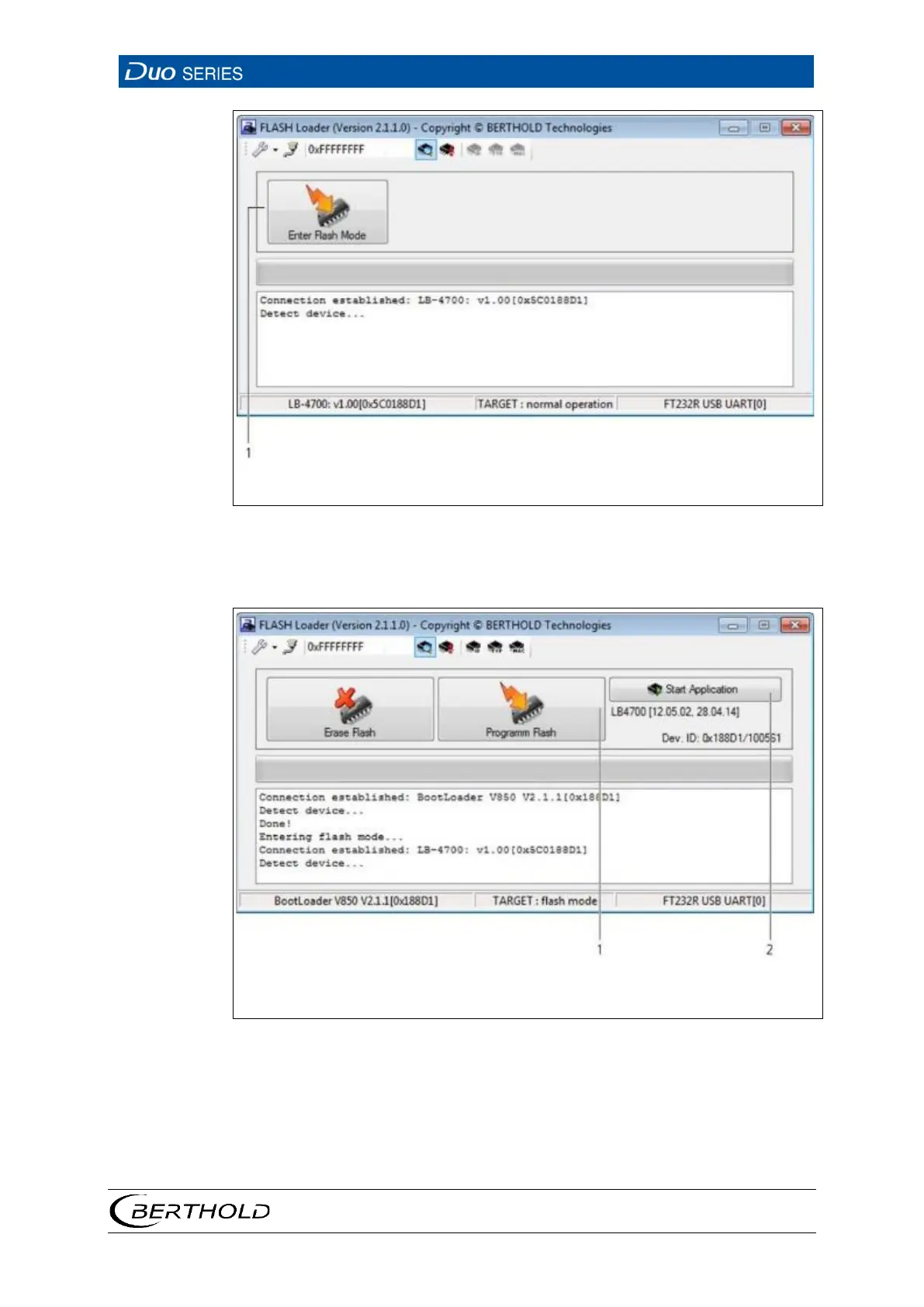
Button <Enter Flash Mode>
40 Flash Loader Connection
12. Click on the button <Enter Flash Mode> (Fig. 40, item 1).
Button <Start Application>
41 Flash Loader “Program Flash” Page
13. Click on the button <Program Flash> (Fig. 41, item 1).
A dialogue window is opened.
14. Select the corresponding file for the software update
The detector is programmed with the respective software.









 To Next Page