56926BA2, Rev. 02, 04/2019
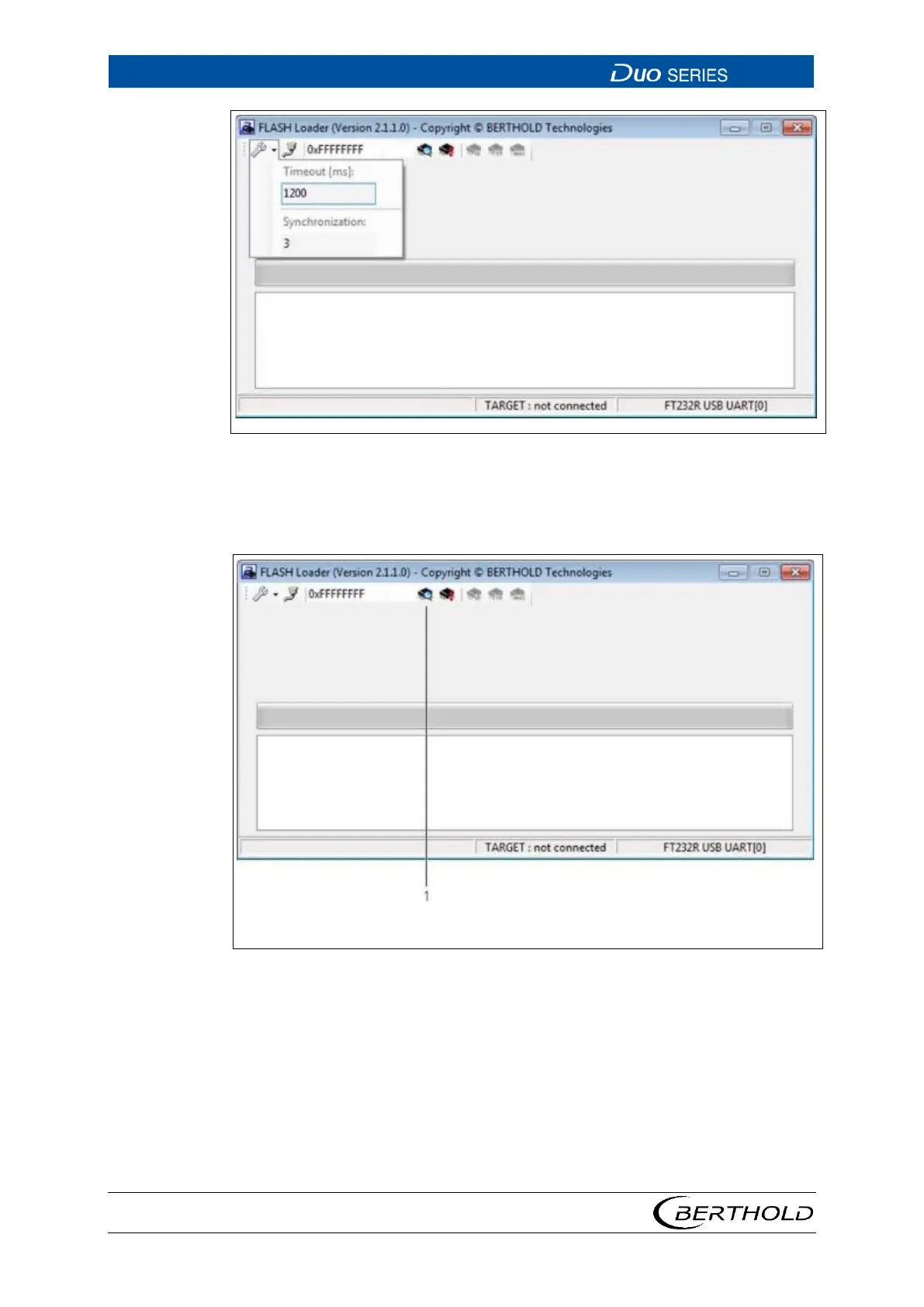
38 Flash Loader Main Screen
10. In the menu "Settings", set the value "Timeout" to 1200 and the value "Syn-
chronisation" to 3.
39 Flash Loader Main Screen
11. Click on the button <detect device> (Fig. 39, item1).
o The program establishes a connection to the detector.









 To Next Page