PIM
95
1. Data Input
Input data in corresponding field in Name Card, Memorandum, Schedule, To Do
List, Anniversary and Class Schedule with provided or downloaded input method.
Input data in the fields:
* Tap corresponding input method to input data.
*Tap to open the drop-down menu.
*Tap or press / to scroll up/down.
*Tap or press / to page up/down.
*Tap or press to start from a new line; press to cancel.
* Tap or press to save data.
* Tap or press to close the window after selecting the corresponding item.
Allows to set custom category. (Unavailable in Class Schedule)
Allows to edit new category. (Unavailable in Schedule, To Do List, Anniversary,
Class Schedule)
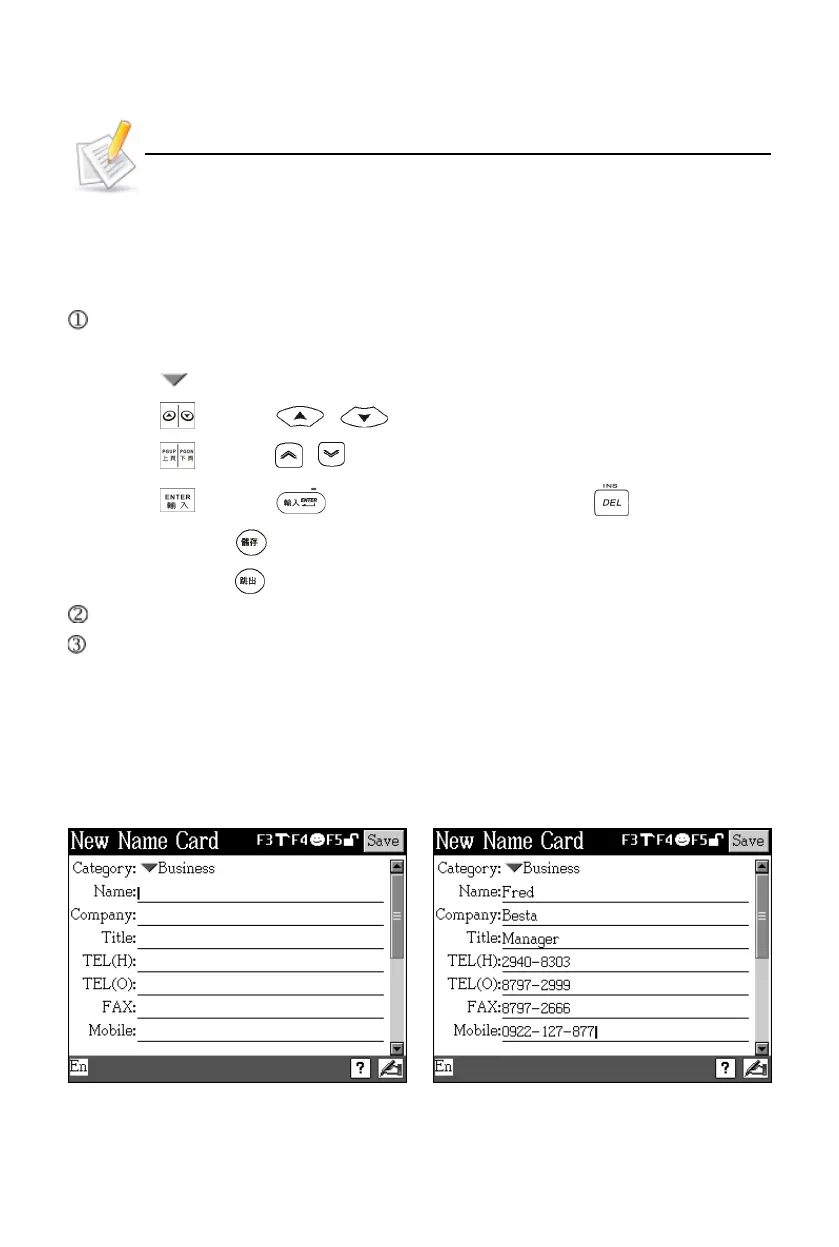
Take Name Card for example:
1.1 Input Data in Field
Select field Input data
Data Input



 To Next Page