Study
77
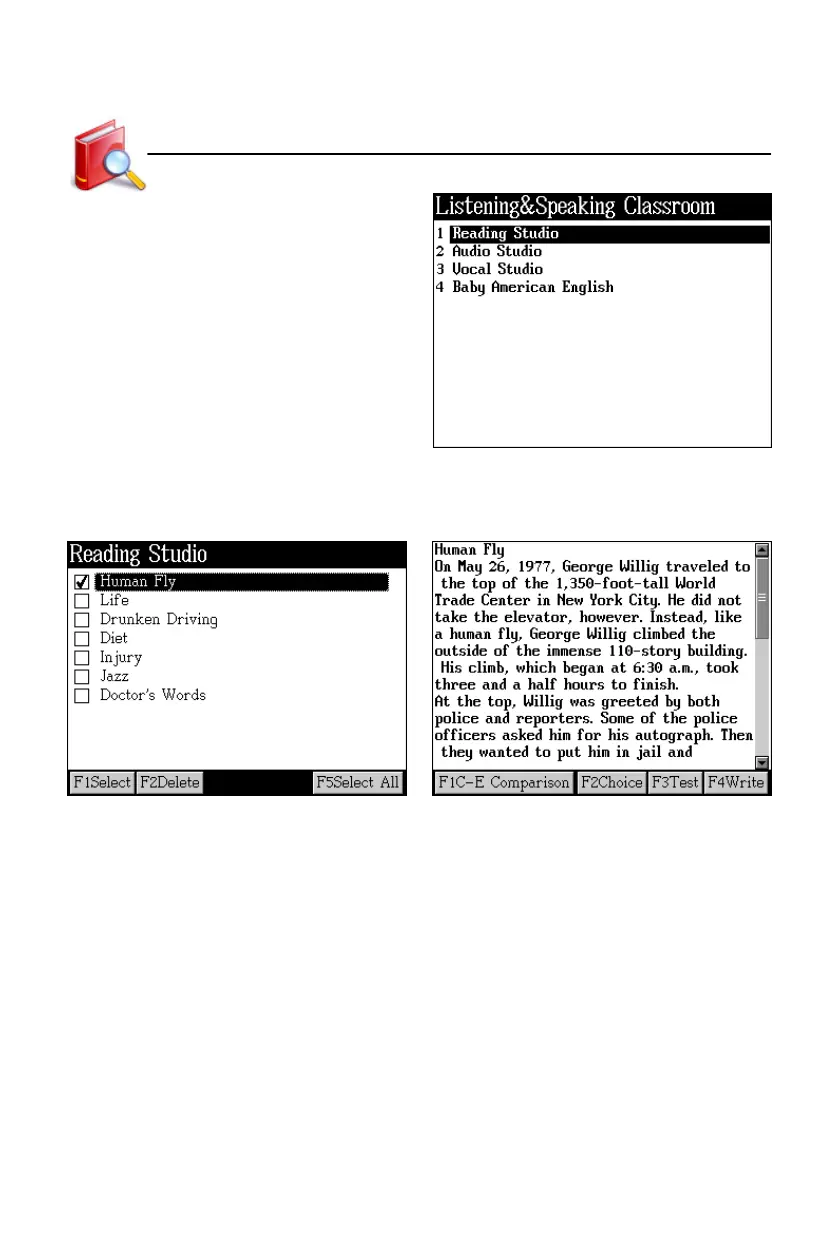
Tap “Listening&Speaking Classroom” to
open the menu to select item.
5.1 Reading Studio
Index screen Content display
In the content screen:
* Tap [F1C-E Comparison] to view the Chinese-English comparison of one
sentence.
* Tap [F2Choice] to do the choice test.
* Tap [F3Test] to do the reading test.
* Tap [F4Write] to write by memory. The screen will display Chinese explanation
and hint the number of the word letters.
Listening&Speaking Classroom



 To Next Page