System
112
Communication with PC/Memory
1. Communication with PC
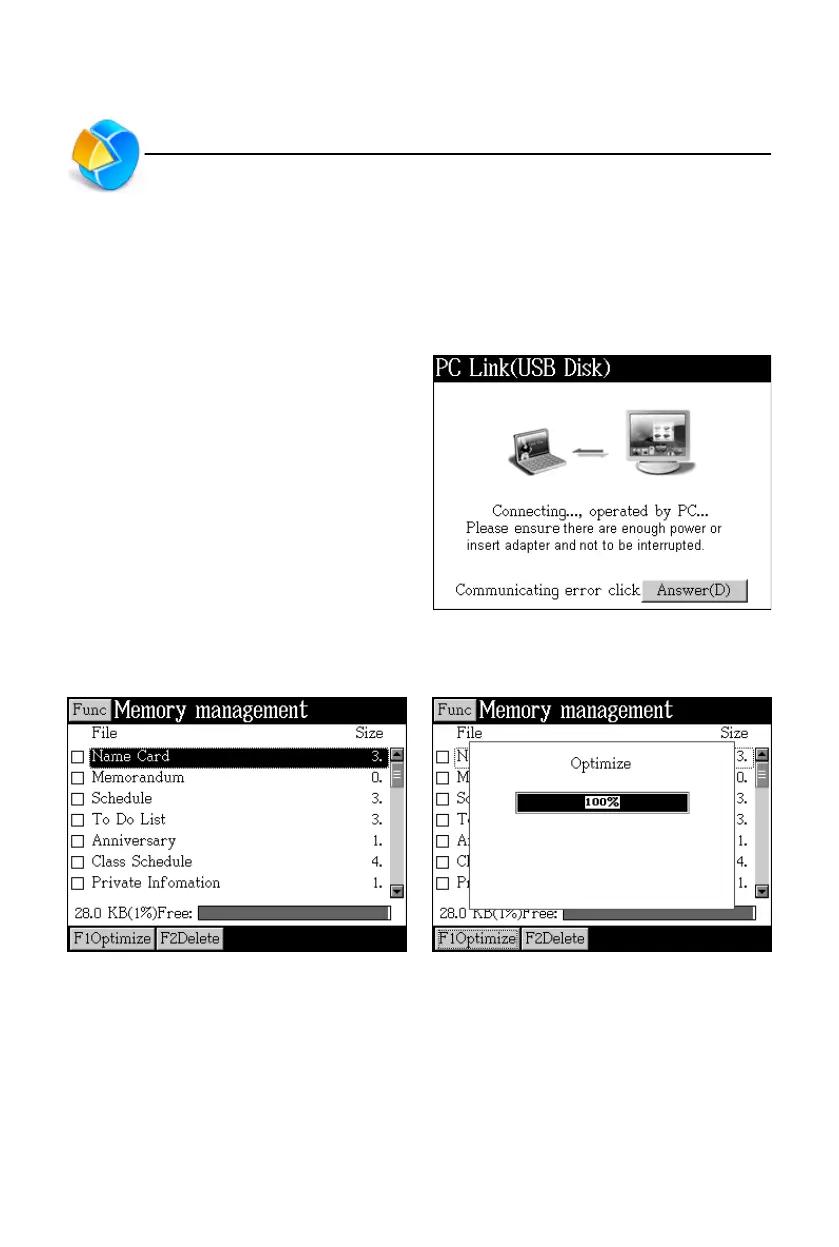
Connect the device with PC via PCLink cable, and then you can operate to
transmit data. There will be a message indicating current connection status during
and after transmission.
While connecting, please make sure
there is enough power or the adaptor
is inserted. Please do not interrupt,
otherwise data may be lost.
2. Memory
Search the saved data Optimize the Memory



 To Next Page