Study
84
Travel Dialogue
9. Travel Dialogue
Provides a variety of travel dialogues. You can download other languages into
the correct path: [C:\STUDY\TRAVEL]. Tap [F4Shift] to switch languages. Up to 5
languages can be shown in one screen.
9.1 Dialogue
Select category.
Select item in the sub-category.
Browse dialogues.
* Press / to browse dialogues on the previous/next page.
If there are other downloaded languages, tap [F4Shift] to switch.
* In the explanation screen, the downloaded data will be displayed.
* Press [F2] to pronounce for the current language.
You can save data in explanation screen for Review and Test.
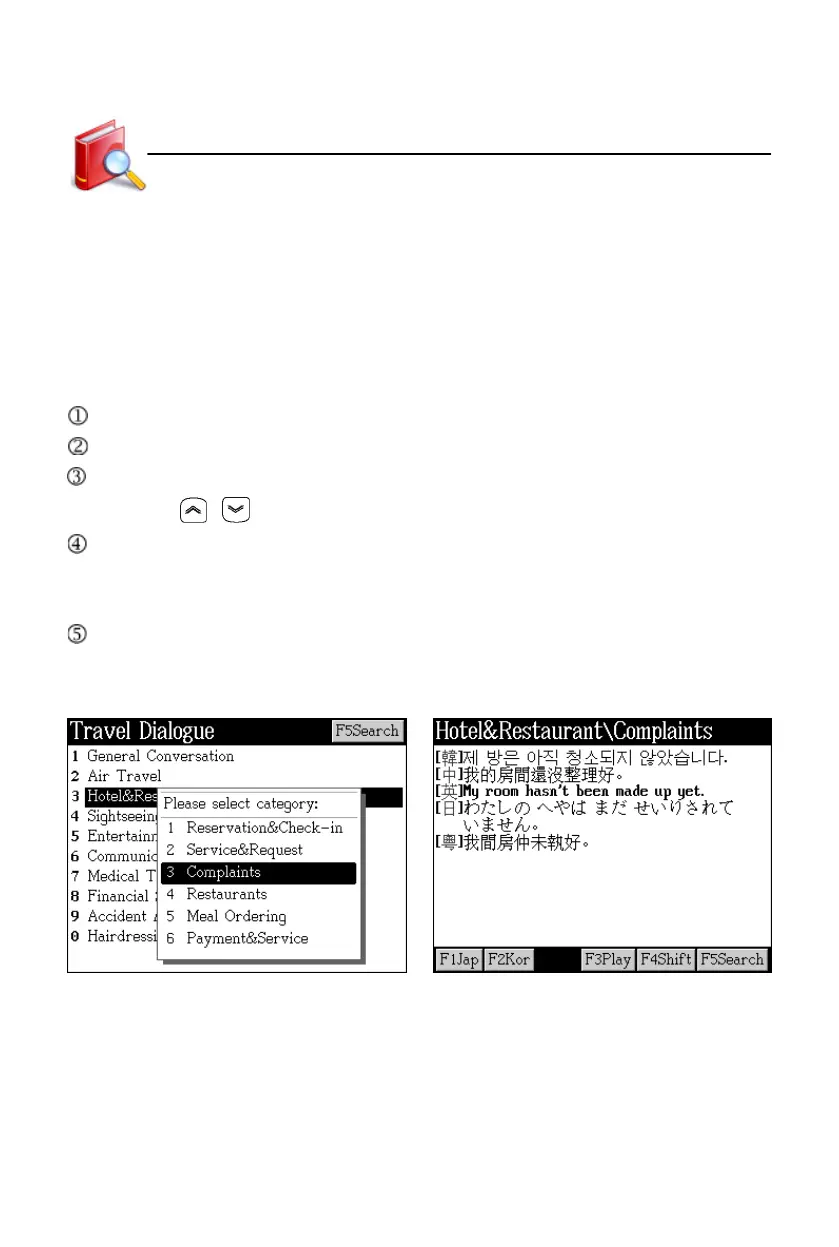
Take “Complaints” in “Hotel&Restaurant” for example:
Index screen Data view
Tap [F3Play] to select a language. The
device will play the dialogues of this
language continuously.



 To Next Page