33
Time Setting/Initializing
9. Time Setting
Several functions in [F3PIM] need to set time for data saving, alarm setting,
etc.
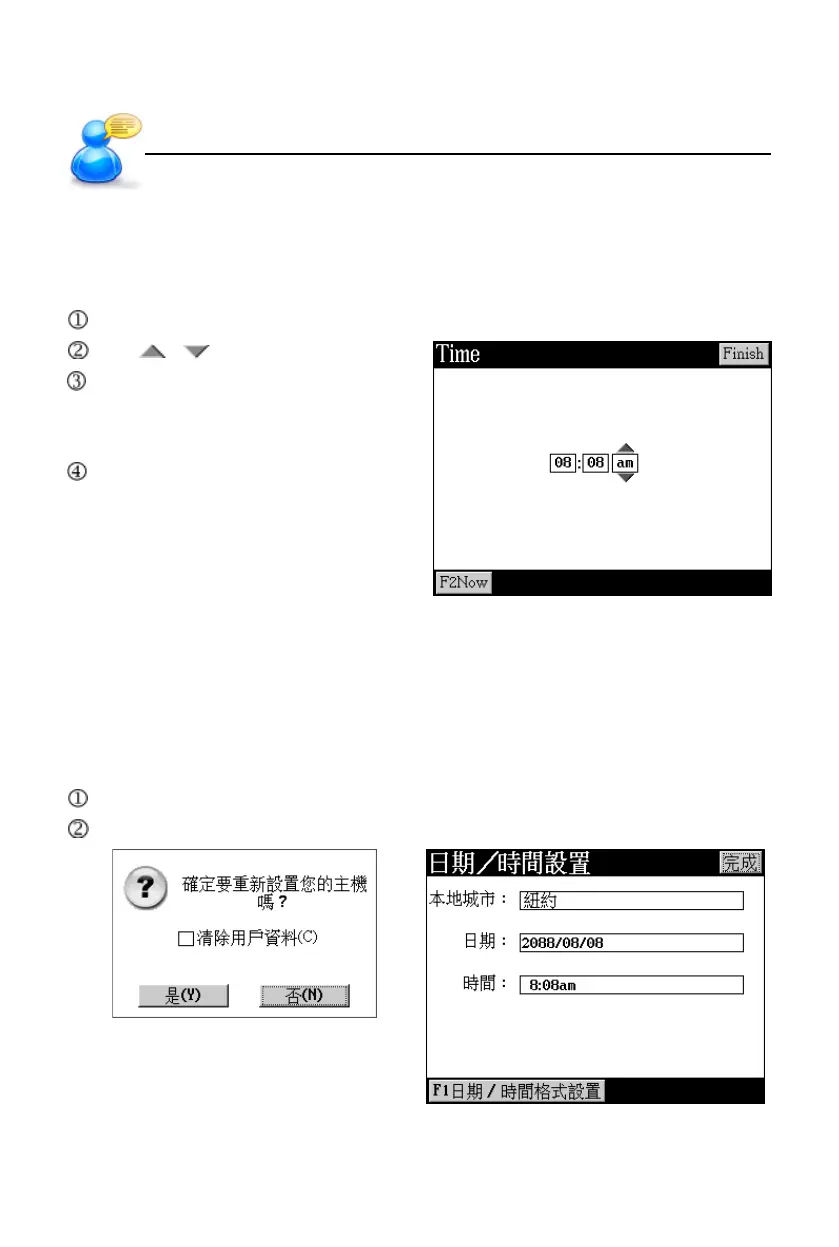
Access [F1Set Time] in <F3PIM--5 World Time> to select for time setting.
Tap / to adjust time.
Tap the field of time format am/pm,
or press key [A]/[P] to select time
format.
Tap [Finish] to confirm.
10. Initializing
When the device is initialized or used for the first time, you may follow the steps
below.
10.1 Reset the Device
Select [N] to access the main menu.
Select [Y] to return to the default values and come to picture 2.
pic.1
pic.2
User’s Guide



 To Next Page