Study
87
11. Extension Dictionary
You can download the latest words from the internet into Extension Dictionary.
Please put downloaded data in correct path: [C:\STUDY\EXTRADIC].
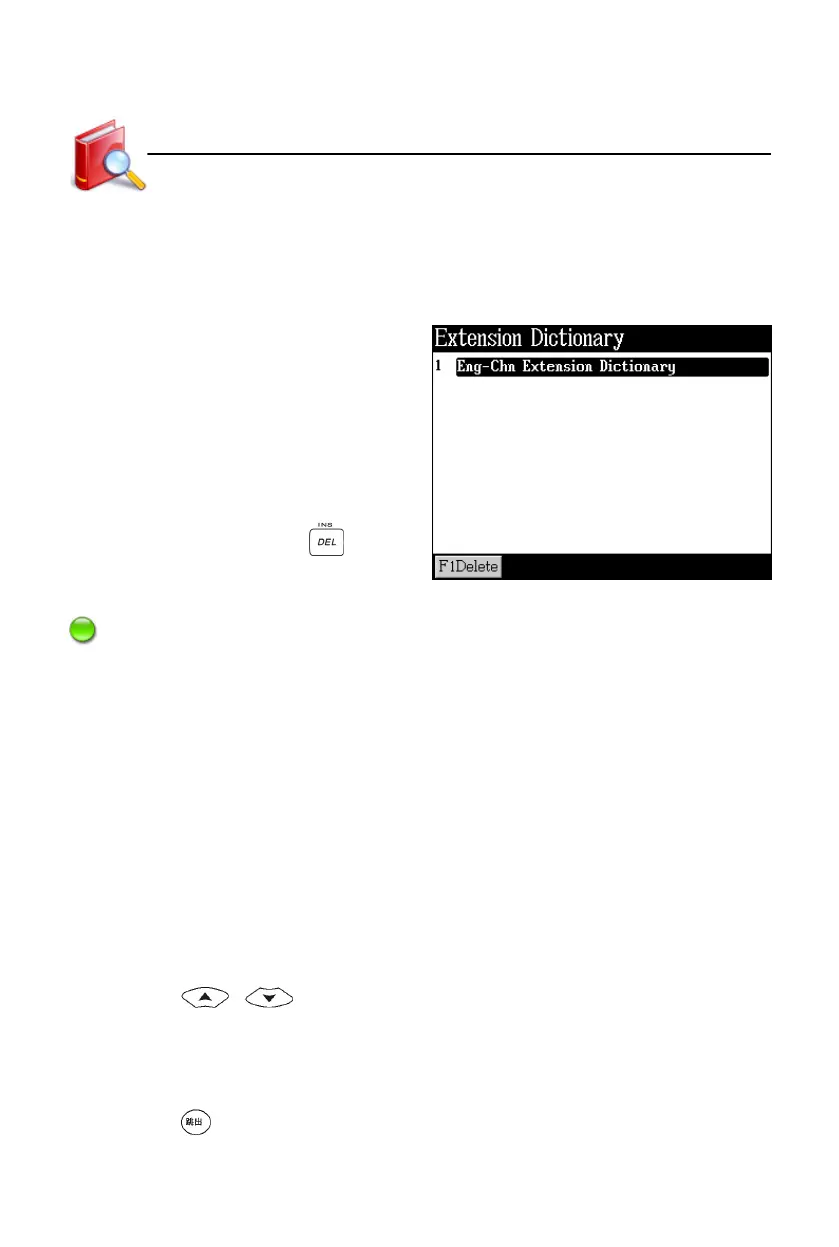
Index screen:
* Tap [F1Delete] or press to
delete the selected dictionary.
Note:
Secondary search, saving functions and searching in other dictionaries are
not available in Extension Dictionary.
12. DIY Dictionary
Save words/characters that are not contained in the dictionaries of the device.
12.1 New Data
If you have not saved any data, the device will ask you whether to add data or
not when you access DIY Dictionary. Select “Yes” to add data; if you select “No”,
you can add data by tapping or pressing [F1New] in the index screen.
* Press / to select column to input data.
* When the cursor moves to Phonetic column, the phonetic soft keyboard will
appear. Tap or press the corresponding key to input phonetics.
* When finish editing, tap [Save] to save data.
* Press , the device will ask you whether to save the data or not. Select
“Yes” to save and exit; select “No” to exit without saving data; select
Extension/DIY Dictionary



 To Next Page