29
Both handwriting areas 1 and 2 can be used.
Note: Handwrite penup time can be set in <F4SYS--I Handwriting Setting>.
4.7 Tips for Handwriting Input
4.7.1 Improving the Recognition Rate
Write English letters in the English handwriting area.
Write Chinese characters in the Chinese handwriting area.
Write Chinese characters with standard strokes.
Write clearly and legibly. Do not omit any stroke.
Avoid unnecessary marks or strokes.
4.7.2 Writing Chinese with Standard Strokes
Please write Chinese characters from left to right, up to down, and outside to
inside.
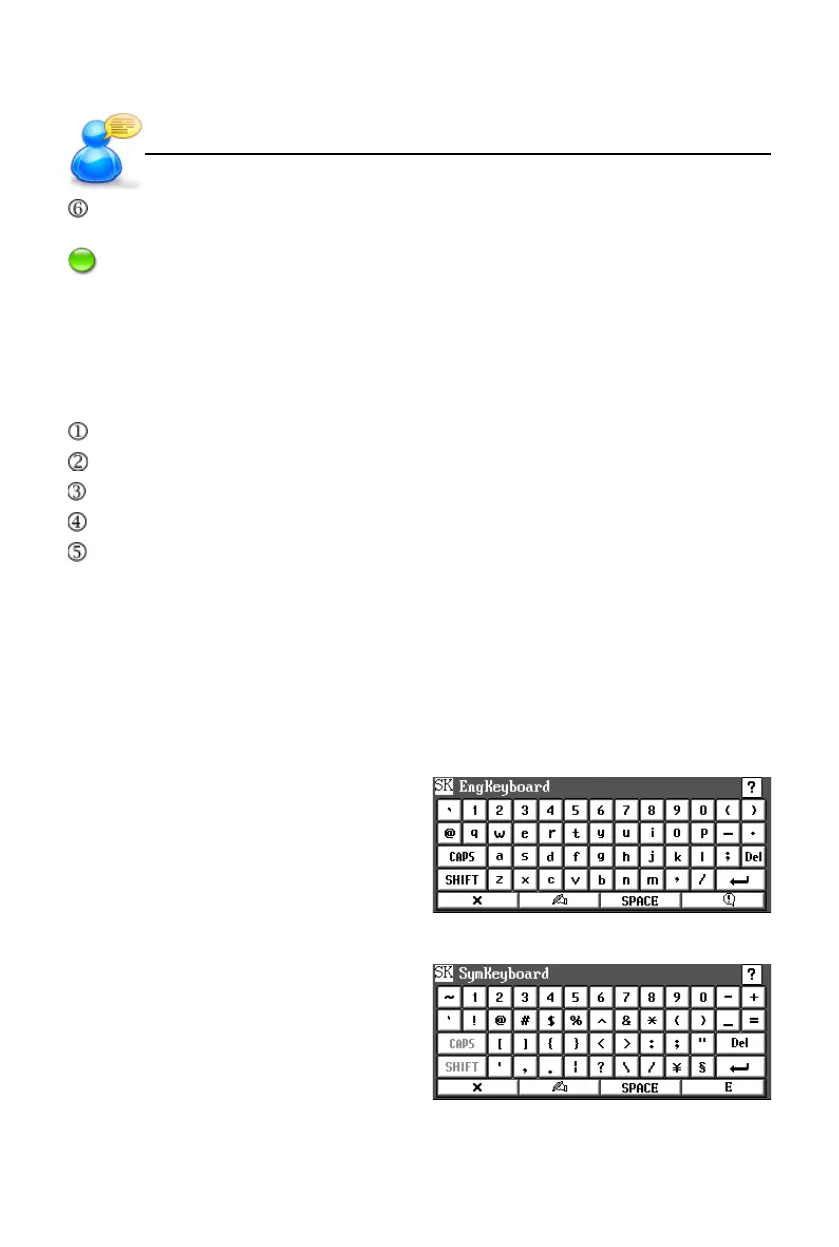
4.8 On-screen English Keyboard
4.9 On-screen Symbol Keyboard
Input Methods
User’s Guide



 To Next Page