Dictionary
52
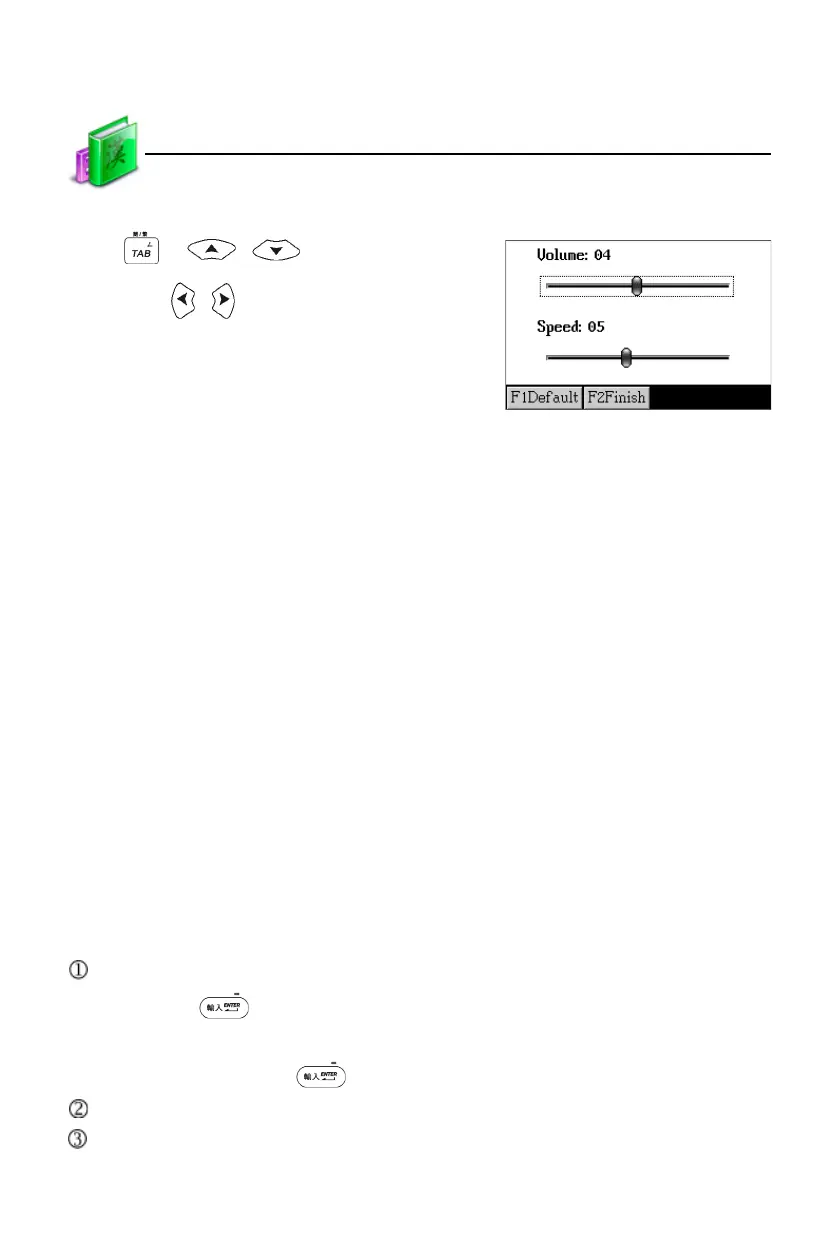
Set volume and speed:
Press or / to select
item, press / to set volume; or
directly tap to set volume and speed.
Tap or press [F1Default] to return to
the default settings.
Tap or press [F2Finish] to confirm.
4. Data Search
Provides several search methods to help users.
In the index screen:
1. Smart input search
2. Wildcard search (Only available for English)
3. Cross search
4. Secondary search (Only available for English)
In the explanation screen:
1. Multi-layered search
2. Related data search
4.1 Smart Input Search
Just input the first one or several letters, and then you can find the desired
words or phrases. There are 4 kinds of methods:
Input the first or first several letters of a word, or mark a word to be looked up,
then press to confirm.
As for Chinese character, input the first one or several Chinese characters to be
looked up, then press to confirm.
Double tap the word or character to be looked up.
Press [1~0, I, II] to select corresponding word or character.
Data Search



 To Next Page