Multi
122
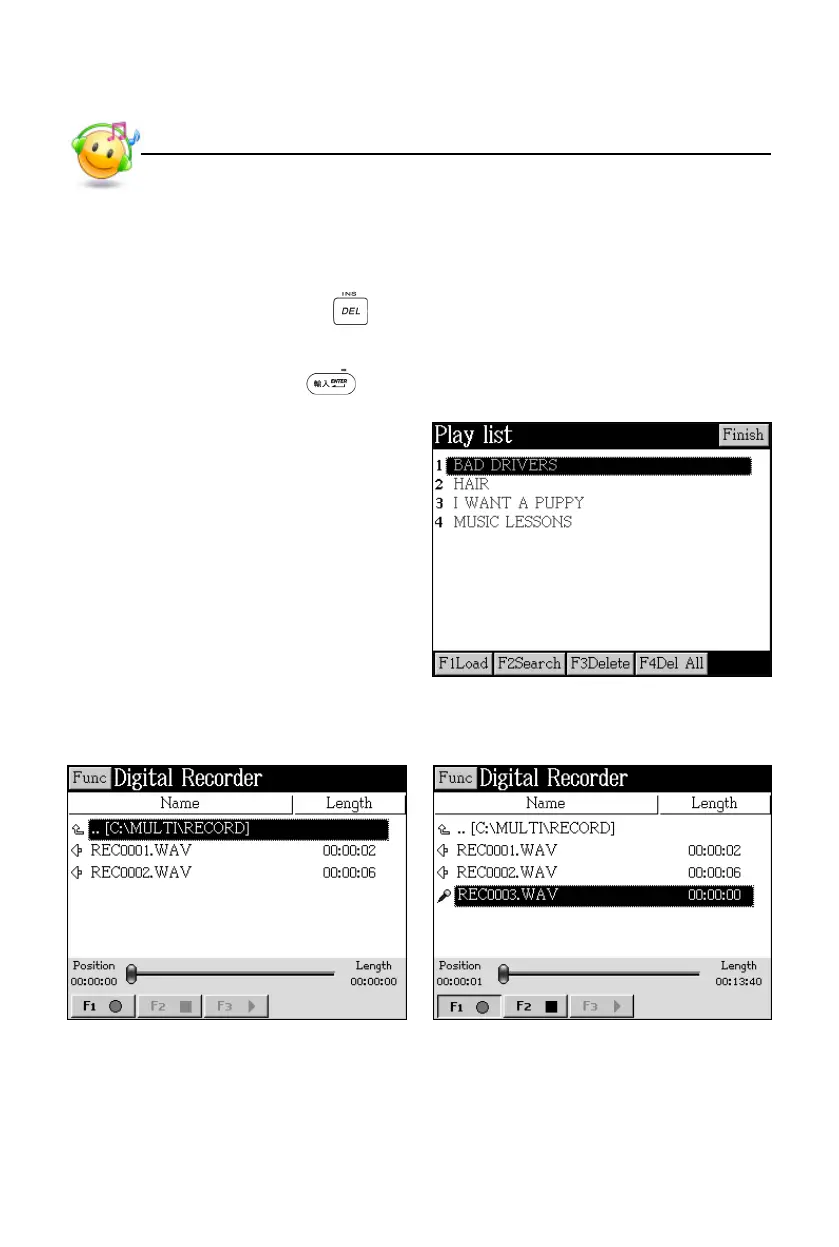
* Tap [F1Load] to load and add the file to the play list.
* Tap [F2Search] to automatically search all film files from the device and
cards, and add them to play list.
* Tap [F3Delete] or press to delete all selected films.
* Tap [F4Del All] to delete all films.
* Tap [Finish] or press to open the selected film.
Play list:
3. Digital Recorder
Data index Recording
Digital Recorder



 To Next Page