PIM
99
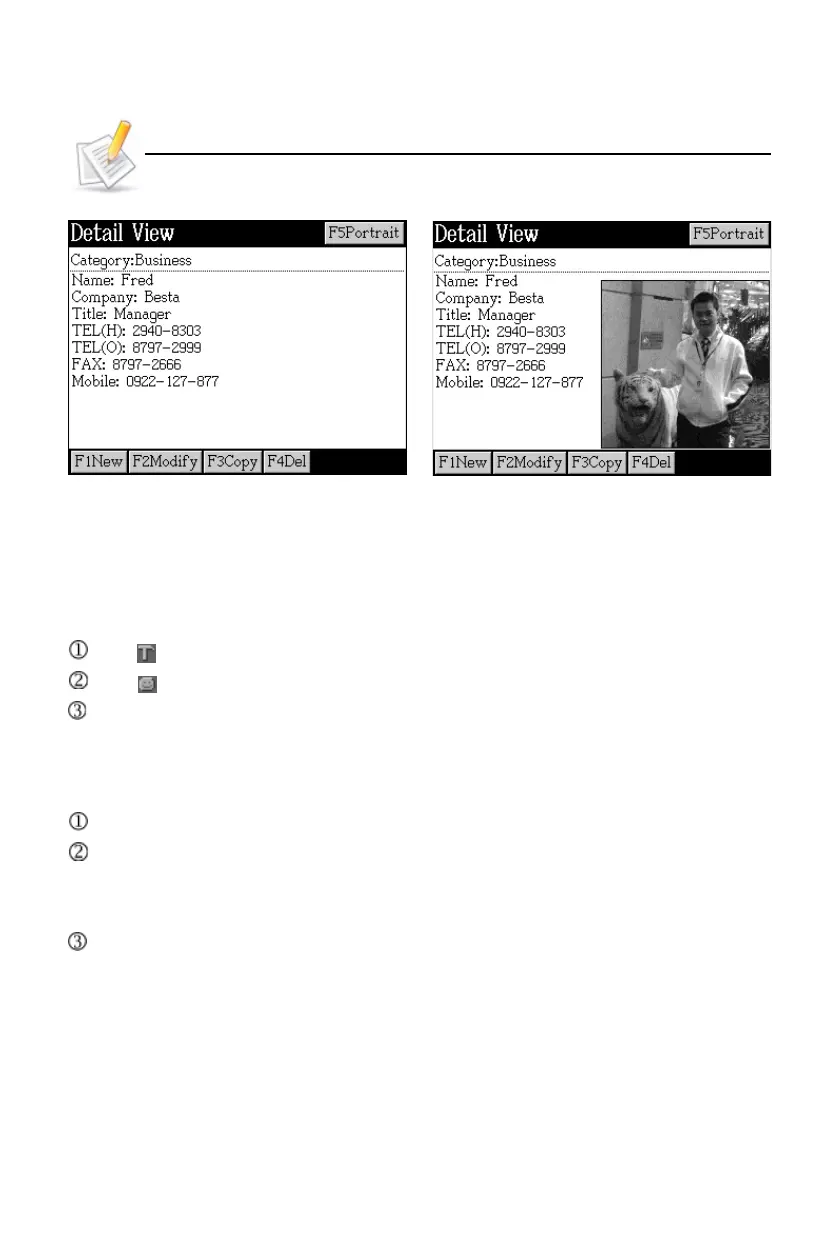
Detail view View portrait
[F5Portrait] will not be displayed when there is no saved portrait.
1. Name Card
When creating or modifying data:
Tap or press [F3] to set card index field and telephone number display.
Tap or press [F4] to set picture as portrait.
Provides lock/unlock setting.
1.1 Portrait
Locate the portrait to be set.
Select data in the corresponding index.
(You can access the index screen to select pictures after selecting disk from
My Album.)
Open the picture, then set the range of portrait with stylus.
* The portrait range: A square of <160*160pt
* The portrait setting range is at the top left corner; drag the range to reset the
photo if nacessary.
* When the setting range is larger than the display range, the picture will be
minimized within 160*160pt.
* When the setting range is smaller than the display range, the picture will be
displayed as it is.
Name Card



 To Next Page